

Paying for the Video Does Not Automatically Buy the Copyright
Most buyers assume commissioning a video means owning every part of it. US copyright law is narrower than that. The Copyright Office's Circular 30, Works Made for Hire, states the rule plainly: work produced by an independent contractor counts as a work made for hire only if it falls into one of nine specific statutory categories and both parties sign a written agreement saying so. Without that signature, the person who made the work is the author of it. Circular 1, Copyright Basics, adds the other half — a transfer of exclusive rights must also be in writing and signed by the owner.
Nobody litigates over a YouTube edit. What actually happens is duller and more expensive. You want to re-cut a video eighteen months later for a new offer, you email the editor who made it, and you get silence, a dead Dropbox link, or a quote to rebuild something you already paid for.
Plenty of creators arrive at a new editor without their project files. They have the videos — those are on YouTube. What they cannot produce is anything that would let a second editor work on them. That is a different problem from YouTube channel access and permission roles, which governs who can publish. This one governs who can rebuild.
What follows is standard industry practice and the language worth asking for, not legal advice. For anything with real money attached, have a lawyer read the contract.
Four Different Things People Mean by "My Files"
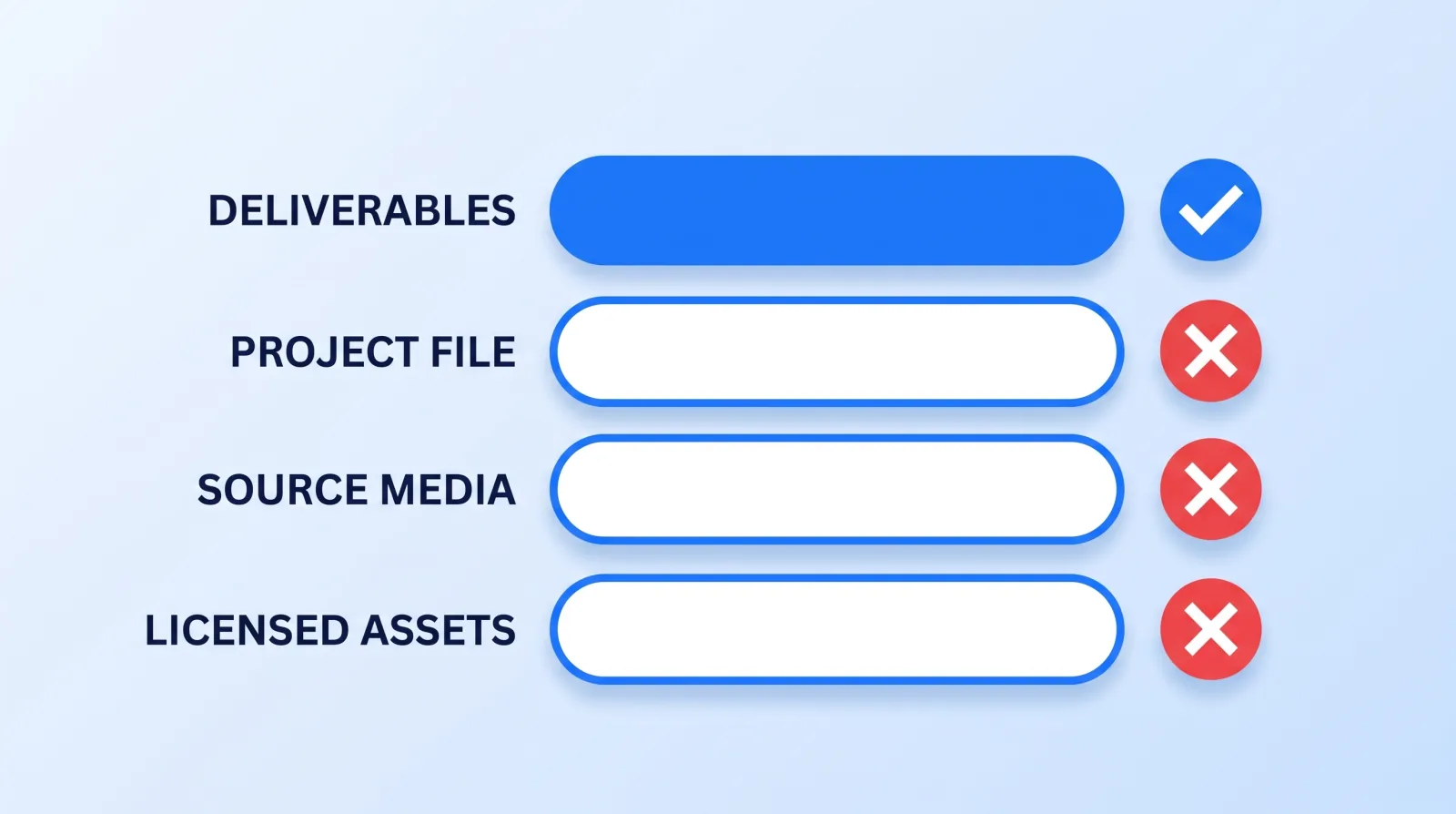
"Send me my files" sounds like one request. It is four, and they behave completely differently:
| Layer | What it actually is | Handed over by default? | What losing it costs you |
|---|---|---|---|
| Deliverables | The exported MP4s, thumbnails, caption files | Yes — this is what you bought | Nothing; you already have them |
| Project file | The .prproj, .drp or .fcpbundle timeline with every cut, title and effect | Rarely, unless named | Every future edit starts from scratch |
| Source media | Raw footage, audio stems, graphics, proxies, brand assets | Sometimes — often because you supplied it | No future edit is possible at all |
| Licensed assets | Music, stock clips, fonts, plugin and template licences | Almost never | Exposure on clips you already published |
The gap that catches people is row two. A typical engagement defines delivery as the finished video, which is entirely reasonable — it is what the client watched, approved and paid for. But that definition quietly leaves the timeline, the source media and the licences in three different places, none of which are yours, and none of which anybody thinks about until the day you need them.
A Project File on Its Own Is an Empty Timeline
Here is the part buyers consistently underestimate: the project file is a set of instructions, not a video. Open a .prproj on a machine that does not have the media and you get a timeline of offline clips — right structure, no picture. The same is true of a DaVinci Resolve database entry without its media pool.
So "just send me the project file" is not a request that produces anything usable. Four dependencies have to travel with it:
- The media, in the same relative folder structure, or every clip needs relinking by hand
- The fonts, because a missing typeface silently substitutes and your lower thirds reflow
- The plugins and templates, since a timeline built on a paid transition pack opens broken without it
- A compatible application version, because project formats move forward and not backward
Both major NLEs have a built-in answer. Premiere Pro's Project Manager consolidates a sequence and its media into a single self-contained folder (Adobe's guide to consolidating and archiving projects covers the options), and DaVinci Resolve can export a project archive (a .dra folder) that bundles the timeline with its media; a plain .drp export is the project alone. Ask for the archive, not the project file. The distinction is the difference between a handover that works and one that technically happened.
The Licence Layer Is the One That Bites Later
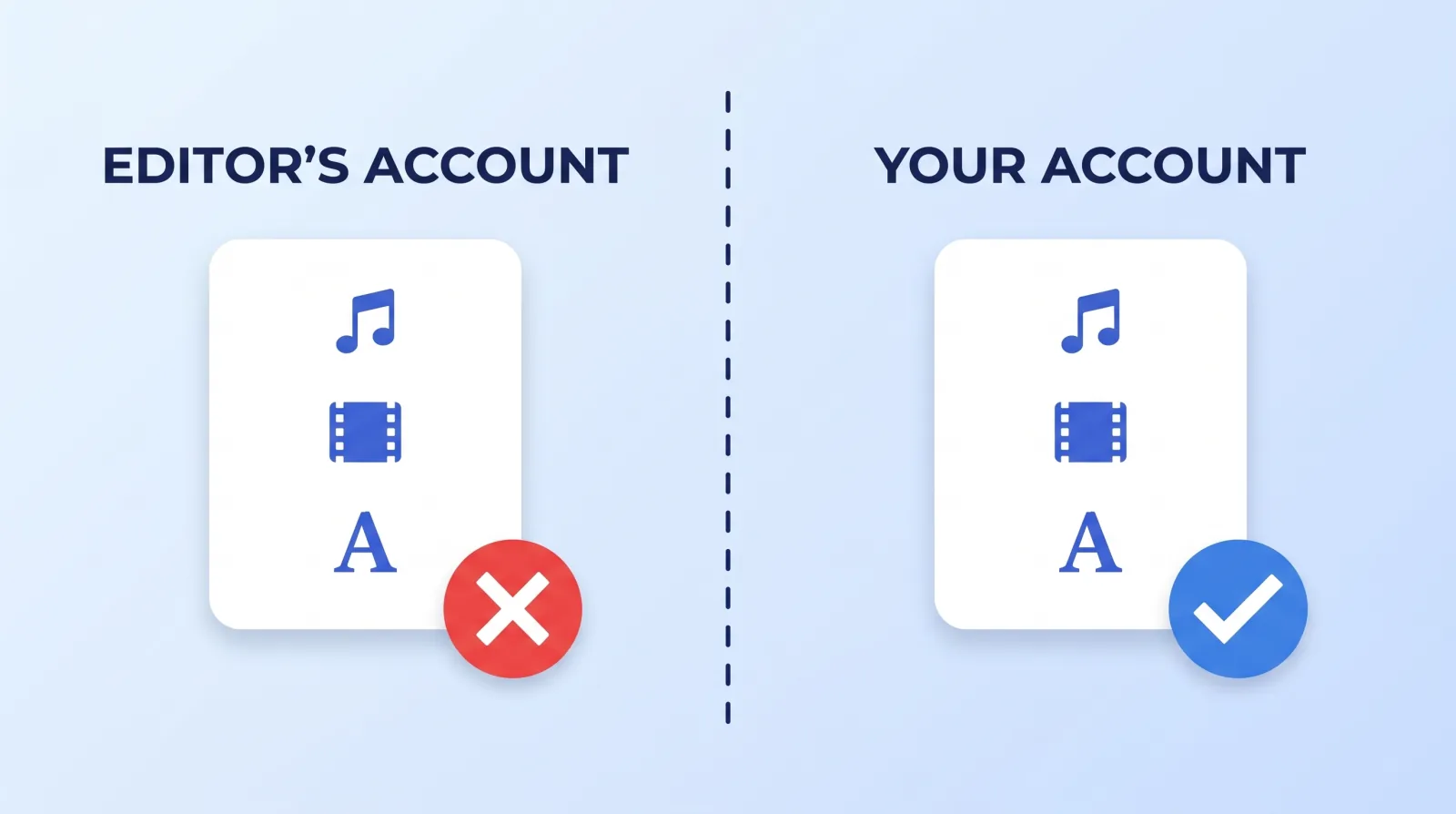
This is the quiet one. Subscription music and stock libraries license to an account and the channels connected to it, not to a video. Epidemic Sound, for example, ties monetization to the subscriber's connected channels (one per platform on Creator, three on Pro), sells licensing for client work only from its Pro plan up, and says content published while a plan is active stays protected after you cancel. So if your editor scores your channel on their own subscription, the clearance for your back catalogue lives in their account: it only covers you if your channel was connected to it, and clearing a Content ID claim later means going through them. Our guide to YouTube music licensing and Content ID covers what to do when a claim lands; the cheaper move is never to be in that position.
The same logic applies to stock footage, motion templates and licensed fonts. The fix is boring and works: buy the licences on your own account and give your editor seat access, rather than reimbursing theirs. You pay the same money and the paperwork ends up in your name.
Six Things to Settle in Writing Before Work Starts
- Copyright in the finished video transfers to you on final payment — stated explicitly, in writing, signed. Not implied by an invoice.
- Deliverables are itemised, and the project archive is one of the line items. "One edited video" is not a deliverables list. Some shops price project files as an add-on and some, Mark Studios included, deliver finished exports only, so agree it at quoting.
- Licences are bought on your account, or the agreement names which ones are not and what that means when the engagement ends.
- Source media has a home you control — your cloud storage, your drive — and the agreement says who pays for it.
- A retention period is named. Windows vary widely, from weeks to years (Mark Studios keeps files 24 months after delivery). Ask what happens when the window closes and what retrieval costs.
- Offboarding is defined before onboarding. What you receive, in what format, within how many days of the relationship ending.
Marketplace engagements are where this most often goes unstated, because a gig's delivery is the exported file unless the order includes source files — one of the structural trade-offs in our freelance marketplaces comparison. It is not a trap, but it is a default, and defaults hold unless you write over them. This is also worth asking about during a trial rather than after; our post on how to vet a video editing service treats the answer to "what do I get at the end?" as a signal in its own right, because a shop that has a clean answer ready has done this before.
What a Clean Handover Looks Like
A clean handover is one folder in your own storage, structured like this:
ClientName_Archive_2026/
├── 01_Deliverables/          # final exports, thumbnails, .srt caption files
├── 02_Project_Archives/      # consolidated Premiere project or Resolve .dra archive per video, media included
├── 03_Source_Media/          # original footage + audio, untouched
├── 04_Brand_Assets/          # logos, fonts, lower-third templates, LUTs
├── 05_Licenses/              # receipts + licence PDFs for music, stock, fonts
└── README.txt                # app versions, plugins used, folder conventions
Nothing exotic — it is the same video file management structure run all the way to the end instead of abandoned at delivery. The one step people skip is the one that matters: open the archive on a different machine before you accept it. An archive nobody has tested is a claim, not an asset, and the wrong moment to discover it is broken is the day your current editor stops replying.
For anyone whose videos have a long second life, this stops being housekeeping and becomes the whole ballgame. Course creators re-cut modules every time pricing, branding or a platform changes, and the ones who kept their archives update a lesson in an afternoon while the ones who did not re-shoot it.
The Bottom Line
Paying for a video buys you the video. The timeline, the source media and the third-party licences are three separate things that stay where they were made unless your agreement names them. Ask for a consolidated project archive rather than a project file, buy your music and stock licences on your own account, and test the handover on a second machine before the relationship ends — not after.


