Most Creators Panic at the Wrong Notification
The two messages that land in your YouTube Studio look almost identical and mean completely different things. A Content ID claim is an automated match against a rights-holder's reference file, and per YouTube's own documentation it is not a penalty — the video usually stays up and the revenue is redirected. A copyright strike is a legal takedown request from a human, it removes the video, and three of them terminate the channel.
We see the confusion constantly. Across the 10,000+ projects our team has cut, the single most common client emergency is someone deleting a well-performing video over a claim that was costing them nothing — while ignoring the strike sitting one notification below it. Knowing which one you have determines whether you dispute, replace the asset, or do absolutely nothing.
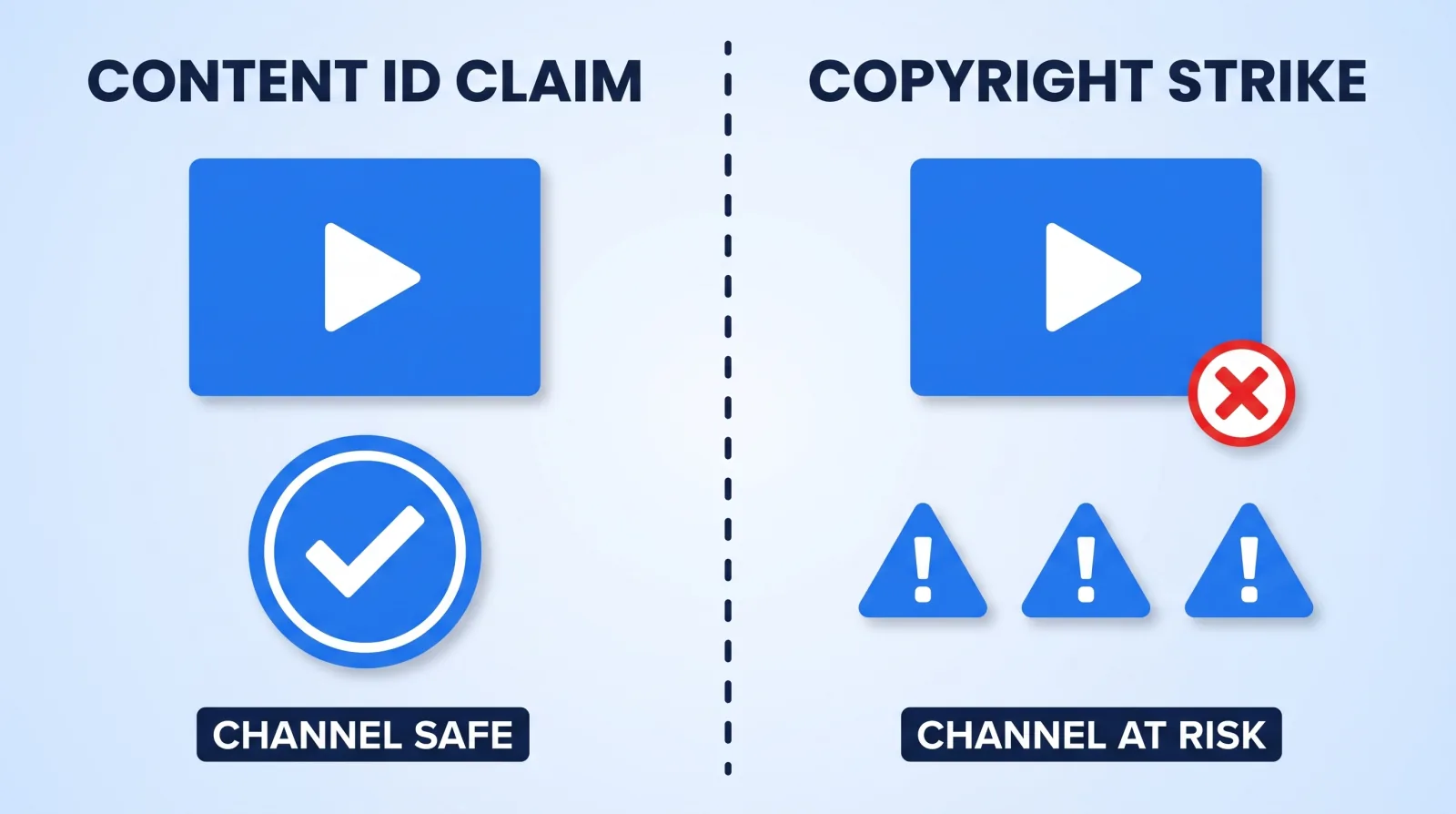
The Difference That Decides Your Response
| Content ID claim | Copyright strike | |
|---|---|---|
| Who filed it | Automated match against a reference file | A human rights-holder or their agent |
| Video status | Stays live (usually) | Removed |
| Channel status | No penalty | Penalty; 3 strikes = termination |
| Money | Revenue may go to the claimant | No revenue — the video is gone |
| Expires | N/A — resolve or leave it | 90 days, after a copyright course |
| Your move | Trim, replace audio, or dispute | Retraction, counter-notification, or wait it out |
The practical rule we give every client: a claim is a billing dispute, a strike is a legal one. Never file a Content ID dispute you can't substantiate, and never file a counter-notification without reading what you are agreeing to — it consents to jurisdiction in a court, which is not a form to submit casually. For scale, Content ID made about 2.5 billion claims in 2025; uploaders disputed about 0.51% of them and won about 67.4% of the disputes they filed. The breakdown is in our YouTube copyright statistics.
Fair Use Is a Defence, Not a Permission Slip
This is where most creator advice goes wrong. Fair use is not a checkbox you tick before uploading. Under Section 107 of the U.S. Copyright Act, it is an affirmative defence that a court weighs across four factors — meaning it is something you argue after being accused, not something that stops the accusation.
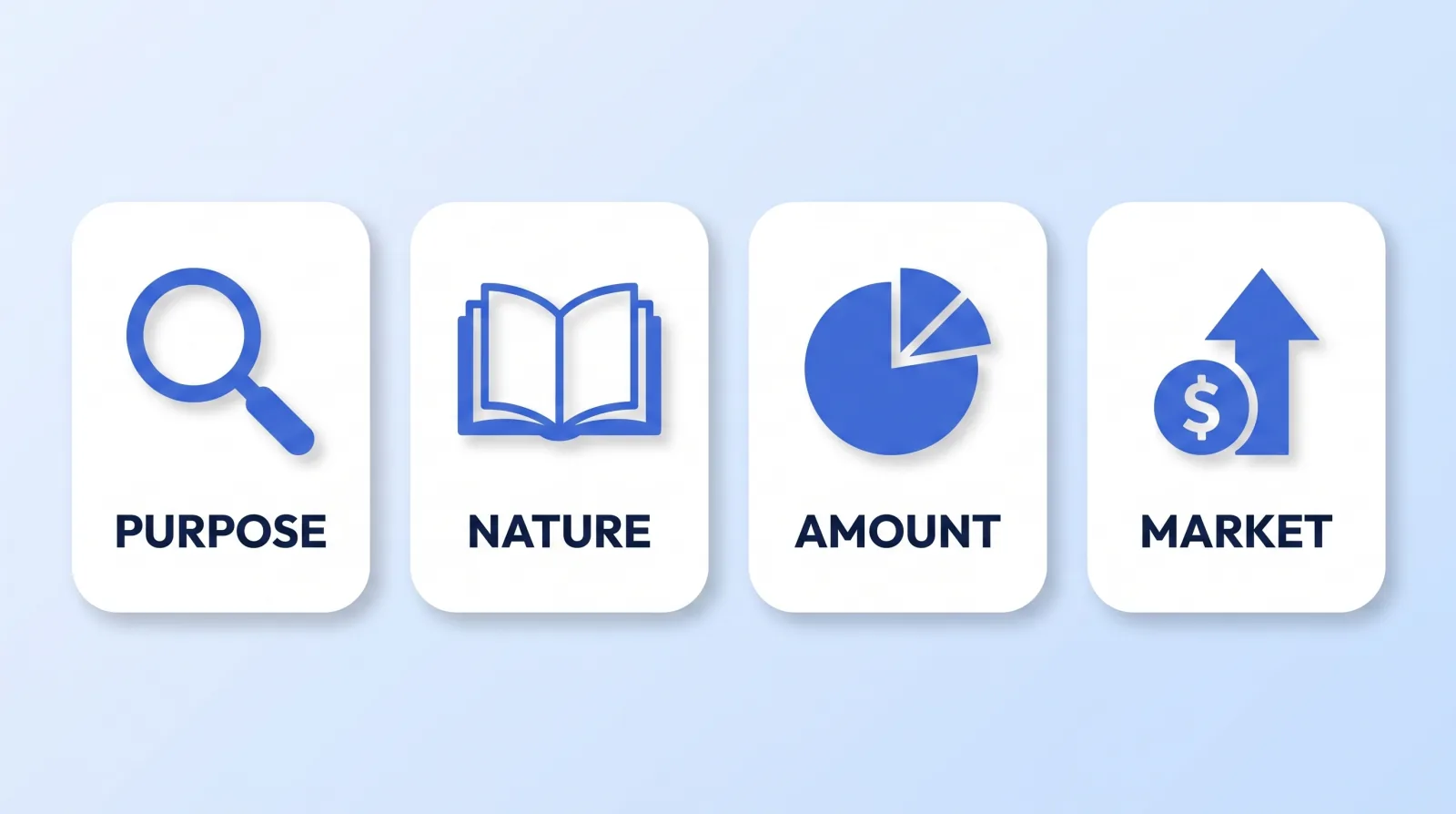
The U.S. Copyright Office's fair use index lays out the four factors courts actually apply:
- Purpose and character — is your use transformative? Commentary, criticism, parody, and news reporting weigh in your favour. Re-uploading with a reaction face in the corner does not.
- Nature of the work — factual material is safer to draw from than a highly creative one.
- Amount and substantiality — how much you took, and whether you took the "heart" of the work. A 90-second clip of a 4-minute song is a problem regardless of your commentary.
- Effect on the market — does your video substitute for the original? This is the factor that sinks most creators.
Three things fair use has never covered, and that we refuse to build an edit around: background music because "it's only 10 seconds," full movie or match footage with a talking-head overlay, and stock footage sourced from a Google image search. There is no duration threshold below which copying is automatically legal — that myth has cost our clients more monetisation than any algorithm change. If your video's soundtrack is the issue, our YouTube music licensing guide covers the Content ID mechanics in depth — musicians publishing official content have to navigate that subject even more carefully than everyone else, since a music video lives or dies on rights they don't fully control.
What Actually Gets Claimed in Client Footage
Having delivered work behind 100M+ views, the sources of trouble are boringly repetitive. In rough order of frequency:
- Music playing in the room during a shoot. A café playlist audible under an interview is enough to trigger a match.
- Screen recordings with a video playing in the browser tab. Content ID reads the audio and the picture.
- B-roll pulled from other creators' videos. Common in "inspiration folders" handed to editors with no source list.
- Sports, film, and TV clips in commentary videos. The most heavily monitored category on the platform.
- Trailers, game cinematics, and official music videos used as cutaways.
- Fonts and UI kits with non-commercial licences — not a Content ID issue, but a real legal exposure on sponsored work.
Note that only the first five are visible to Content ID. The last one only surfaces when a brand's legal team reviews a deliverable, which is exactly when you least want it found. Our brand deal delivery system treats asset provenance as a delivery requirement for that reason.
The Pre-Publish Clearance Gate
This is the workflow our editors run before anything leaves the studio. It takes about ten minutes on a standard long-form video.
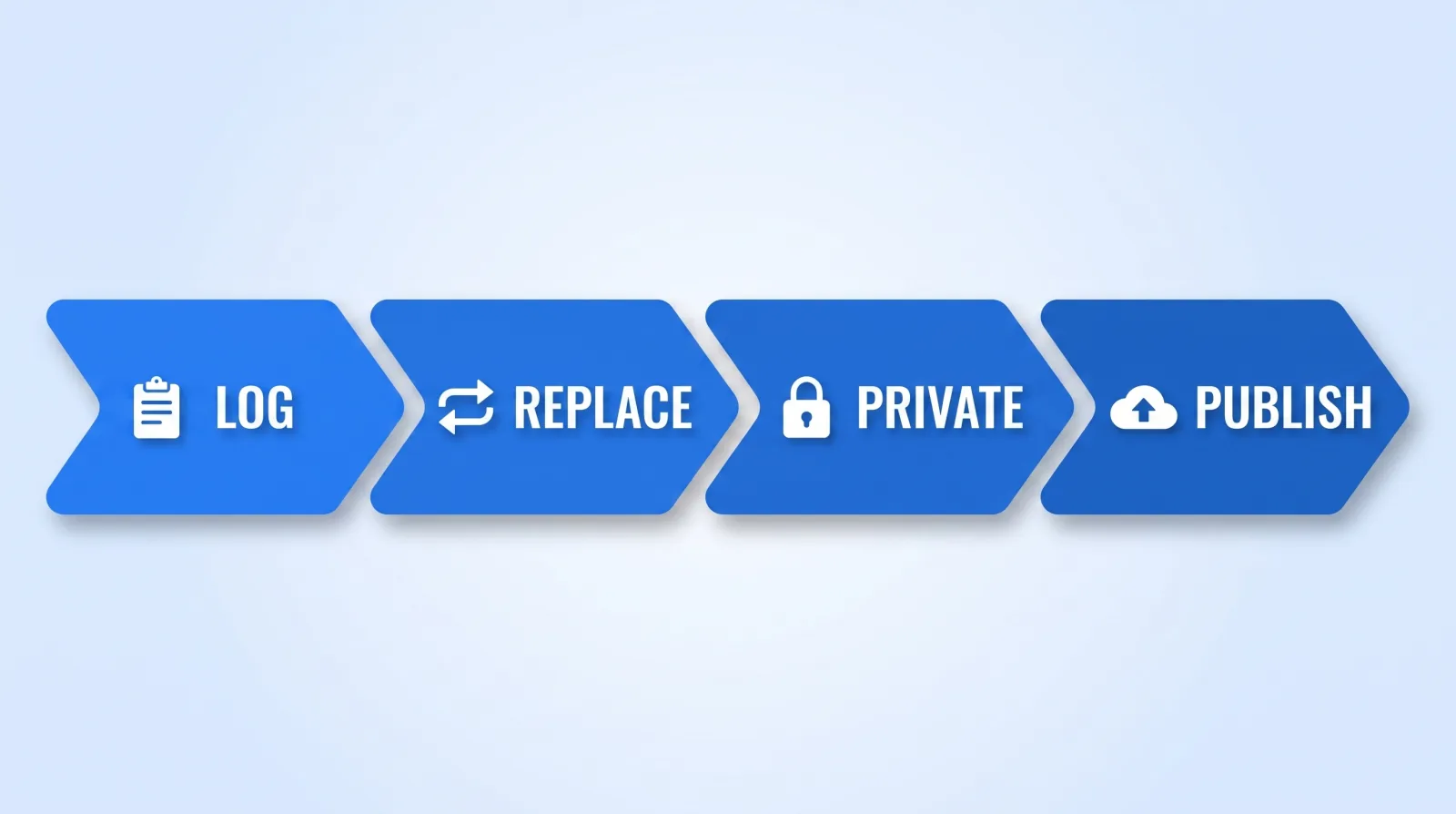
- ✅ Log every third-party asset — music, b-roll, stock, fonts, SFX — with its source URL and licence in the project sheet. If nobody can name where a clip came from, it does not ship.
- ✅ Replace anything undocumented. A licensed library such as Epidemic Sound costs less per month than one demonetised video earns.
- ✅ Strip incidental audio. Mute or replace room music under dialogue during the edit, not after a claim.
- ✅ Upload as private or unlisted first. YouTube runs Content ID during processing, so you see every claim before a single viewer does. This step alone catches the overwhelming majority of problems.
- ✅ Read the claim report before scheduling. Trim, mute, or swap the flagged segment inside Studio's editor — you keep the video's URL, comments, and history.
- ✅ Only then set it public. Publishing first and fixing after means the claim is attached to a video that already has watch-time momentum.
Step 4 is the one creators skip and the one that matters most. Building it into the handoff spec is trivial — our editor brief framework has a slot for exactly this kind of pre-flight requirement.
If You Already Have a Strike
Do these in order, and do not upload anything risky in the meantime:
- Ask for a retraction first. Contact the claimant directly. A polite message and a fix — crediting them, trimming the clip, splitting revenue — resolves more strikes than any formal process. It is also the only instant remedy.
- Wait it out. A strike expires in 90 days once you complete YouTube's Copyright School. Waiting is often the right call.
- Counter-notification is the last resort. It is a sworn legal statement that puts you in a court's jurisdiction and gives the claimant 10–14 business days to sue. Use it only when you genuinely hold the rights, and preferably with a lawyer.
- Never delete the video hoping the strike goes with it. It does not. Deleting removes your evidence and your appeal path while leaving the penalty attached to the channel.
The Bottom Line
A Content ID claim is a revenue routing decision; a copyright strike is a legal action against your channel. Treat them as different problems, and never rely on fair use as a pre-publication shield — it is a defence you argue in court, not a permission you grant yourself.
Ten minutes of asset logging and one private upload before you publish removes almost the entire risk category. That is the cheapest insurance in video production.