YouTube Does Not Make You Label an AI Thumbnail
Almost every creator we onboard assumes a generated thumbnail trips YouTube's synthetic content label. It does not. YouTube's disclosure policy for altered or synthetic content carves out an explicit exemption for production assistance, and the documentation names thumbnails directly — alongside outlines, scripts, titles, and infographics. The disclosure requirement exists for realistic depictions of people and events inside the video. YouTube's announcement of the disclosure tool draws the same line, and the viewer-facing "How this content was made" panel follows from that same disclosure, not from how the packaging was produced.
So the constraint on AI thumbnails was never policy. It is taste. Our thumbnail design team generates assets daily, and across the 10,000+ projects we have cut, the generated ones that fail almost never fail because a viewer detected AI. They fail because the image had no subject, no depth cue, and nothing legible at 210 pixels wide.
Generate the World, Photograph the Person
This is the single decision that separates a thumbnail that earns a click from one that reads cheap, and it is not close.
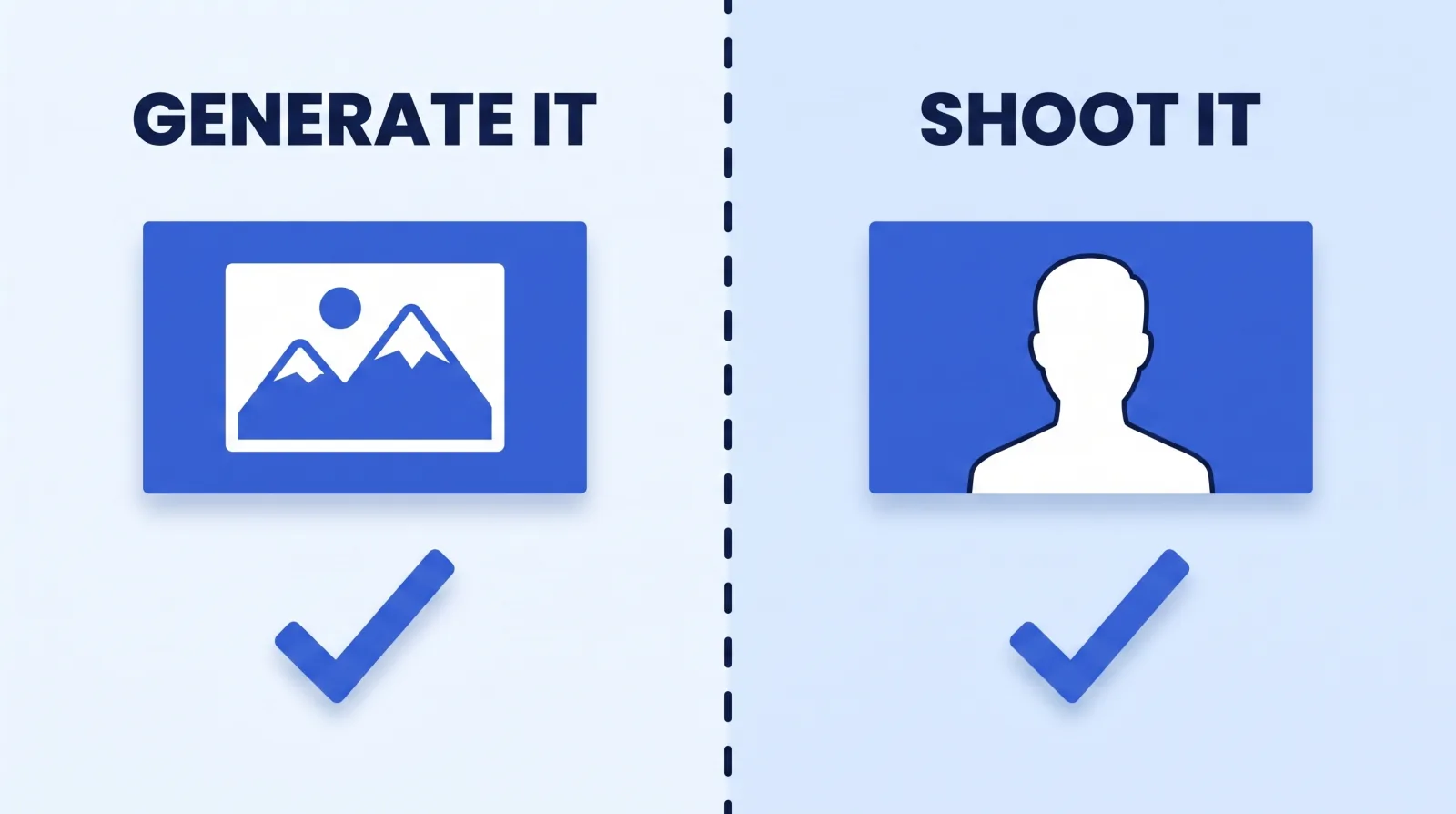
| Element | Generate it | Shoot it |
|---|---|---|
| Backgrounds and environments | ✅ Fast, unlimited, no location cost | Only if the location is the point |
| Conceptual objects and metaphors | ✅ The strongest use case | Rarely worth the build |
| Product renders and mockups | ✅ Good, with the real product composited | If you have the product on hand |
| Your face | ❌ Uncanny, and it costs trust | ✅ Always |
| Named third parties | ❌ Likeness and legal exposure | Licensed footage or a still |
| Text and numbers | ❌ Generators still garble glyphs | Set it in your editor |
The face rule is not aesthetic conservatism. A creator's face is the one element a returning audience has memorised, so a synthesised version lands in the uncanny valley the moment it appears next to their real face in a subscription feed. We key and composite a real headshot cut from the footage onto a generated background — every time. The CTR psychology behind thumbnail composition does not change because the backplate is synthetic; the three-element rule and the contrast requirements apply identically.
The text rule is equally firm. Image models still mangle letterforms at small sizes, and YouTube's own thumbnail and title guidance is built around text that stays legible on a phone. Generate the picture, then set the words in Photoshop or Figma using your channel's actual typeface. That also keeps the thumbnail inside the channel branding system rather than drifting a little further from it with every upload.
The Five-Part Prompt That Stops Producing Slop
A one-line prompt returns a stock-looking image because you left every meaningful decision to the model. Our editors write to a fixed five-part structure, which makes results repeatable across a channel instead of a lottery per upload.
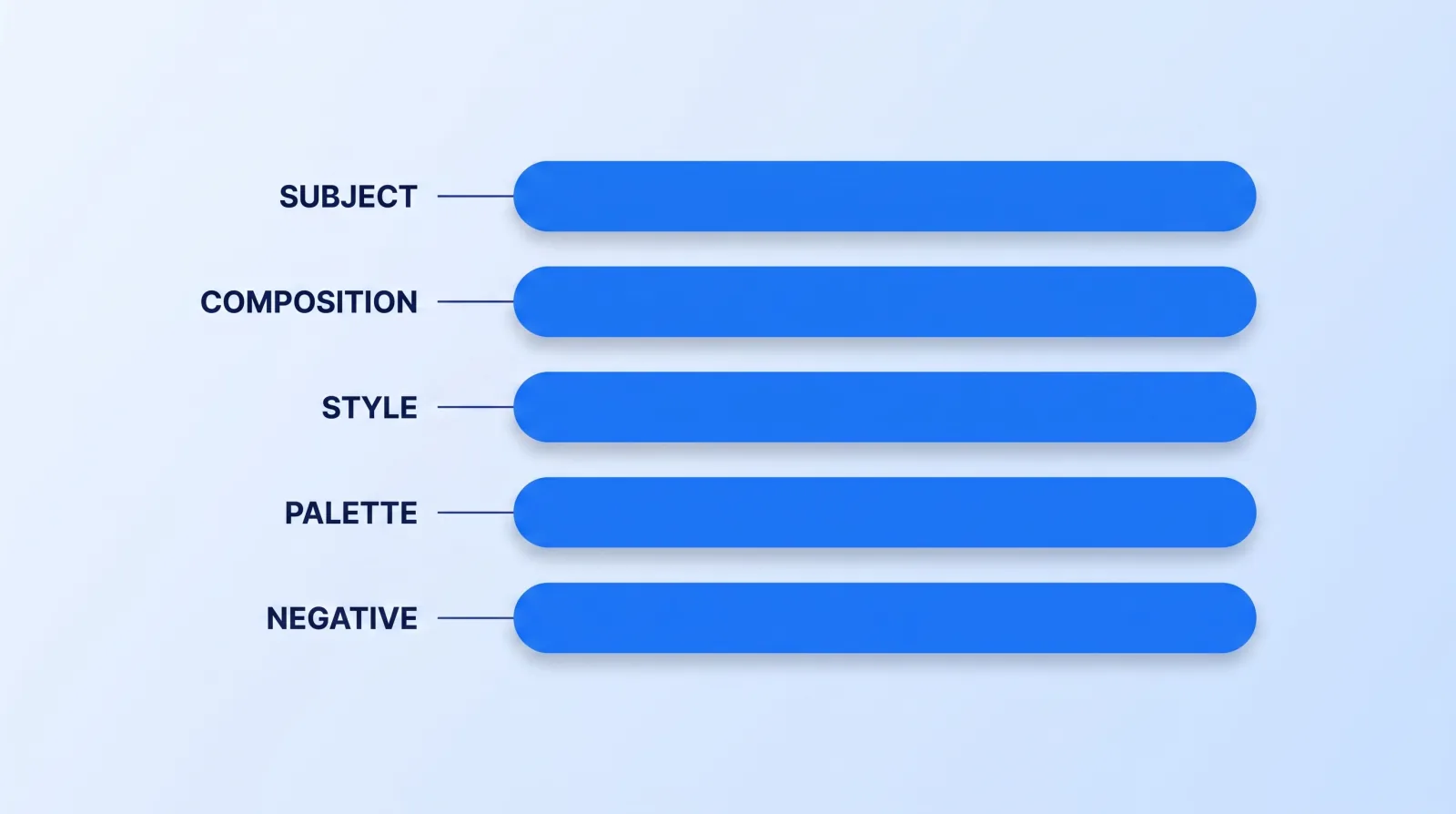
SUBJECT      A cracked smartphone screen, centred, filling the left third
COMPOSITION  16:9, subject on the left third, clean empty space on the right
             for a face composite, shallow depth of field, eye-level
STYLE        Editorial photography, dramatic single key light, high contrast
PALETTE      Deep navy background, one warm amber accent — two colours only
NEGATIVE     No text, no letters, no watermarks, no extra hands,
             no busy background, no lens flare
Four rules make that template work:
- Reserve the composite space in the prompt. Say where the face goes. Generating a full-frame image and then cutting a hole in it is how you get a thumbnail with two competing focal points.
- Cap the palette at two colours plus a neutral. Generators default to rich, muddy, five-colour scenes that turn to mush next to YouTube's white UI.
- Always write a negative list. It is the highest-yield line in the prompt, and "no text" belongs in it permanently.
- Fix your seed or reference image once it works. Consistency across a channel is worth more than a marginally better single frame — the same discipline we apply to every tool in our AI editing stack.
The Generate → Composite → Test Pipeline
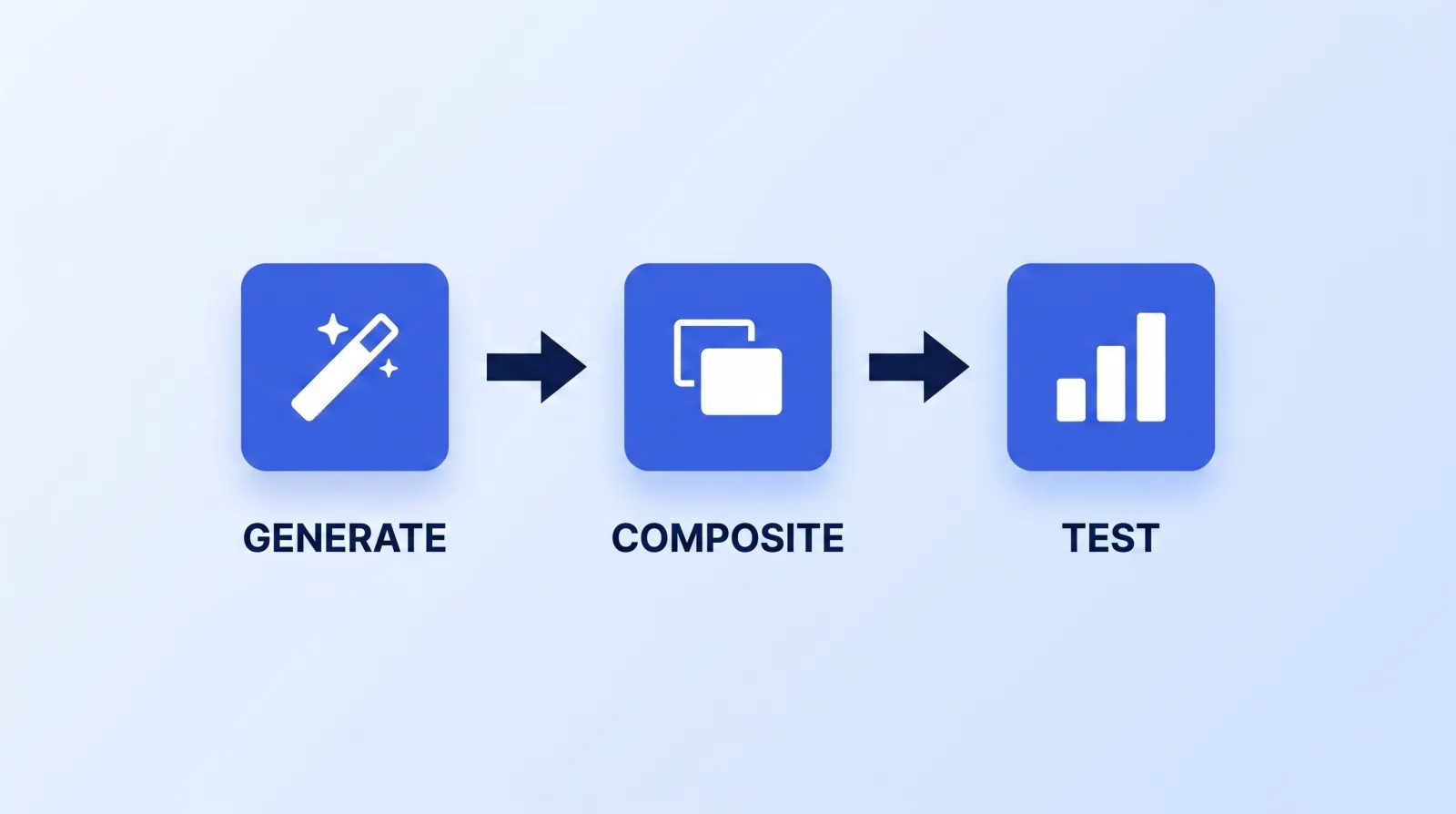
The generator produces one layer, not a thumbnail. Treating its output as a finished asset is the mistake that makes AI thumbnails identifiable at a glance.
Having delivered work behind 100M+ views, we have never shipped a raw generation. Every one goes through a composite pass — real face, brand typeface, contrast check — and then into a test. YouTube's A/B testing for titles and thumbnails runs up to three concurrent variants and resolves on watch time rather than raw clicks, which is exactly the metric you want deciding this. A generated thumbnail that wins on clicks and loses on watch time was a mismatch, and impressions CTR in isolation will not tell you that.
The Pre-Publish Thumbnail Gate
Six checks, about five minutes, run before any thumbnail leaves the studio:
- ✅ Export at 3840×2160. YouTube asks for the thumbnail to be as large as possible at 16:9 — the stated minimum is only 640 pixels wide — under 2 MB on mobile or 50 MB on desktop, in JPG or PNG.
- ✅ Shrink it to 210 pixels wide and look again. If the subject is unreadable, the thumbnail has failed — that is the size most viewers actually see it.
- ✅ Check for a real face. Composited from footage, not generated. No exceptions.
- ✅ Zoom to 100% on hands, ears, jewellery and edges. Generators still fail on extremities, and a six-fingered hand is the tell everyone spots.
- ✅ Confirm the text was typeset, not generated, in the channel's own typeface.
- ✅ Load it into an A/B test against your best conventional thumbnail. Never swap a working format on instinct — decide it against the KPIs that actually predict growth.
Step 2 is the one creators skip, and it kills more generated thumbnails than any policy question. Beautiful full-resolution images routinely collapse into grey smears in a sidebar.
The Bottom Line
YouTube does not require disclosure for an AI-generated thumbnail, so the only thing stopping you is whether the image works — and the reliable answer is to generate the world and photograph the person. Backgrounds, objects and concepts are where generation pays; faces and text are where it costs you.
Treat the generation as a backplate, composite your real face onto it, typeset the words yourself, and let an A/B test decide. Done that way, an AI thumbnail is a production shortcut nobody can identify. Done the lazy way, it is the most visible signal on your channel that nobody was paying attention.