Most Channels Don't Have the Problem They Think They Have
YouTube's own documentation states that half of all channels and videos have an impressions click-through rate between 2% and 10%. That is an enormous band. A channel at 2.1% and a channel at 9.8% are both "normal," and one of them is getting roughly four times the clicks from the same impressions. Nobody discovers which one they are by feel.
We have run some version of this teardown before every YouTube strategy retainer we have taken on across 10,000+ projects, and the finding is almost always the same: the creator has diagnosed the wrong layer. They arrive convinced they need better editing, and the analytics say the videos nobody clicked were fine. Or they arrive wanting more Shorts, and the catalog shows a proven long-form format they stopped making eight months ago.
An audit is not a report card. It is a diagnosis that tells you which single layer to spend the next quarter on, because you cannot fix four layers at once.
Layer 1: Packaging — Why People Don't Click
Packaging is the title, the thumbnail, and the promise they make together. It is the cheapest layer to fix and the one most often misdiagnosed as a content problem.
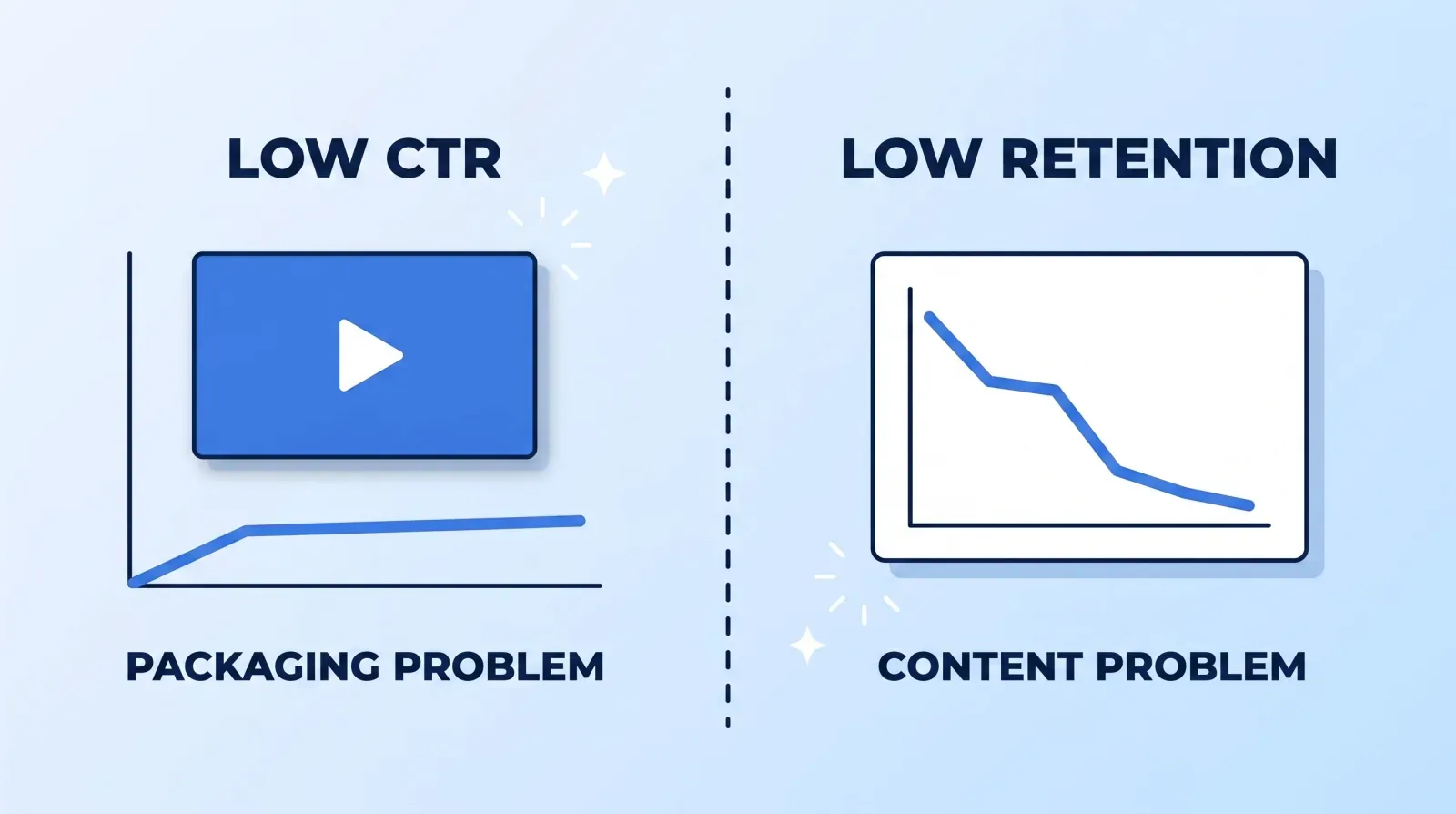
1. CTR against the channel's own median, not a benchmark. Pull the last 30 videos, sort by impressions CTR, and find the median. Then look at the top three and the bottom three. The gap between them, on the same channel with the same subscribers, is pure packaging. That's the number worth chasing — an industry "average" tells you nothing about your audience.
2. Thumbnail legibility at 168 pixels wide. Shrink every thumbnail to the size it actually appears on a phone. If you cannot read the text or identify the subject in under a second, it fails, regardless of how good it looks at full size. The mechanics behind that are in our thumbnail CTR breakdown.
3. Title and thumbnail redundancy. If the thumbnail text repeats the title, half the packaging is doing nothing. Title and thumbnail should carry two different pieces of information that combine into one promise. This is the single most common flaw we find, and it takes one upload to fix.
If a channel has never run Test & Compare, that is where the first quarter goes. YouTube shows up to three thumbnails evenly to a video's viewers and picks the winner on watch-time share — real data, from your audience, at no cost.
Layer 2: Content — Why People Don't Stay
4. The 30-second retention cliff. Open the retention curve on the last ten videos and look only at the first 30 seconds. Every channel loses viewers there; what matters is the shape. A gentle slope is normal. A cliff means the video opened with a re-introduction, a logo sting, or a preamble instead of the thing the thumbnail promised.
5. Promise-to-payoff delay. Time how long it takes each video to deliver the specific thing its title promised. Under 60 seconds is healthy. Past three minutes, you are relying on goodwill you may not have. This is a scripting problem, not an editing one, and we treat it that way in our scripting and hooks guide.
6. Mid-video re-engagement. Mark the moments where the retention curve flattens or ticks up. Something in the edit earned attention back — a demo, a reveal, a location change, a hard cut in pace. Most creators have two or three of these and have never noticed which ones they are. Cataloging them turns an accident into a repeatable structure.
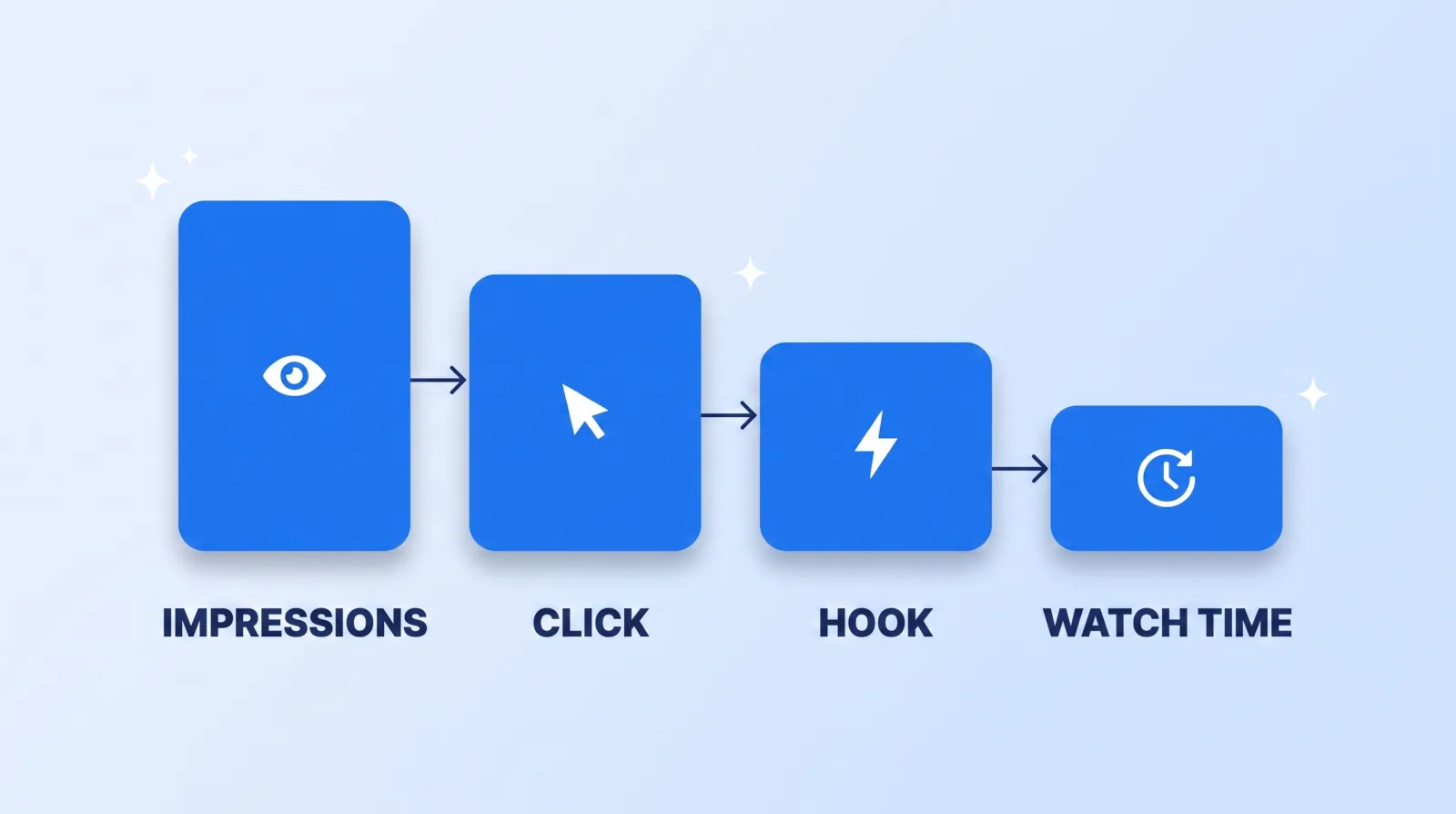
Each stage of that funnel fails differently, and the fix for one does nothing for the others. Fixing the hook on a video nobody clicks is wasted work. Fixing the thumbnail on a video that loses 60% of viewers in the first minute just puts more people in front of the leak.
Layer 3: Catalog — What the Archive Is Trying to Tell You
7. Format inventory. Sort every video from the last two years into formats — tutorial, interview, reaction, breakdown, vlog, list. Then compute median views per format, not total. Totals are dominated by one outlier; medians tell you what the format reliably does. Almost every channel has a format that outperforms and has been quietly abandoned because it was harder to make.
8. Publishing consistency. Plot upload dates for twelve months. Look for gaps of three-plus weeks and what happened to the following video's performance. Cadence beats volume, and cadence is an operations problem with an operations fix — batching, which is the whole argument of our 90-day content calendar.
9. Evergreen versus perishable mix. Which videos are still earning views 180 days after publish? A channel that is 90% news-reactive has no compounding asset base; a channel that is 100% evergreen has no reason for anyone to check back weekly. Both are fixable, and you cannot see either without segmenting the catalog.
Layer 4: Discoverability and Operations — Everything Downstream
10. Search and suggested share. In the Reach tab, break traffic sources down per video. A channel that is 85% browse-and-suggested is entirely dependent on the algorithm's mood. A channel with a real search tail owns something durable, and the framework for building one is in our YouTube SEO guide.
11. Machine-readability. Check three things: are the captions human-corrected or auto-generated, do videos have real chapters, and do descriptions say anything beyond a link list? These now determine whether AI search engines can cite the channel at all. Otterly's 2026 citation study found that popularity metrics correlate with AI citation frequency at essentially zero, while structure does the work — the details are in our post on video SEO for AI search. If the channel has a website, the same discipline applies via Google's video structured data requirements.
12. Production capacity versus ambition. The last check is not on the channel at all. Count the hours the creator personally spends per finished video, then multiply by the cadence they say they want. If the answer exceeds what a human can sustain, no packaging fix survives the quarter — the real constraint is throughput. Wyzowl's video marketing data has 91% of businesses now using video, which means the bar for consistency rises every year while the day still has 24 hours in it.
Running It Yourself: The Two-Hour Version
You do not need an agency to do this. You need a spreadsheet and an uninterrupted afternoon.
- ✅ Export the last 30 videos from YouTube Studio with views, impressions, CTR, and average view duration.
- ✅ Compute the median CTR and flag the top three and bottom three.
- ✅ Screenshot all 30 thumbnails, shrink to 168px wide, and mark each pass or fail.
- ✅ Open the retention curve on the ten most recent and note where the first cliff lands.
- ✅ Time the promise-to-payoff delay on those same ten.
- ✅ Tag every video with a format label, then compute median views per format.
- ✅ Plot upload dates for twelve months and circle every gap over three weeks.
- ✅ List videos still earning views 180 days post-publish.
- ✅ Check the traffic-source split on the five best and five worst performers.
- ✅ Spot-check five caption files for accuracy, and five descriptions for actual content.
- ✅ Write down the hours per finished video, honestly.
- ✅ Pick one layer. Not four.
Then hand the output to whoever does the work. An audit that stays in a spreadsheet changes nothing; the point is that the next brief is written from evidence instead of vibes, which is exactly what our editor brief framework is built to carry.
The Bottom Line
Four layers fail differently, and each has a different cure. Low CTR is a packaging problem. A retention cliff is a content problem. Inconsistent uploads are an operations problem. Invisible search and suggested traffic is a discoverability problem. Treating any one of them with the wrong fix burns a quarter.
The single most valuable output of an audit is not the list of what's broken. It's permission to ignore eleven things and go fix one.