The Best Colour Suite in the Business Is Free
Blackmagic Design ships DaVinci Resolve free — no watermark, no export cap, no trial clock — and the paid Studio version is a $295 one-time licence, not a subscription. Final Cut Pro is a one-time $299.99 purchase on the Mac App Store. Premiere Pro is subscription-only, billed per seat, forever.
That pricing gap is the first thing every creator notices and the last thing that should decide the question. Across 10,000+ video editing projects and 100M+ views, we have run all three at production scale, and the cost of the software has never been the expensive line. The expensive line is the hour an editor loses because a project file will not open on the machine it was sent to. Licence fees are a rounding error next to that.
So the real question is not which editor is best. It's which one your specific pipeline can standardize on without paying a handoff tax on every single project.
1. What Each One Is Actually Best At
Strip the brand loyalty out and the three tools separate cleanly by what they were built to survive.
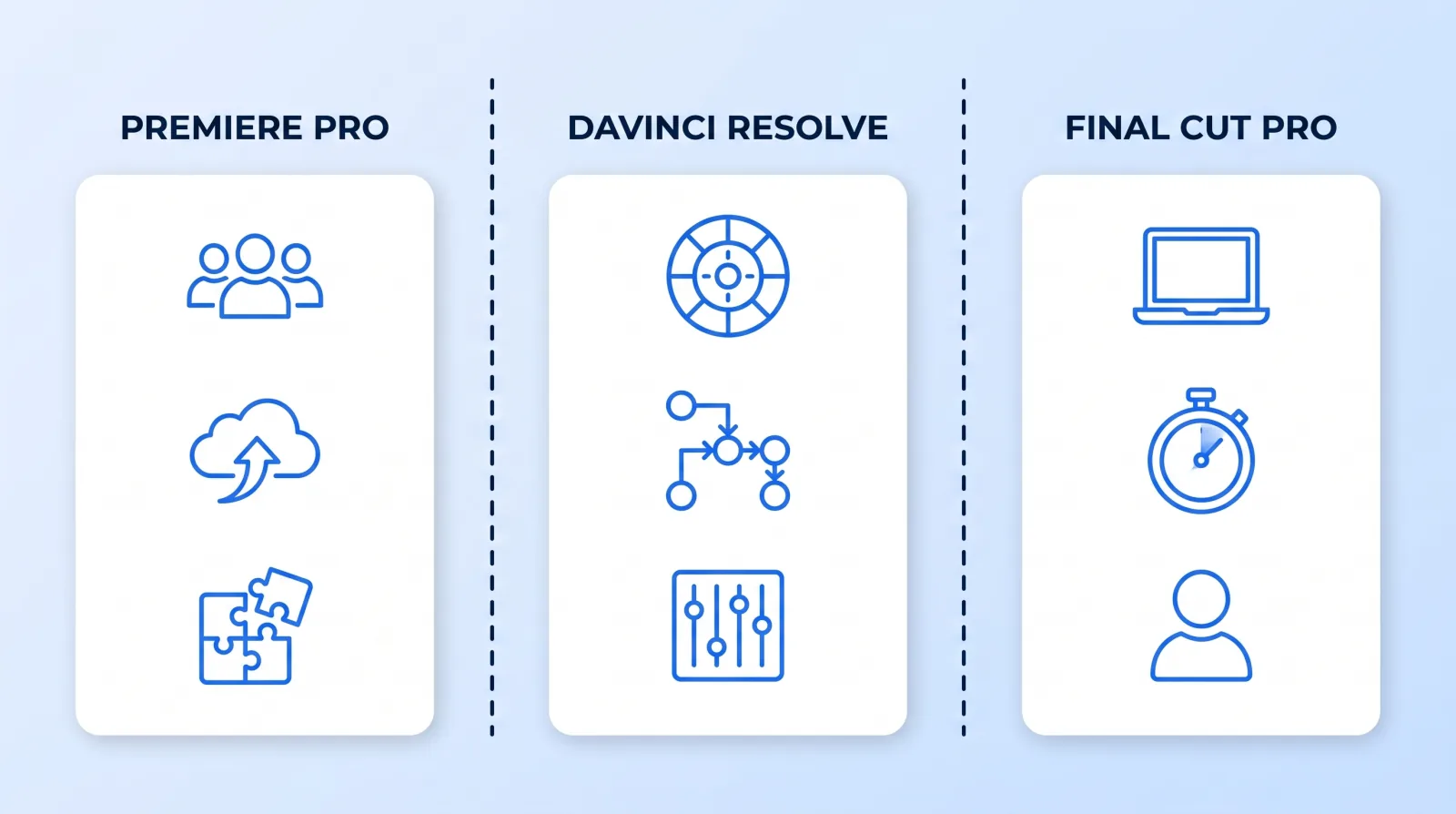
Premiere Pro is the interoperability tool. Its advantage is not the timeline — it's that every freelancer you will ever hire already owns it, every plugin vendor ships for it first, and it talks to After Effects, Audition, and every review platform without a conversion step. When a project has to move between four people in three time zones, that matters more than any single feature.
DaVinci Resolve is the finishing tool that grew an edit page. Colour, Fairlight audio, and Fusion compositing live inside one application, which means a grade-heavy or audio-heavy job never round-trips at all. If your work leans on the look — see our color grading guide for what that actually involves — Resolve removes an entire class of file exchange from the pipeline.
Final Cut Pro is the speed tool. Its magnetic timeline is genuinely faster for one person cutting talking-head, vlog, and short-form content, and its performance on Apple silicon means a laptop handles multicam 4K that would need a tower elsewhere. Its weakness is exactly its strength: the workflow assumes one operator, and it does not hand off gracefully to anyone who isn't also on a Mac running Final Cut.
2. The Cost That Matters Is Per Seat, Per Year
Sticker price is misleading because these are three different billing models measured against a moving headcount.
| Premiere Pro | DaVinci Resolve Studio | Final Cut Pro | |
|---|---|---|---|
| Model | Subscription, per seat | One-time licence | One-time purchase |
| Platform | Mac + Windows | Mac + Windows + Linux | Mac only |
| Free tier | Trial only | Yes, fully featured for most work | 90-day trial |
| Cost at 1 seat, 3 years | Three years of subscription | One licence | One purchase |
| Cost at 6 seats, 3 years | Six subscriptions × 3 years | Six licences, paid once | Six purchases, paid once |
The pattern that catches teams out: perpetual licences get cheaper per project as the roster grows, subscriptions get linearly more expensive. A solo creator barely feels the difference. A studio adding its fifth and sixth editor feels it every month.
The counter-argument is real, though, and we pay it deliberately on client work. A subscription seat can be spun up for a freelancer on Monday and cancelled on Friday. A perpetual licence cannot. If your roster flexes — which is the whole point of the model we describe in hiring and managing a global editing team — per-seat billing is a feature, not a tax.
3. You Can Mix Them — At a Price
Nothing stops you cutting in one application and finishing in another. Editors have done exactly this for decades, and it is still the standard path for grade-heavy work: cut fast where cutting is fast, grade where grading is good.
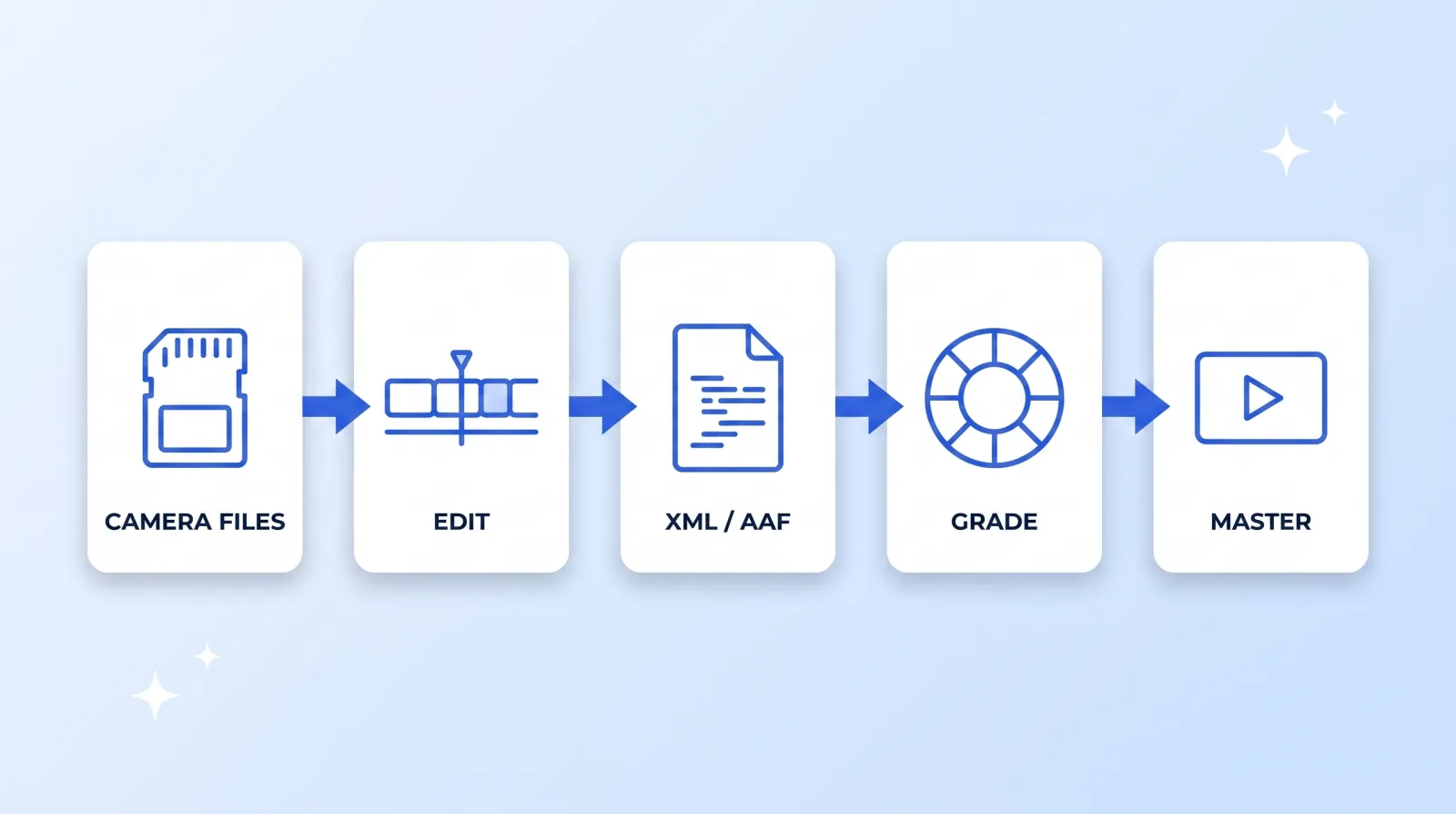
What crosses that boundary is a timeline description — an XML, AAF, or EDL. It carries the cuts, the timings, the clip names, and the media references. That's it.
What does not cross, in our experience, every time:
- Titles and lower thirds — they come through as offline placeholders or not at all
- Speed ramps and time remapping — frequently reinterpreted, sometimes silently
- Effects, transitions beyond a plain dissolve, and every third-party plugin
- Track-level audio processing, keyframed volume automation, and bus routing
- Nested or compound clips, which flatten unpredictably
That is workable when it's a deliberate one-way handoff at picture lock: lock the cut, export the XML, grade, master. It is a disaster as a routine collaboration model, because every revision request sends you back through the same lossy door. The rule we run: round-trip once, at lock, in one direction. If a project needs two round-trips, it needed to be in one application from the start.
4. What Switching Actually Costs
Teams underestimate the migration because they price the software and forget the rest. A realistic switch costs, per editor: two to four weeks before speed returns to baseline, a rebuild of every title template and preset, replacement of any plugin the new host doesn't support, and a re-write of the project template and folder conventions your whole file management system depends on.
There is also an archive problem nobody plans for. Old projects do not migrate. A Premiere project from 2023 opens in Premiere; it does not open in Final Cut. If a sponsor asks for a re-cut of a video you delivered eighteen months ago, you either keep a licensed seat of the old application alive indefinitely or you rebuild the edit from the master and the camera files. Keeping one legacy seat is almost always cheaper.
The Standardization Gate
Run these six checks before you commit a team to one editor. They take an afternoon and they are the difference between a decision and a preference.
- ✅ Count the seats you'll have in 24 months, not today. Subscription vs perpetual flips on headcount, and it flips against you as you grow.
- ✅ Audit the machines your editors actually own. Final Cut is Mac-only. If a single contractor is on Windows, it is out — not negotiable, not workable.
- ✅ List every plugin and template you depend on today. Any one of them that doesn't exist on the new host becomes a rebuild, billed in your own hours.
- ✅ Decide where colour and audio finish. If either is a real part of your work, Resolve on the finishing end removes a round-trip permanently.
- ✅ Test one full project end to end before migrating anything. Ingest, cut, revise, grade, caption, master at YouTube's recommended upload settings, deliver. Not a demo timeline — a real job with a real client revision in it.
- ✅ Confirm your review platform speaks to it. Timestamped feedback in Frame.io or an equivalent should survive the switch; feedback that reverts to filenames in a chat thread is a real cost.
Note what isn't on that list: which timeline feels nicer. Editor preference is worth something, but it is worth less than a pipeline that never stalls on a file format.
Our Actual Recommendation
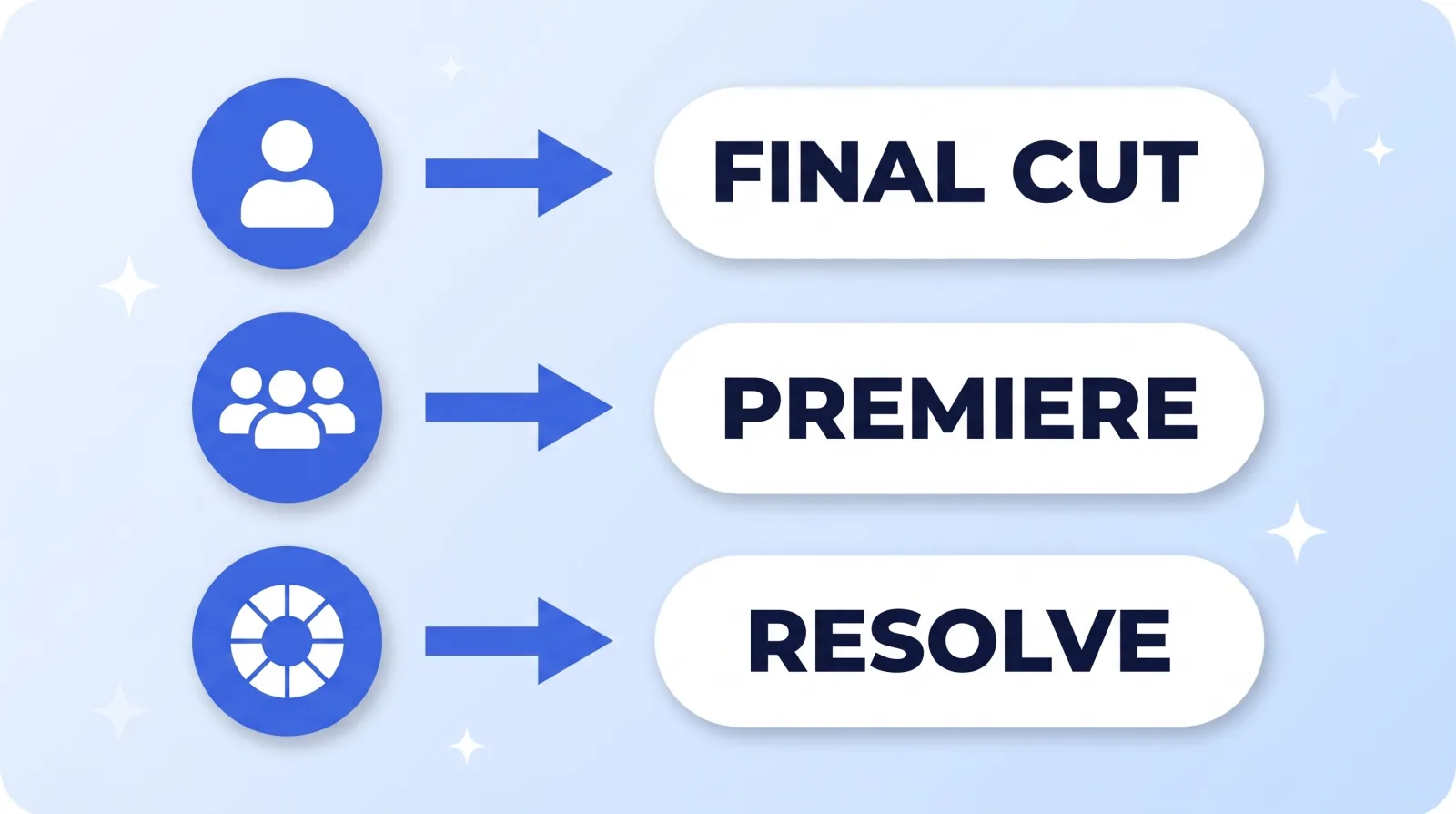
For a solo creator cutting their own content on a Mac, Final Cut Pro. The speed advantage is real, the one-time price is honest, and you will never hand the project to anyone.
For a team of two or more, or anyone working with freelancers, Premiere Pro. You are buying the interoperability, not the timeline. Every editor you hire already knows it, and that removes an onboarding cost you'd otherwise pay on every hire — assuming you'd rather build a team than hire a video editor on Fiverr for each project.
For colour-led or audio-led work — narrative, commercial, music, anything where the look is the product — DaVinci Resolve, with the free version as a completely legitimate starting point. The Studio licence buys noise reduction, some GPU acceleration, and the neural-engine tools; the free build handles a very large share of real client work without it.
And whatever you land on, the AI-assisted layer sits on top of all three rather than replacing any of them — that's a separate decision, covered in our breakdown of the 2026 AI editing stack.
The Bottom Line
There is no best NLE in 2026. There is a best fit for your seat count, your operating system, your finishing needs, and how many hands touch a project before it ships.
Pick one, standardize the whole team on it, and stop re-litigating the choice. The compounding advantage comes from templates, keyboard muscle memory, and shared project conventions — and every one of those resets to zero the day you switch.