

The Short Answer: How to Hire a Facebook Ads Expert
To hire a Facebook ads expert, decide the one result you're paying for, then shortlist two or three people who can show you live ads for businesses like yours. Ask how they track sales and bill their fee. Keep the ad account in your own Meta Business Manager, add them as a partner instead of sharing your login, and get the fee, reporting and exit in writing before any budget runs.
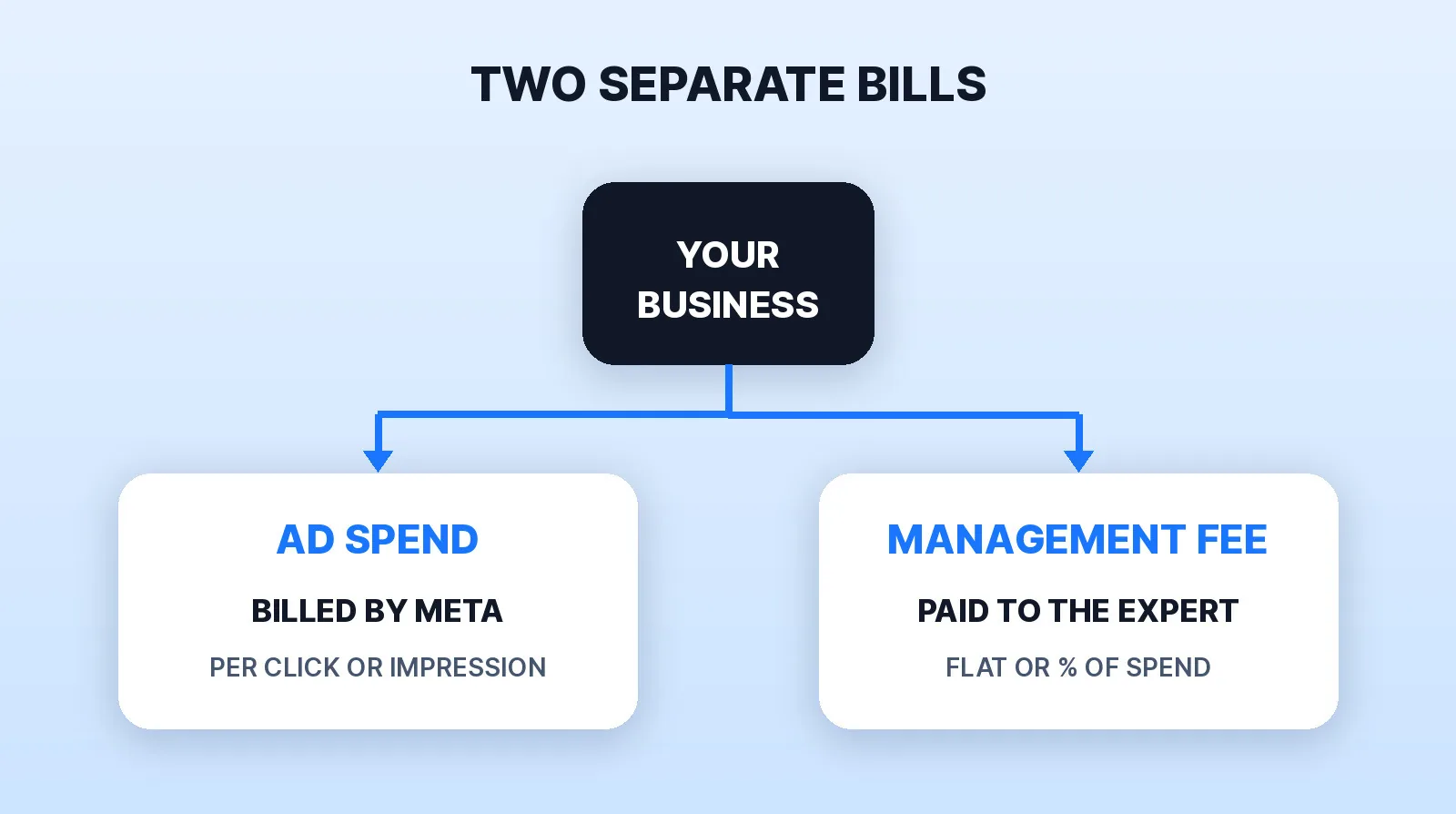
Everything here applies to Instagram ads too, since an advertiser's Meta ads can run across Facebook and Instagram. Meta bills the ad spend itself: as HubSpot's Facebook ads budget guide puts it, you're only charged for the clicks or impressions your ads actually receive. Whatever the expert charges comes on top of that. Published management fees are compared in our guide to Facebook ads management cost. This guide covers choosing the person and keeping control of the account.
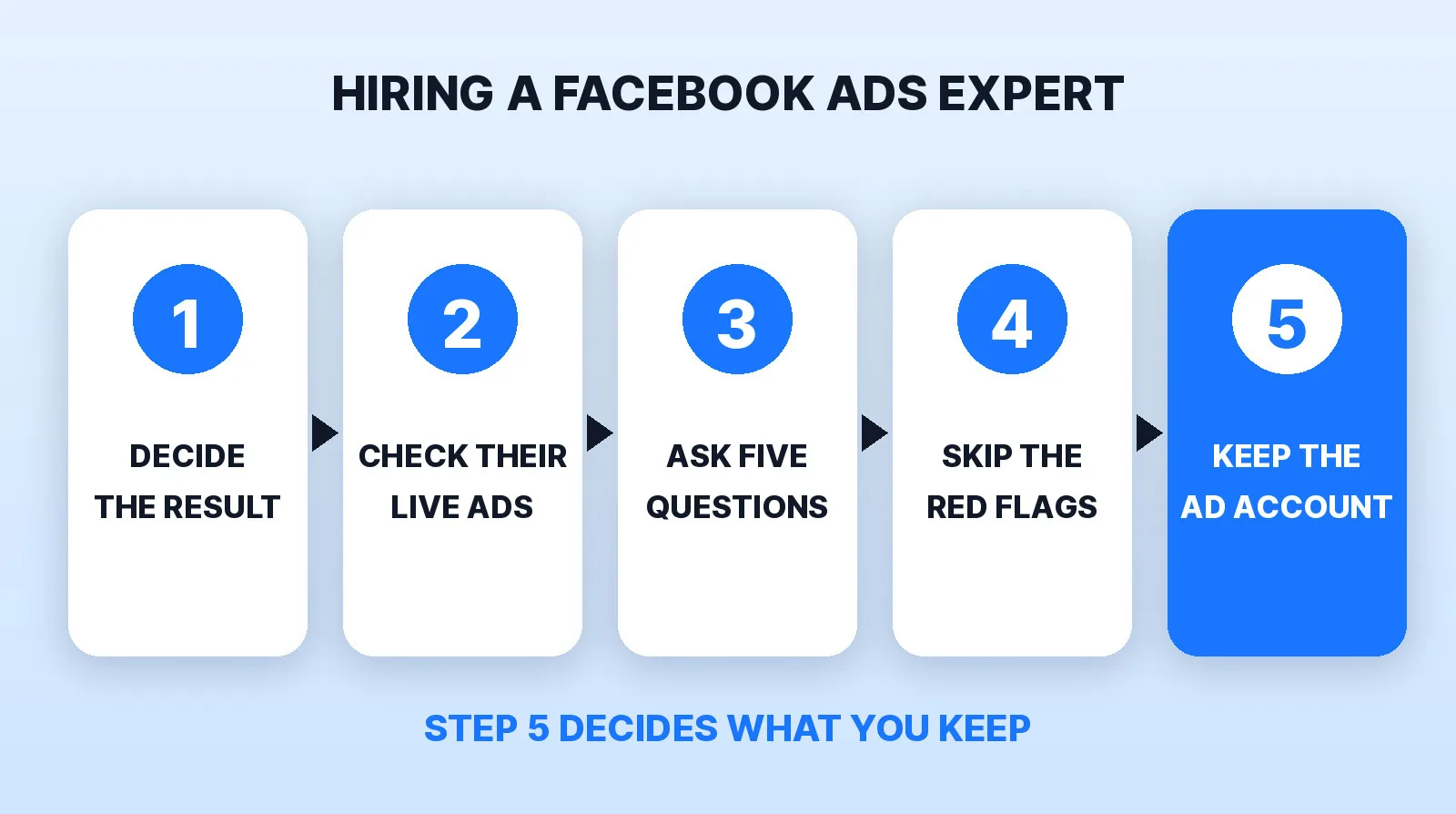
Step 1: Decide What You're Paying For
"Facebook ads" covers very different jobs. Someone who scales an online store's catalogue ads may never have run lead forms for a dentist. Before you talk to anyone, write down three things:
| Decide | Examples | Why it matters when hiring |
|---|---|---|
| The one result | Online sales, form leads, booked calls, store visits | It's what tracking has to count, and what you'll judge them on |
| Who makes the ads | Them, you, a designer or a video editor | Most of the work is creative; a buyer with nothing new to test stalls |
| Where people land | A product page, a landing page, a lead form inside Facebook | A slow or confusing page wastes every click you pay for |
If the page doesn't exist yet, see landing page design cost. If the ads will be video, the editing is often a separate hire: our guide on how to hire a video ad editor covers it, and what Instagram ads cost covers the spend side.
Step 2: Shortlist Two or Three, and Check Their Live Ads
Look on freelance marketplaces, ask business owners in your industry who runs their ads, or start from a list like our best Facebook ads agencies for small business. Our freelance marketplaces comparison lays out what a marketplace seller costs you in fees and risk next to a managed service.
Then check their work yourself. Meta's Ad Library is public: in 2019 Meta brought all active ads any Page is running into it, and Meta said in its 2018 transparency Q&A that you can see them "including the creative and the copy." Ask each candidate for two or three current clients you may look up, then search those Pages in the Ad Library. You'll see whether the ads are fresh, varied and well made, or one tired image that has run for months.
A Meta certification is worth a look, not a decision. A certificate shows training on the platform. It can't show results for a business like yours; the live ads can.
Step 3: Ask These Five Questions
Use them as the interview. Vague answers are an answer.
- Can you show me an account like mine? A screen share of a live Ads Manager, client name hidden, beats a case-study PDF.
- How will you track sales or leads? Sprout Social's Meta Pixel guide explains that the pixel shows which ads and campaigns lead to actions, and setup offers the Conversions API alongside the pixel. Ask which they'll install and who owns it. Spending before tracking works is guessing with your money.
- How often will the ads change, and who makes them? Ask how many new ads they test a month and whether that's in the fee.
- How is your fee billed? Flat monthly, a percentage of spend, or a setup fee plus one of those. Get it as a separate line from the ad spend.
- What will the report show? Spend, results and cost per result, at minimum. Better still, you can open Ads Manager and see the numbers yourself whenever you like.
Step 4: Skip the Red Flags
Any one of these is a reason to keep looking:
| They say or do | Why it's a problem |
|---|---|
| "We guarantee 5x ROAS" or a fixed number of leads | Ads are sold in an auction, so no one controls what each result will cost |
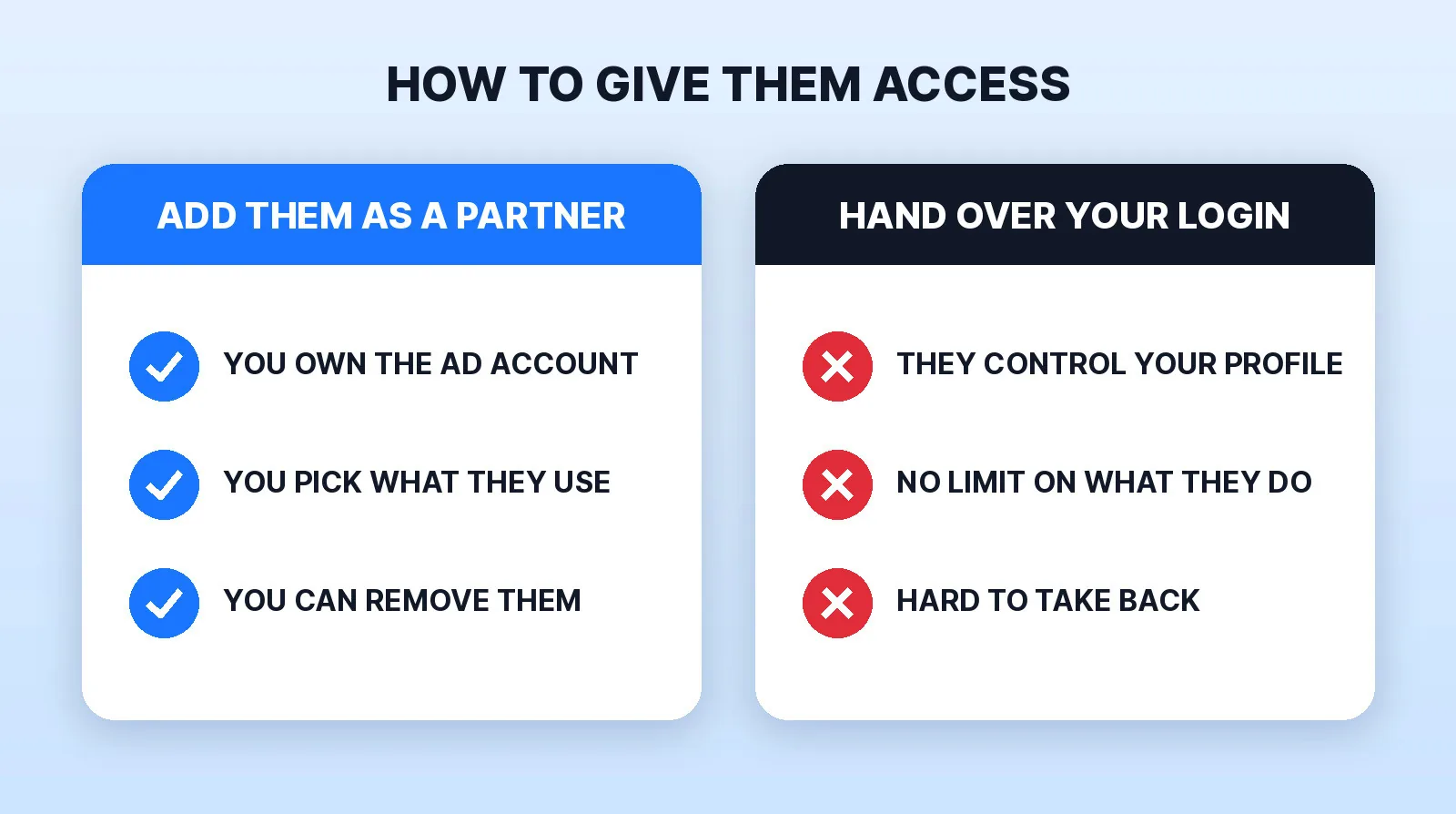
| "Just send me your Facebook login" | Business Manager exists to give access without sharing personal login credentials |
| They create the ad account in their own Business Manager | The business that owns an asset controls it; you'd have to ask for it back |
| No current clients you can look up | The Ad Library makes live work easy to show |
| Ad spend runs through their card as one invoice | You can't see what Meta charged versus what they kept |
If you're weighing Google instead, our guide on how to hire a Google Ads expert covers its Partner badge and account rules.
Step 5: Keep the Ad Account in Your Name
This decides what you keep if it ends. Sprout Social's guide to Facebook Business Manager lays out the structure: Business Manager is where ownership is set, and it lets you grant full or partial access by role without sharing personal logins.
- Create the business and the ad account yourself. Put your payment card on it, so Meta bills you directly.
- Add the expert as a partner. In Business Settings you add a vendor or agency as a partner and share the assets with them. They get access, and you keep ownership.
- Share only what they need. An agency requests access to your ad account from its own Business Manager; share the ad account and Page they'll work on, not every asset. If you add an individual as a person instead, you choose admin or employee access, and employee access limits which accounts and tools they reach.
- Don't let them own it. Sprout notes that deleting a Business Manager also removes the Pages and ad accounts it owns, unless ownership is moved first. If theirs owns yours, your account's history depends on them.
Then put these in writing:
- The fee, how it's calculated, and that it's separate from the ad spend.
- The budget they may spend and who approves changes.
- The report: which numbers, and how often.
- Who owns the ads. Under the U.S. Copyright Office's work-made-for-hire rules, commissioned work counts as made for hire only in nine listed categories and only with a written agreement signed by both sides. Ask for a written transfer of copyright in the ad copy, images and videos you pay for.
- The exit: the notice period, and that they remove themselves as a partner, leaving the account, pixel and audiences with you.
Where Mark Studios Fits
Mark Studios runs Facebook and Instagram ad campaigns alongside Google and YouTube. Mark sets up the campaign, makes the ads if you want, moves budget toward what performs and reports what the spend brought in. The ad budget is paid straight to Meta, never to Mark Studios, and Mark won't promise results nobody can promise. It suits online stores (e-commerce brands) and local service businesses. In Palm Beach County, Broward and Martin, the ad videos can be filmed on site. Mark Studios has completed 8,000+ orders with 4,500+ reviews, 99% on time, and is Top Rated on Fiverr with a 4.9★ rating.
The Bottom Line
Decide the result you're paying for, shortlist people whose live ads you can see in the Ad Library, and ask how they track sales and bill their fee. Walk away from guaranteed returns and anyone who wants your login. Create the business and ad account yourself, add them as a partner, and get the fee, budget, reporting, ad ownership and exit in writing.


