YouTube Stopped Counting Clicks in 2012, and Most Channels Never Updated
In YouTube's own account of how its recommendation system works, Cristos Goodrow explains why clicks stopped being the primary signal: "clicking on a video doesn't mean you actually watched it." Watch time went in as a signal in 2012, and survey-driven valued watchtime followed. YouTube's public recommendations documentation puts it plainly — "understanding a user's viewing behavior, likes, dislikes, subscriptions, and feedback, including from satisfaction surveys, helps us do this most effectively."
Read that as an operator rather than a viewer and it says something uncomfortable: the click is where your job starts. Yet almost every channel we audit has spent months on titles and thumbnails and about eleven seconds on the final twenty seconds of the video.
Across 10,000+ projects in YouTube strategy work at Mark Studios — work that has driven 100M+ views — the channels that compound are rarely the ones with the best single video. They are the ones where one view reliably becomes two or three. That is a packaging problem, solved by three unglamorous tools: playlists, end screens, and cards.
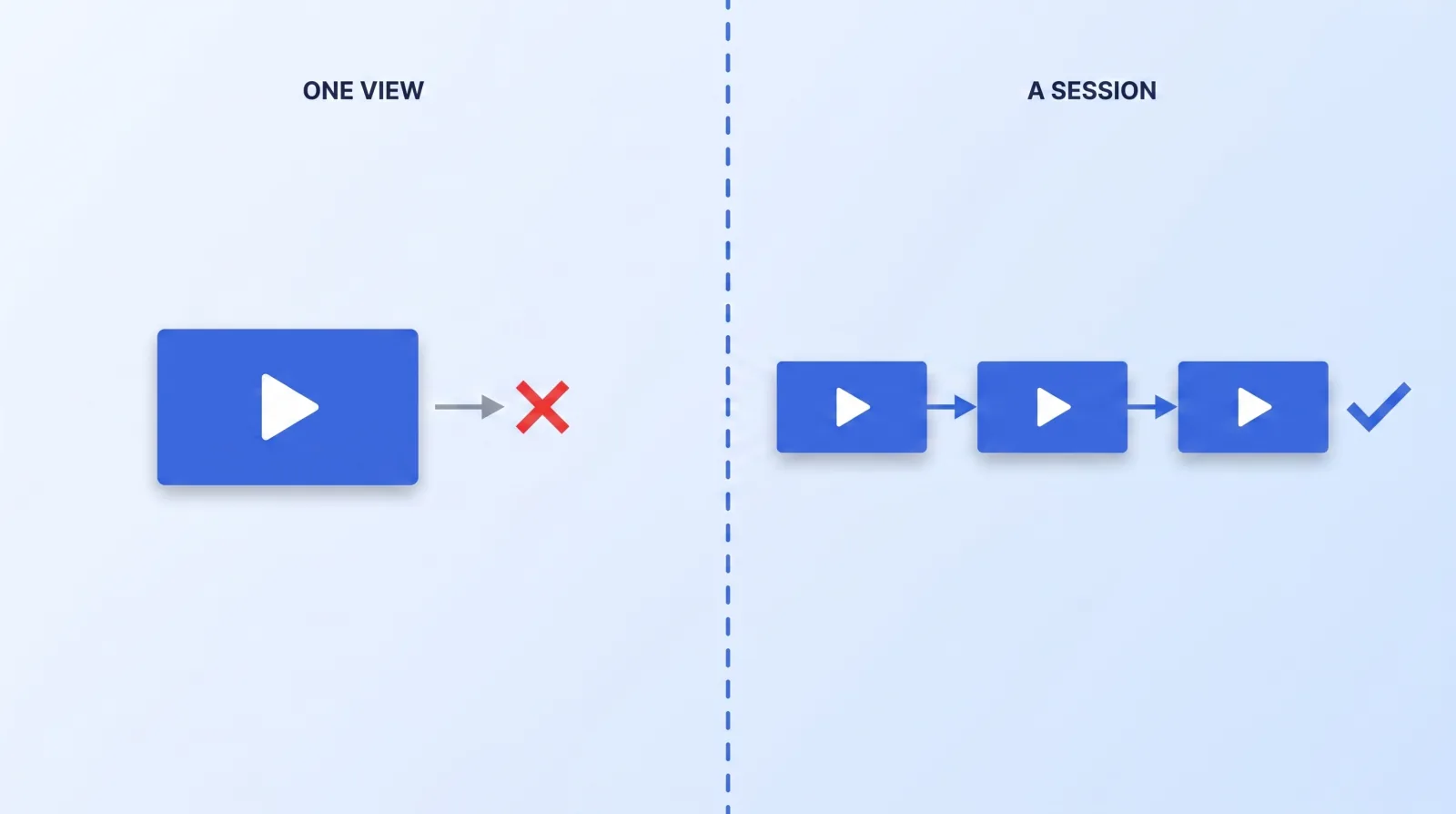
Session Time Is Real, but It Is Not a Metric You Can Open
Here is the version nobody selling a course will give you: there is no "session time" number in YouTube Studio. You cannot chart it or export it, and anyone quoting a precise session-time lift is quoting a blog post, not an analytics report.
What you can see are four proxies, and they are enough to run the whole system. In YouTube's traffic source documentation, the sources that describe continuation are broken out by name.
| What you can actually measure | Where it lives | What it tells you |
|---|---|---|
| Traffic source: End screens | Reach tab, traffic source types | How many views your own end screens generated |
| Traffic source: Playlists | Reach tab, traffic source types | Views that arrived from a playlist, not a cold click |
| End screen element click rate | Engagement tab | Which end screen elements earn the click, per video |
| Traffic source: Video cards | Reach tab, traffic source types | Whether anyone is actually using your mid-roll cards |
If those four sit near zero, your channel runs on cold clicks alone — every view won from scratch, which is the treadmill behind creator burnout as a production problem. Packaging is the cheapest way off it, because it does not require making more videos.
End Screens: The Rules Most Channels Get Wrong
End screens are the highest-leverage twenty seconds on your channel and the least understood. Google's specification sets hard constraints worth memorising:
- Your video has to be at least 25 seconds long to have an end screen at all.
- End screens can only be added to the last 5–20 seconds of a video.
- You get up to four elements on a standard 16:9 video. Other aspect ratios may allow fewer.
- They do not appear on made-for-kids videos, in the YouTube Music app, on mobile web, or on 360 videos.
- Viewers can hide them.
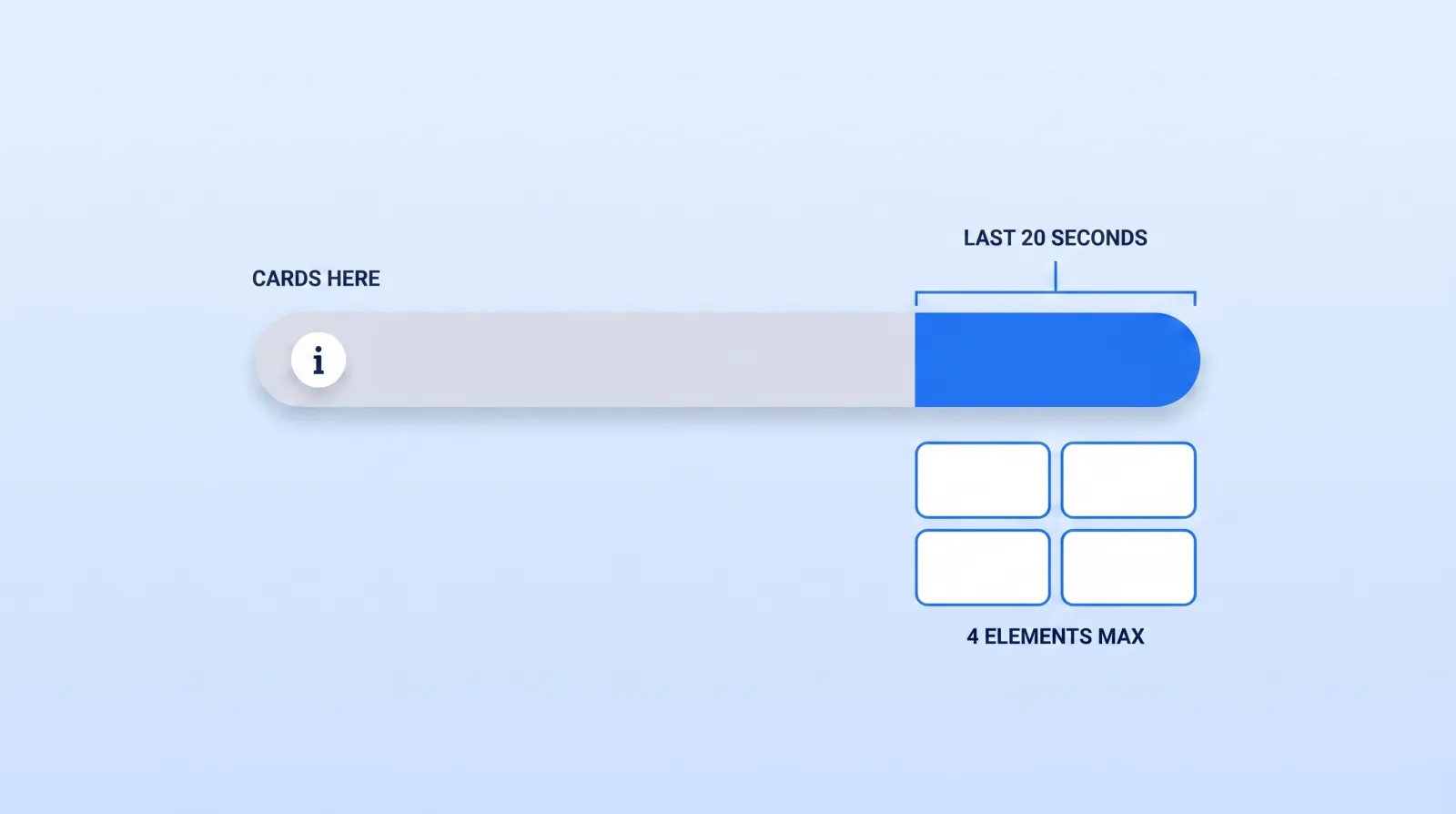
And the constraint that wastes the most effort: cards and watermarks are suppressed while the end screen is on screen. If you have been dropping a card at 9:45 of a ten-minute video, nobody has ever seen it.
Three rules we apply on every channel we run:
- Two elements, not four. Four choices is a menu; two is a decision. One specific video plus one subscribe button, and we reserve the "best for viewer" slot only when there is genuinely no strong next video.
- Never leave it on "most recent upload." That hands your strongest real estate to whatever you happened to publish last, including the video that underperformed.
- Build the end screen into the edit, not onto it. A twenty-second dead outro with a floating box on it converts badly. Script a verbal handoff and leave clean background plate under the element — a graphics decision your editor needs up front, which is why it belongs in how to brief a video editor.
Cards: Five Slots, Usually Wasted
Cards allow up to five per video across four types — video, playlist, channel, and link. Most channels use zero, or stack all five in the first minute where they interrupt the hook.
A card works in exactly one situation: the viewer has just formed a question this video will not answer. You can locate that moment in the script before you shoot. Mention a tool in passing at 4:12 and move on — that is a card.
A general "check out my other stuff" nudge is not a card. It gets ignored, and it trains viewers to dismiss the teaser on sight.
Our rule is two cards per ten-minute video, at genuine curiosity gaps, and none in the final twenty seconds. Fewer, better-timed cards beat five sprayed across the timeline — the same discipline behind scripting hooks that retain viewers.
Playlists Are the Only Packaging That Compounds
End screens and cards move one viewer, one time. A playlist keeps working after you stop touching it, which makes it the only one of the three that accrues.
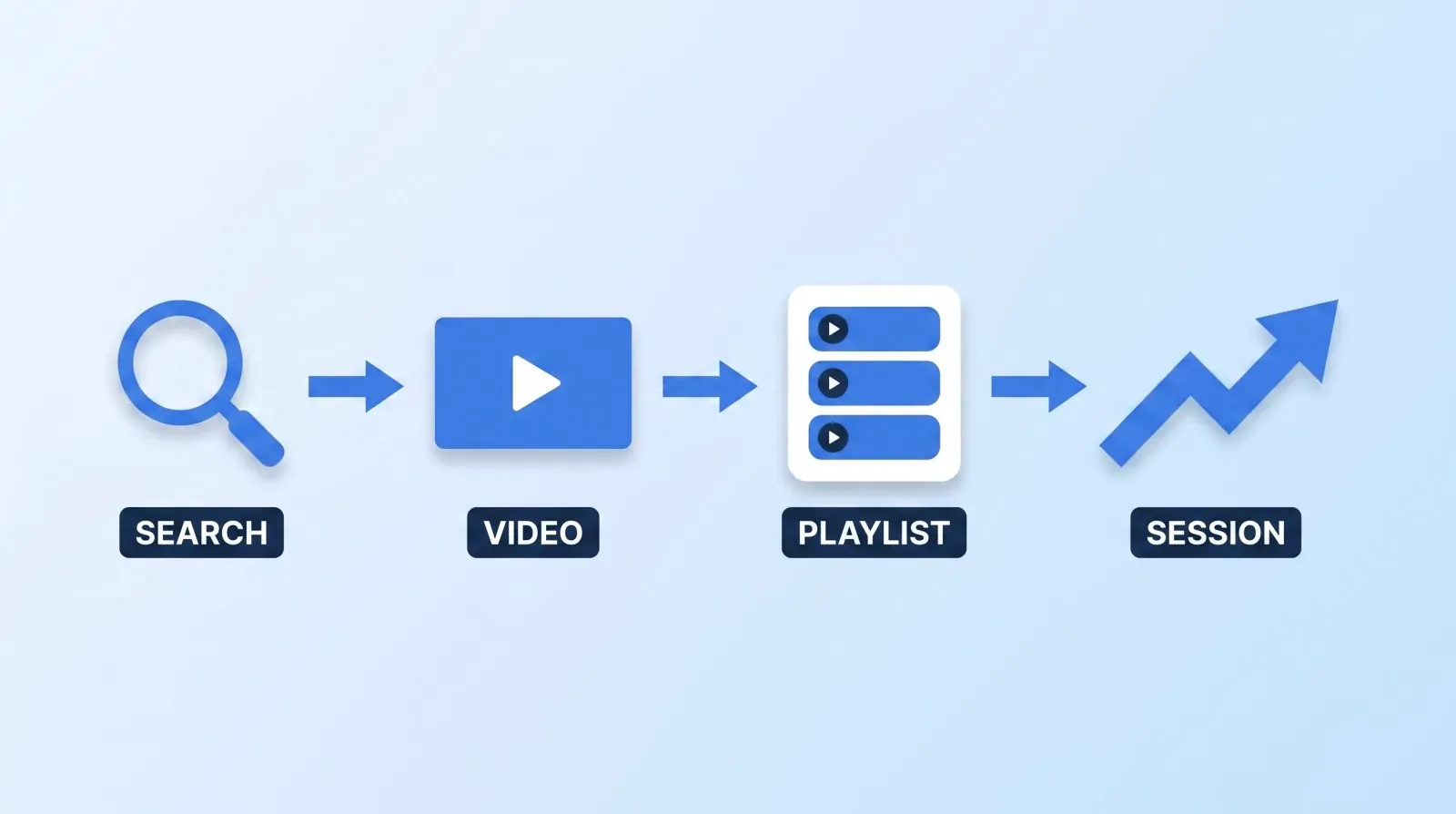
Three things a playlist does that a folder of related videos does not:
- It autoplays. The next video starts without a decision. That is the entire mechanism.
- It is a separate, rankable surface with its own title, description, and traffic source line in your analytics.
- It survives your upload schedule. A well-ordered playlist earns watch time in a week where you published nothing.
The mistakes we see constantly, in order of cost:
| Mistake | Why it costs you |
|---|---|
| One playlist called "Videos" | No topical signal, no reason to enter it |
| Chronological ordering | Your best video is buried at position 14 |
| Playlists nobody links into | A surface with no entrance gets no traffic |
| Every video in every playlist | Dilutes the topic until the playlist means nothing |
Order playlists by quality and sequence, not upload date. Position one is your strongest performer on that topic, because it carries the click; position two answers the natural next question. Creating and ordering a playlist takes about ten minutes, and it is the highest-return ten minutes on this list.
Then link people into the playlist, not the video — your end screen, your cards and your channel page all support a playlist element.
The Packaging Pre-Flight
Run this before any video goes public. It takes four minutes.
- ✅ The video is over 25 seconds and has an end screen at all.
- ✅ The end screen carries two elements, not four — one specific next video, one subscribe.
- ✅ The next video was chosen deliberately, not left on "most recent upload."
- ✅ The last twenty seconds have clean plate under the elements and a scripted verbal handoff.
- ✅ No card sits inside the end screen window — it will be suppressed.
- ✅ Cards sit at curiosity gaps, two per ten minutes, not five in the intro.
- ✅ The video is in exactly one primary playlist, at the position that makes sequential sense.
- ✅ That playlist has a real title and description, not "Videos."
Item 5 catches experienced channels every time, because the card looks perfectly fine in the Studio editor — it simply never renders for the viewer.
The measurement loop is short. Twenty-eight days after publishing, check the three traffic-source lines and the end screen element click rate alongside the other YouTube KPIs that actually matter. If end screens and playlists are not showing up as sources, the packaging isn't working, and no amount of thumbnail iteration will fix it.
The Bottom Line
The thumbnail buys the click; packaging decides whether that click was worth anything. YouTube has been optimising for what happens after the click since 2012, and the tools that influence it — a deliberate end-screen element, two well-timed cards, one properly ordered playlist — are free, take minutes, and work on videos you have already published.
Start with the back catalogue. Ten well-built playlists across last year's uploads will do more for your channel this quarter than your next three videos.