The Short Answer: Which B2B Video Comes First
A B2B explainer video tells a stranger what problem your product solves. A SaaS product demo video shows an evaluating buyer how it works. A customer story video proves to a deciding buyer that it worked for someone like them. Make first the one that fixes where your deals stall. If you don't know yet, make the demo.
The demo is the default because it does the most work for the least production. Wistia's 2026 State of Video report found teams rank product videos and webinars as the video types with the biggest business impact, and a demo is built from screen capture you already have, not animation drawn from nothing. On the buyer side, the 2026 TrustRadius B2B Buying Disconnect report found "their demo blew us away" rose from 13% to 18% as a deciding factor.
What Each Video Does in the Funnel
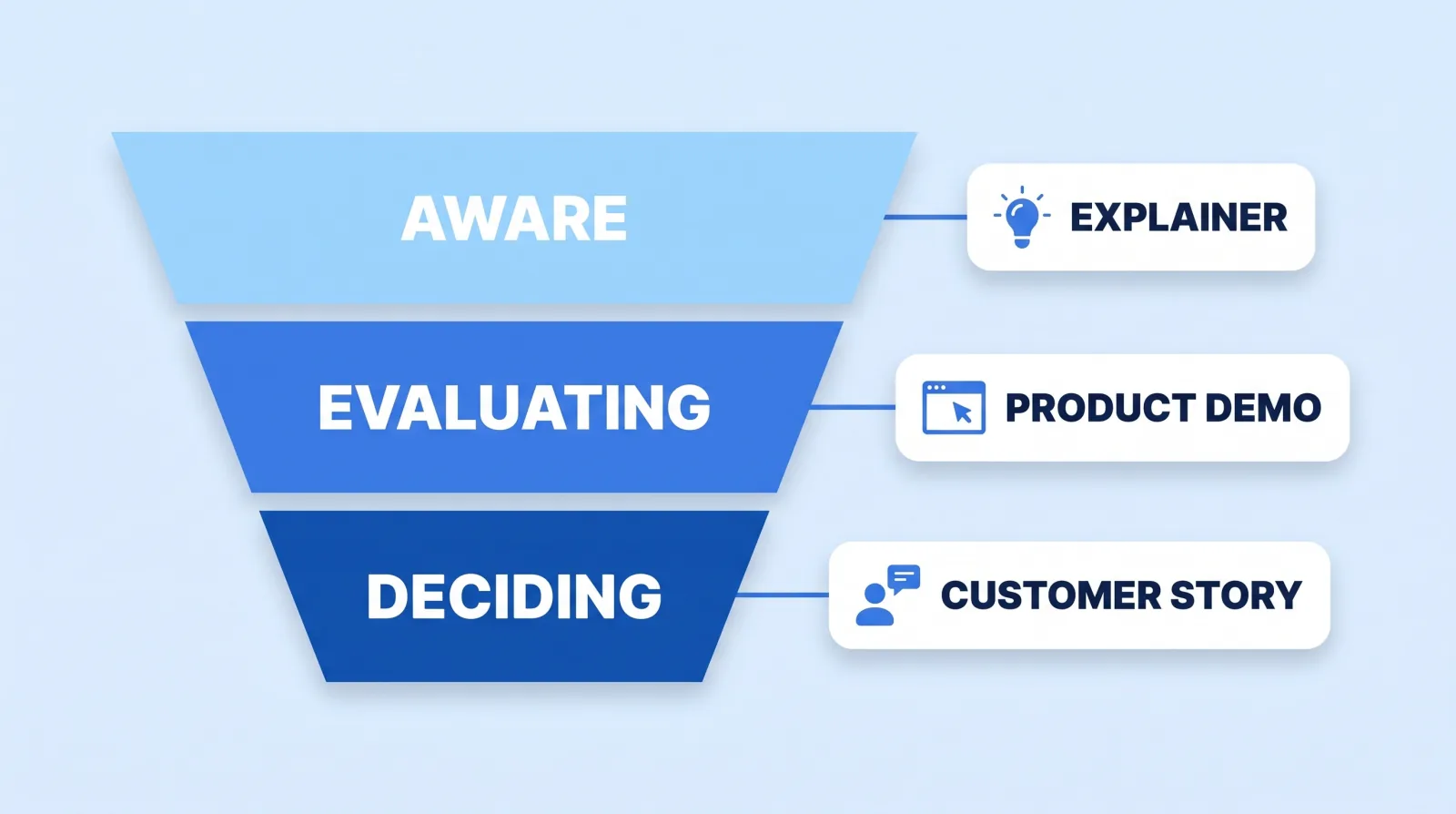
Each format answers a different buyer question, at a different stage, and needs different raw material from you.
| Explainer | Product demo | Customer story | |
|---|---|---|---|
| Buyer question | "What is this, and is it for me?" | "How does it actually work?" | "Did it work for a company like mine?" |
| Funnel stage | Aware | Evaluating | Deciding |
| Typical length | 60–90 seconds | 1–4 minutes | 2–3 minutes, plus 30-second cutdowns |
| Built from | Script, storyboard, illustration and animation | Screen capture, voiceover, motion callouts | A filmed customer interview and product B-roll |
| What you supply | Positioning and a script sign-off | A clean demo account and a walkthrough | A willing customer and a results figure they'll approve |
| Where it lives | Homepage hero, paid social, top of the sales deck | Pricing and product pages, trial onboarding, follow-up emails | Case study page, late-stage sales emails, LinkedIn |
Length matters more for the top of the funnel than the bottom. Wistia's video length data found videos under a minute average a 52% engagement rate, which is why explainers stay short. A demo can run longer because an evaluating buyer chose to watch it.
Make the Explainer First If Nobody Gets It
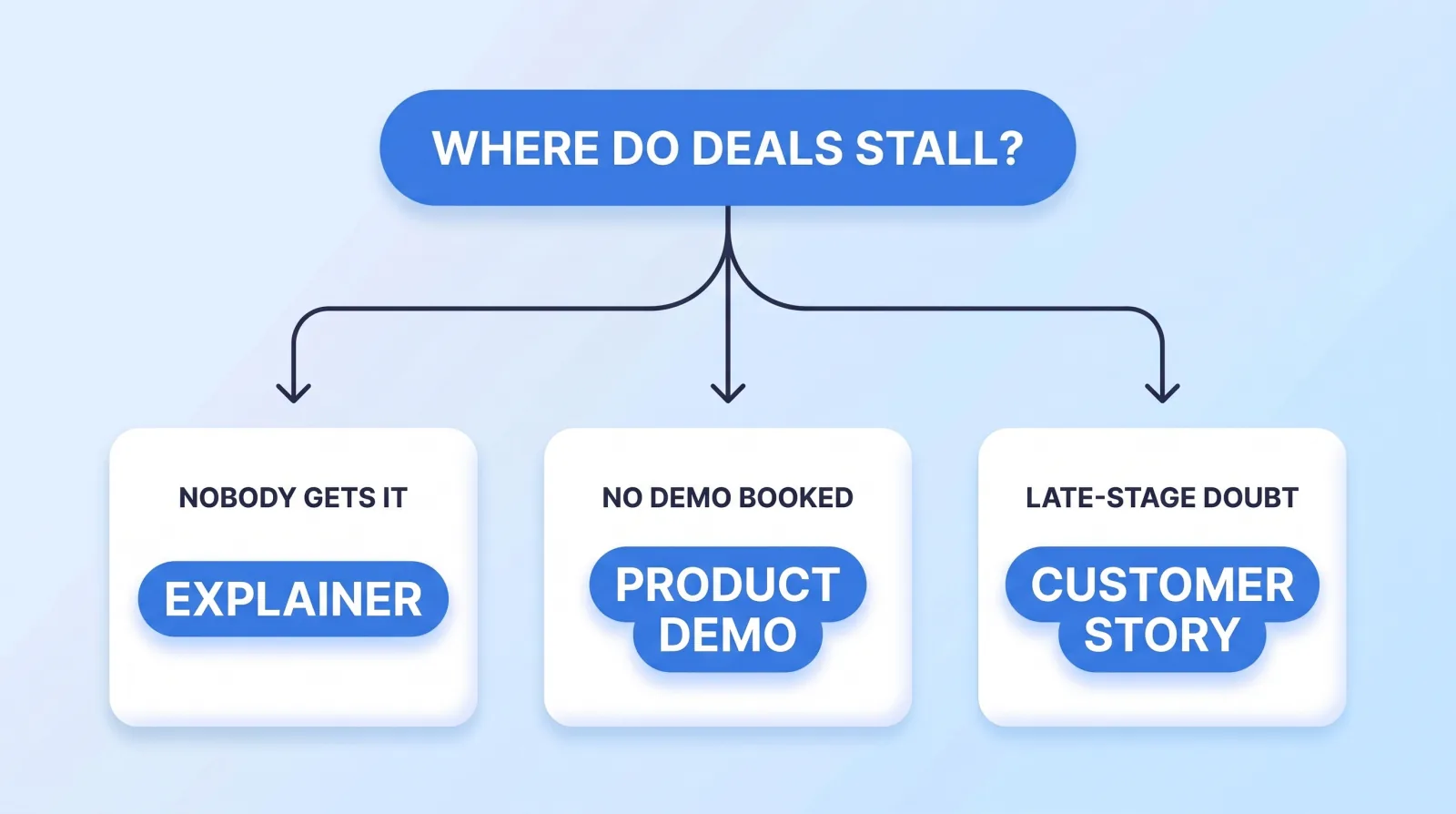
An explainer earns its budget when the category itself needs explaining: a new kind of product, an abstract one (security, data infrastructure, compliance), or one where the buyer doesn't yet know they have the problem. The signs are in your data and your sales calls:
- Homepage visitors bounce without reaching the product or pricing page.
- Prospects on first calls ask "so what does it do?" after reading the site.
- Your sales team explains the same whiteboard diagram on every call.
Buyers are already primed to watch one. Wyzowl's video marketing survey reports that 96% of people have watched an explainer video to learn more about a product or service, and 63% say a short video is how they'd most like to learn about one.
The cost is the catch. An animated explainer is built frame by frame, so it's the most expensive of the three per finished minute. Our corporate video editing cost guide shows how far apart editing supplied footage and animating from scratch are priced. If your product is easy to grasp once someone sees the screen, skip the explainer and let the demo do the job.
Make the Demo First If Visitors Understand It but Don't Act
This is where most B2B SaaS teams we work with actually leak. The homepage makes sense, traffic reaches the product page, and then nobody books a call or starts a trial. The buyer understands the pitch but can't picture using the product.
Gartner's research on the B2B buying journey found buyers spend only 17% of their buying time meeting potential suppliers. The rest goes to independent research and to debate inside their own buying group. A demo is the part of your sales call that keeps working while you're not in the room.
A good SaaS demo video follows the buyer's job, not your feature list:
- Open on the outcome. Show the finished report, the shipped campaign, the closed ticket in the first ten seconds.
- Walk one real workflow end to end, in a clean demo account with believable data.
- Zoom and call out, so a viewer on a laptop can read the interface. Motion callouts beat a cursor circling the screen.
- Cut the dead time. Loading screens, typing and menu hunting go, even if the real product is fast.
- End on the next step: start the trial or book the call, and nothing else.
Record a clean screen capture and a voiceover, and an editor can turn it into a finished demo in days rather than the weeks an animated explainer takes. Our guide to when motion graphics earn their place covers which callouts are worth paying for.
Make the Customer Story First If Deals Die Late
Some funnels fill fine and then stall in the last mile: procurement asks for references, the champion can't convince their CFO, the deal slips a quarter. The buyer believes the product works. They don't believe it works for them.
That's a trust gap, and vendor content is the weakest tool for closing it. The same TrustRadius report found 74% of buyers consulted customer reviews, 53% consulted a peer, and vendor marketing collateral ranked last for trust. A customer story is the one piece of your content where a peer does the talking. Marketers have noticed: Wistia's report shows the share of companies planning customer testimonial videos rose from 17% in 2023 to 47% in 2026.
The constraint is access, not budget. You need a customer willing to go on camera and a result they'll let you publish. If you don't have both yet, make the demo now and come back to this one. When you do have them, one interview yields the long version for your case study page and three or four 30-second cutdowns for sales emails and LinkedIn, which Wistia found 8 in 10 teams use as their main place to share video. Our testimonial video editing service cuts both from the same interview, and if your customer is in South Florida, we film on location in Palm Beach County too.
Before You Brief Any of the Three
Whichever you make first, the same five inputs decide whether it ships on time and does its job:
- Name the stall. Write down the funnel stage and the metric the video should move: bounce rate, demo bookings, trial activation or late-stage win rate.
- Pick one buyer. An explainer for a CFO and one for an engineer are different videos. Choose one.
- Lock the words first. Get the script or talking points signed off by product marketing before anything is animated or cut.
- Send the brand kit, plus a reference video you like. Across 698 first messages in our inbox, 65 (9%) asked for corporate, explainer or SaaS video, and a reference link answers most style questions before anyone quotes.
- Plan the cutdowns up front. A 16:9 master, a vertical version and a 30-second edit cost far less to plan now than to rebuild later.
We've delivered 10,000+ projects for 4,500+ clients, rated 4.9 on average, and the B2B work that ships cleanly is the work that starts with a named stall and a signed-off script.
The Bottom Line
Don't make the video your competitor has. Make the one that fixes where your deals stall: an explainer if nobody gets the product, a demo if they get it but don't act, a customer story if deals die late. When in doubt, start with the demo. It's the cheapest of the three to produce and it works hardest during the research buyers do without you.
If you're choosing who makes it, our B2B SaaS video page covers how we build explainers, demos and customer stories for software teams, and our comparison of Superside's enterprise creative subscription shows when a large retainer makes sense and when it doesn't. For the edit itself, see our corporate video editing service.