The Most Expensive Four Words on a Shoot
"Fix it in post" is the cheapest sentence to say while the camera is rolling and the most expensive one to act on afterwards. Across the 10,000+ projects our team has cut, a steady share arrive with a capture defect the client assumed the edit would quietly absorb. Most of them we can absorb. A small, entirely predictable set we cannot — and no budget, no plugin, and none of the 2026 AI restoration tools change that, because the information was never recorded in the first place.
That is the entire rule, and it is worth memorising before your next shoot: post-production redistributes information. It cannot invent it. Noise reduction moves noise around. A grade redistributes contrast. Upscaling redistributes existing edges into more pixels. Every one of those tools is working with what the sensor and the microphone actually captured. When a channel is empty, it stays empty.
The Salvage Table
Here is how we triage incoming footage, in the order we check it. "Expensive" means recoverable but billable — extra hours, extra passes, and usually a visible compromise somewhere else in the frame.
| Problem on the source | Verdict | What it actually costs |
|---|---|---|
| Wrong white balance, flat log profile | Fixable | Minutes, if you shot 10-bit |
| Room hiss, AC hum, laptop fan | Fixable | One processing pass |
| Framing slightly loose | Fixable | Free, if you shot 4K and deliver 1080p |
| Handheld shake | Expensive | Stabilisation crop of 5–15% plus rolling-shutter cleanup |
| Underexposed by 2+ stops | Expensive | Noise reduction, softened detail, grain rebuild |
| Mixed colour temperature in one frame | Expensive | Manual masking, shot by shot |
| Blown highlights | Permanent | Nothing to recover — the channel is already at maximum |
| Out-of-focus footage | Permanent | Reshoot |
| Clipped, distorted audio | Permanent | Re-record |
| No coverage, no second angle | Permanent | Reshoot |
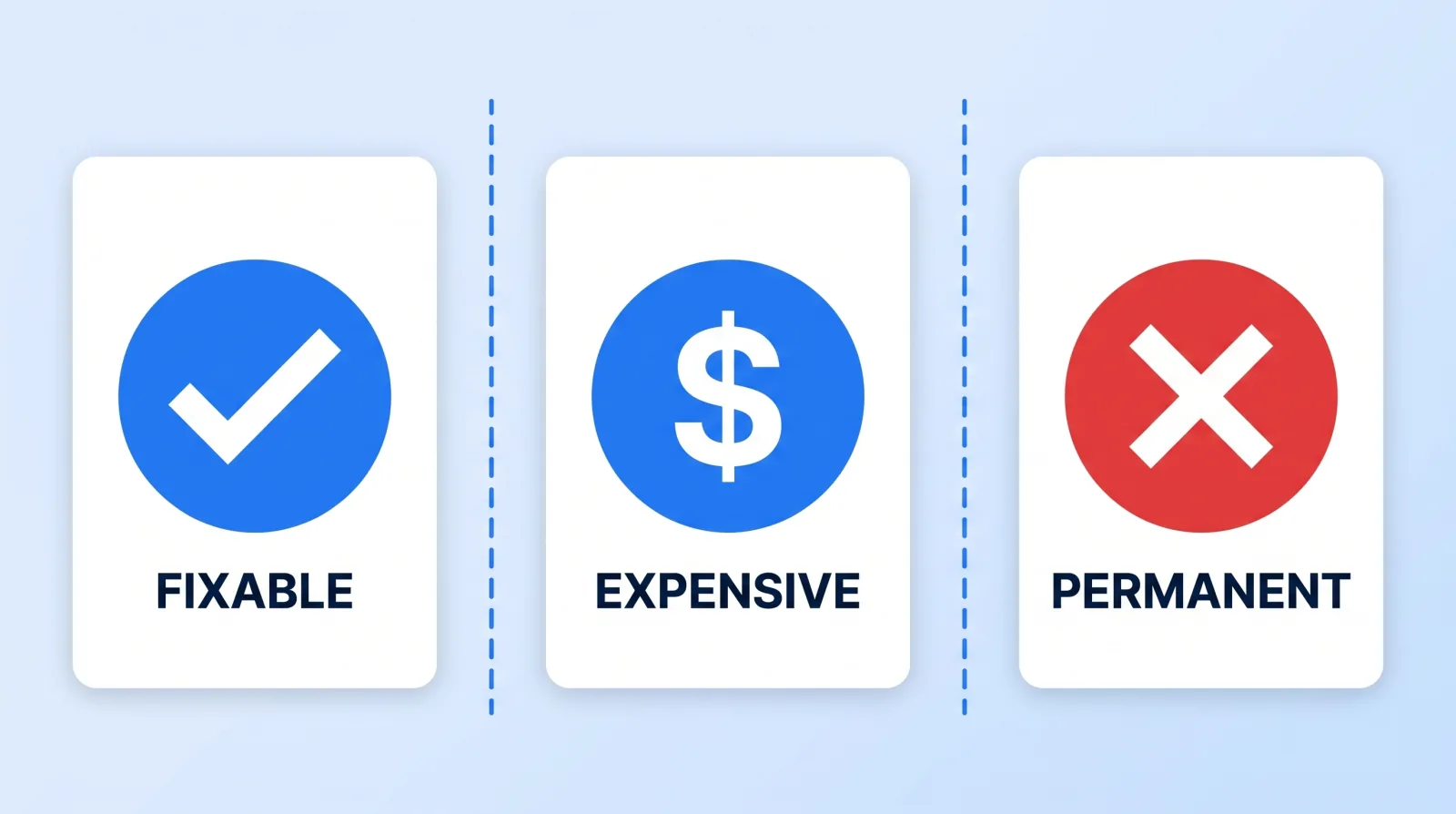
The pattern is consistent. Anything that is a distribution problem — the values exist but sit in the wrong place — is fixable. Anything that is a missing data problem is not. Over 100M+ views' worth of delivered work, we have never once made an out-of-focus shot sharp or an overdriven microphone clean. We have gotten very good at hiding both, which is a different service and a slower one.
Audio Is Where AI Genuinely Moved the Line
If you last formed an opinion about audio repair in 2022, update it. Speech-enhancement models — Adobe Premiere Pro, Descript's Studio Sound, and Voice Isolation inside DaVinci Resolve — now do in one click what used to be a specialist's afternoon. A camera-mic interview recorded in a hard-surfaced room is genuinely rescuable today.
What those models fix: broadband hiss, electrical hum, air conditioning, keyboard noise, and a meaningful amount of room reverb.
What they still cannot fix, and will not in 2027 either:
- Clipped audio. When the preamp drives past 0 dBFS, the waveform's peaks are flattened. Declipping tools interpolate a guess at the missing shape; they do not restore it. On sustained speech, that guess sounds like a robot.
- Two people on one microphone talking simultaneously. Separation models improve every year and still leave artefacts on overlapping speech.
- A voice that was never in the recording. Directional mic pointed the wrong way, wireless dropout, dead battery. There is nothing to enhance.
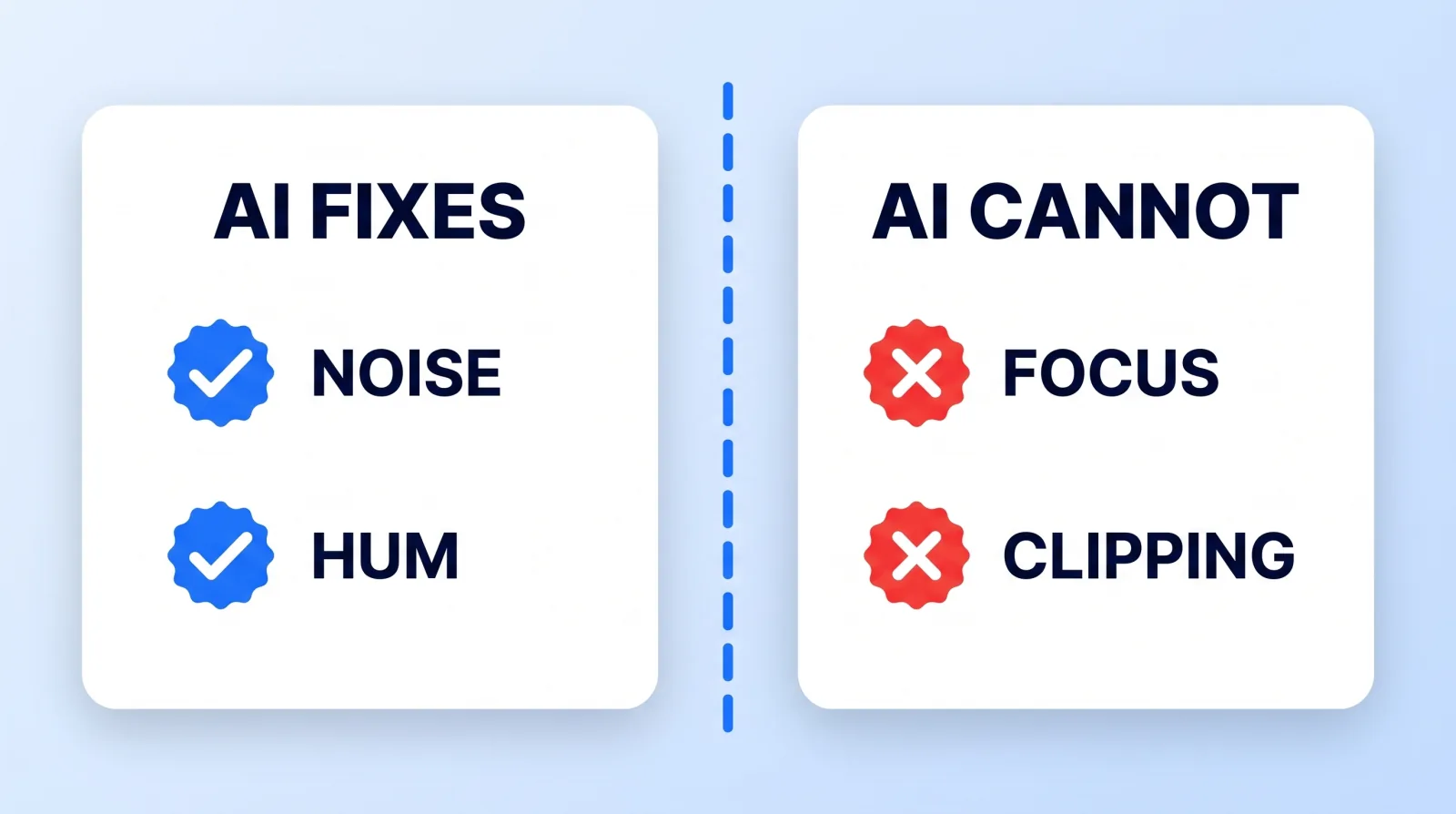
Set your levels to peak around −12 dBFS and this entire category of problem disappears. We go deeper on capture chains and mixing in our sound design and music selection guide.
Picture: The Upscaling Myth
Topaz Video AI and its competitors are excellent tools that are widely misunderstood. Upscaling a 1080p clip to 4K produces a plausible, sharper-looking image by generating detail that was never in the source. That is fine for archival footage and legitimately useful for old material. It is not a substitute for shooting at delivery resolution, and it does not un-blur anything, because focus error destroys the edge information the model would need to reason from.
Three picture rules we hold every client to:
- Shoot at least one resolution above delivery. 4K acquisition for a 1080p deliverable buys you reframing, stabilisation crop, and punch-ins for free. YouTube's recommended upload encoding settings reward the extra data on the way out, too.
- Protect the highlights, not the shadows. A blown highlight is at the sensor's ceiling and has no data left. Underexposure, in 10-bit log, is usually recoverable. When in doubt, expose for the sky.
- Shoot 10-bit if the camera offers it. It is the single biggest difference between a grade that holds up and one that bands. Our colour grading guide covers what that buys you shot by shot.
The 60-Second Pre-Roll Gate
Nearly every permanent defect we see would have been caught by one minute of checking before the take. Run this every single time you press record — not once at the start of the day.
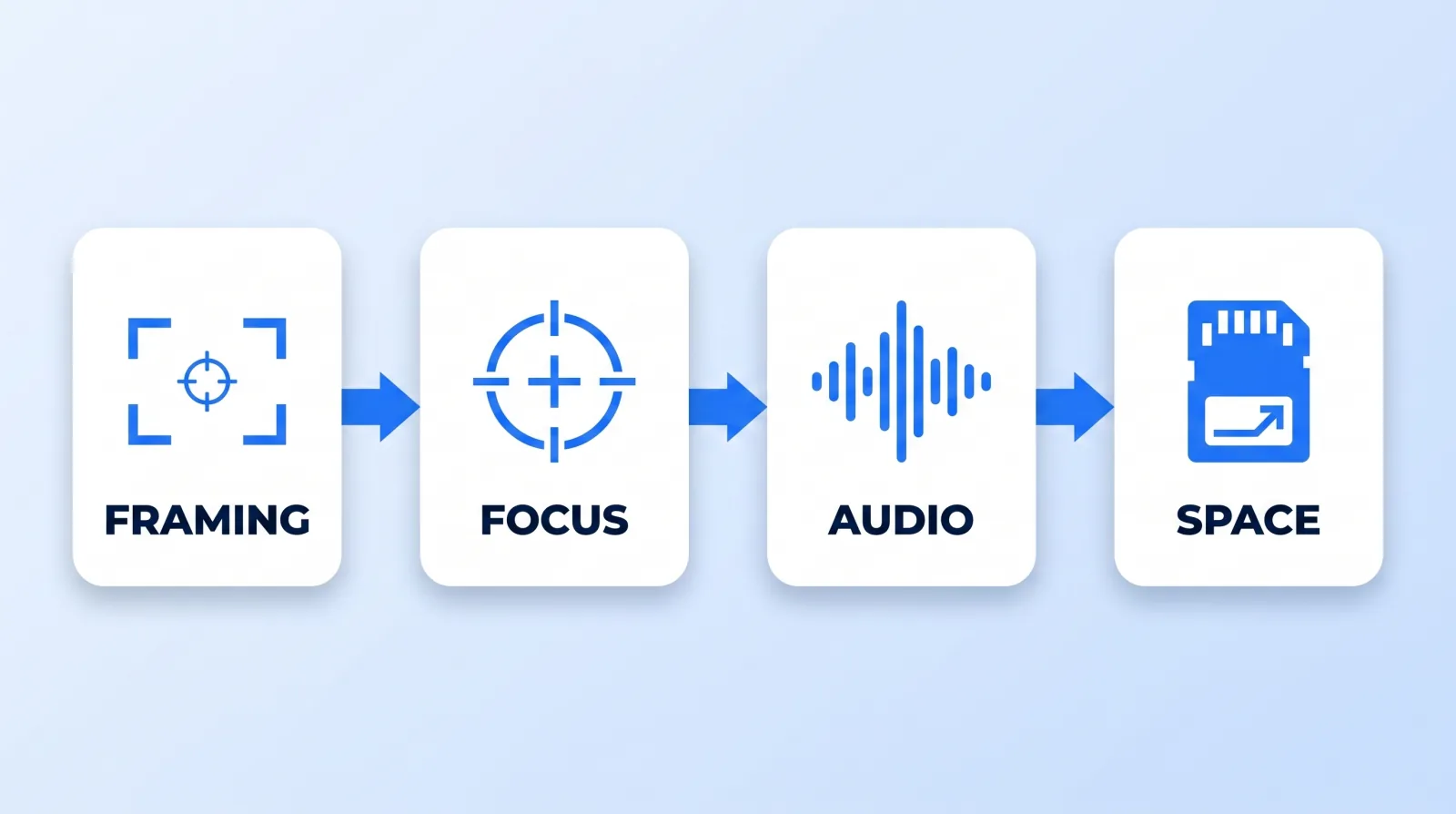
- ✅ Framing — headroom correct, and nothing important sitting where captions will land
- ✅ Focus — punch in on the eyes at 100% and confirm, don't trust the small screen
- ✅ Audio — say a full sentence at performance volume and watch the meters peak near −12 dBFS
- ✅ Space — card space and battery confirmed for the full take, plus a margin
- ✅ Frame rate — set for the intended use now; you cannot create 120fps slow motion from a 30fps clip
- ✅ Backup — dual-card recording on, or a phone recording audio as a safety
That last one matters more than the other five combined. A second audio source costs nothing and has saved more of our client projects than any plugin. Where that file goes afterwards is covered in our video file management system.
What to Do When the Footage Is Already Broken
Assume you are reading this after the shoot. Your options, in order:
- Reframe around it. A soft wide can become a cutaway; a clipped word can be cut on the b-roll.
- Replace, don't repair. Bad on-camera audio plus a clean phone recording of the same take is a better result than any enhancement.
- Cover it. B-roll, a graphic, or a cut to another angle beats a heroic restoration nobody notices anyway.
- Rewrite around the gap. If a section is unusable, a voiceover line often bridges it more cleanly than a damaged clip.
- Reshoot the one shot. Usually cheaper than the six billable hours of salvage, and always better looking.
Tell your editor which of these you want before they start. Our editor brief handoff has the exact structure for flagging known problem clips so nobody spends an afternoon on a shot you were happy to cut.
The Bottom Line
Post-production can move information around; it cannot create information that was never captured. Focus, clipped audio, blown highlights, and missing coverage are permanent — everything else is a question of how many billable hours you want to spend and what you are willing to compromise to get it.
Sixty seconds of checking before each take is the highest-return minute in video production. Nothing our team does in the edit bay comes close to it.