

The Short Answer: How to Hire a Web Designer
To hire a web designer, write down what the site has to do, shortlist three designers who have built that kind of site, and test their live work on a phone rather than in screenshots. Pay your favourite for a short discovery phase before the full build, and get it in writing that the domain, hosting, code and accounts are yours.
A website came up in 39 of the 698 first messages from buyers that we analysed. What a site costs by type and route is in our separate guides to small business website cost, landing page cost, e-commerce website cost and website redesign cost. This guide covers choosing the person and setting up the project so you stay in control of your site.
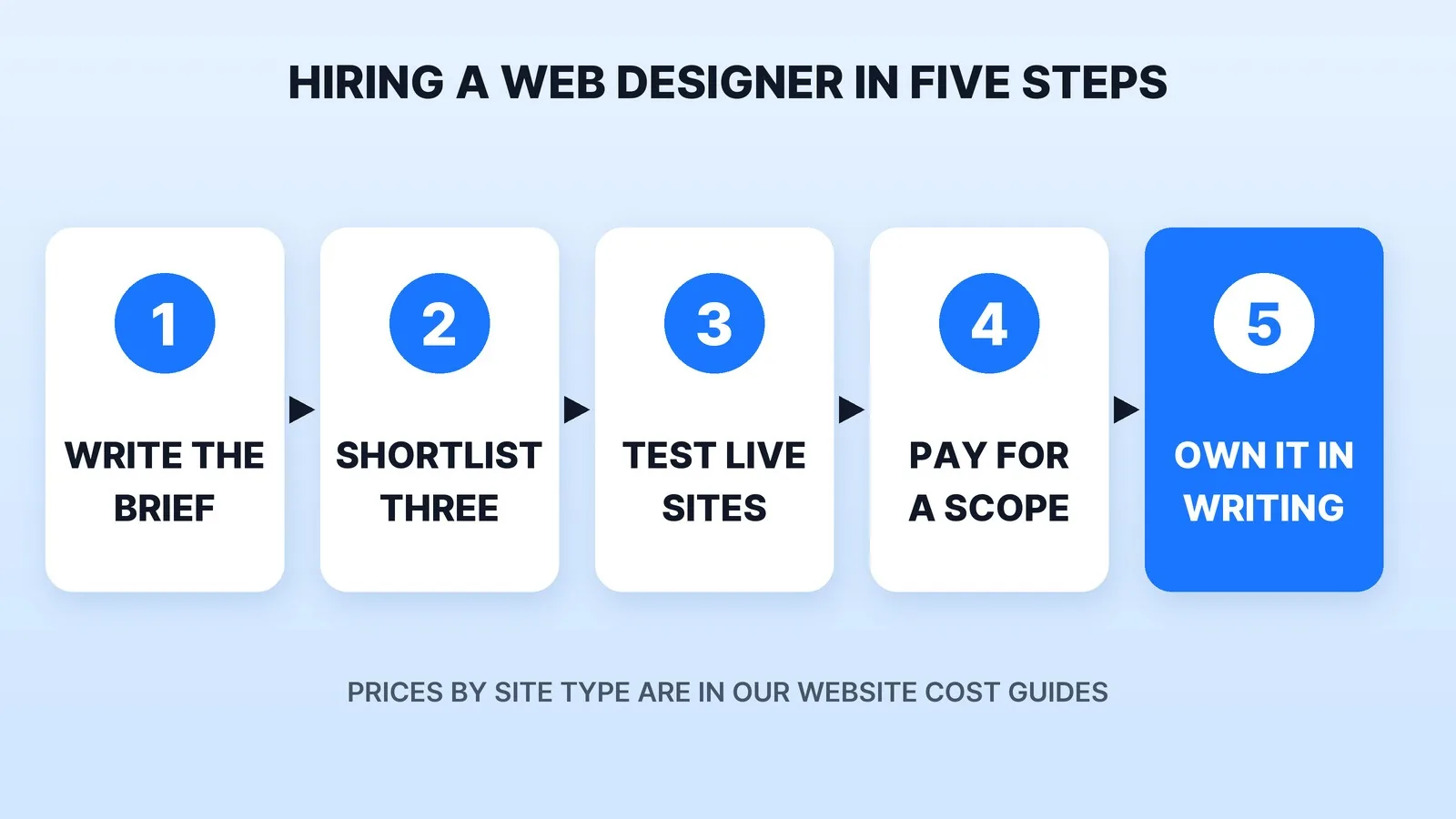
Step 1: Write Down What the Site Has to Do
"Web designer" covers people who make mockups only, people who build on Squarespace, Wix or Shopify, and developers who write custom code. Before you message anyone, answer four questions in one page:
- What is the site's one job? Book calls, sell products, collect leads, or show a portfolio.
- How many pages, and who writes them? Waiting on copy is an easy way to delay a launch.
- What does it connect to? A booking tool, a store, an email list, a CRM, a video library.
- Who edits it after launch? If you will, the platform has to be one you can use. If you'll pay for changes, ask about a care plan before you sign.
Those answers tell you which kind of designer to look for. A five-page lead site and a store with 300 products are different hires.
Step 2: Shortlist Three Who Have Built Your Kind of Site
There are four good places to look:
| Where to look | What you see before you message | What to check |
|---|---|---|
| A marketplace (Fiverr, Upwork) | Reviews, delivery times, starting rates | Whether past buyers ordered your kind of site, not just a template install |
| A platform's own expert directory | Designers who specialise in one builder | That you want to stay on that platform for years |
| A site you admire in your industry | Real work in daily use | Who built it: check the footer or ask the owner |
| An agency | A team, a process and case studies | Who actually builds yours, and who answers after launch |
Our freelance marketplaces comparison lays out the trade-offs between a marketplace seller and a managed service. If you sell online, our e-commerce video page shows how product video fits into a store build.
Step 3: Test Their Live Sites, Not the Screenshots
A portfolio page shows a site at its best on a large monitor. Your customers will mostly see it on a phone. Open three sites each candidate built, on your own phone, and check three things:
- Speed. Run each one through PageSpeed Insights. Google's Core Web Vitals set the targets: the main content should load within 2.5 seconds, the page should respond to a tap within 200 milliseconds, and layout shift should stay at 0.1 or less, measured at the 75th percentile of visits.
- Accessibility. The Department of Justice's ADA web guidance says the ADA applies to businesses open to the public, and points to the Web Content Accessibility Guidelines as helpful technical guidance. WCAG 2.2 is the current W3C Recommendation. Ask each candidate which WCAG level they build to and how they test it. Tab through a page with the keyboard: if you can't see where you are, neither can a screen-reader user.
- Whether it still works. Fill in a contact form, try the checkout, click the menu. A designer whose old sites have broken forms will build you one too.
Step 4: Pay for Discovery Before the Full Build
Instead of a free mockup, pay your top choice for a short discovery phase: a sitemap, wireframes of the two most important pages and a written scope. It's a small, fixed piece of work, and it shows you how the designer thinks before you commit the full budget. If the fit is wrong, you keep the sitemap and wireframes and take them to the next person.
Pay the rest in milestones tied to things you can see: approved designs, a working staging site, launch. Our guide on how to pay a freelancer covers deposits and escrow, and the same terms work for a web designer.
Step 5: Put Ownership in Writing
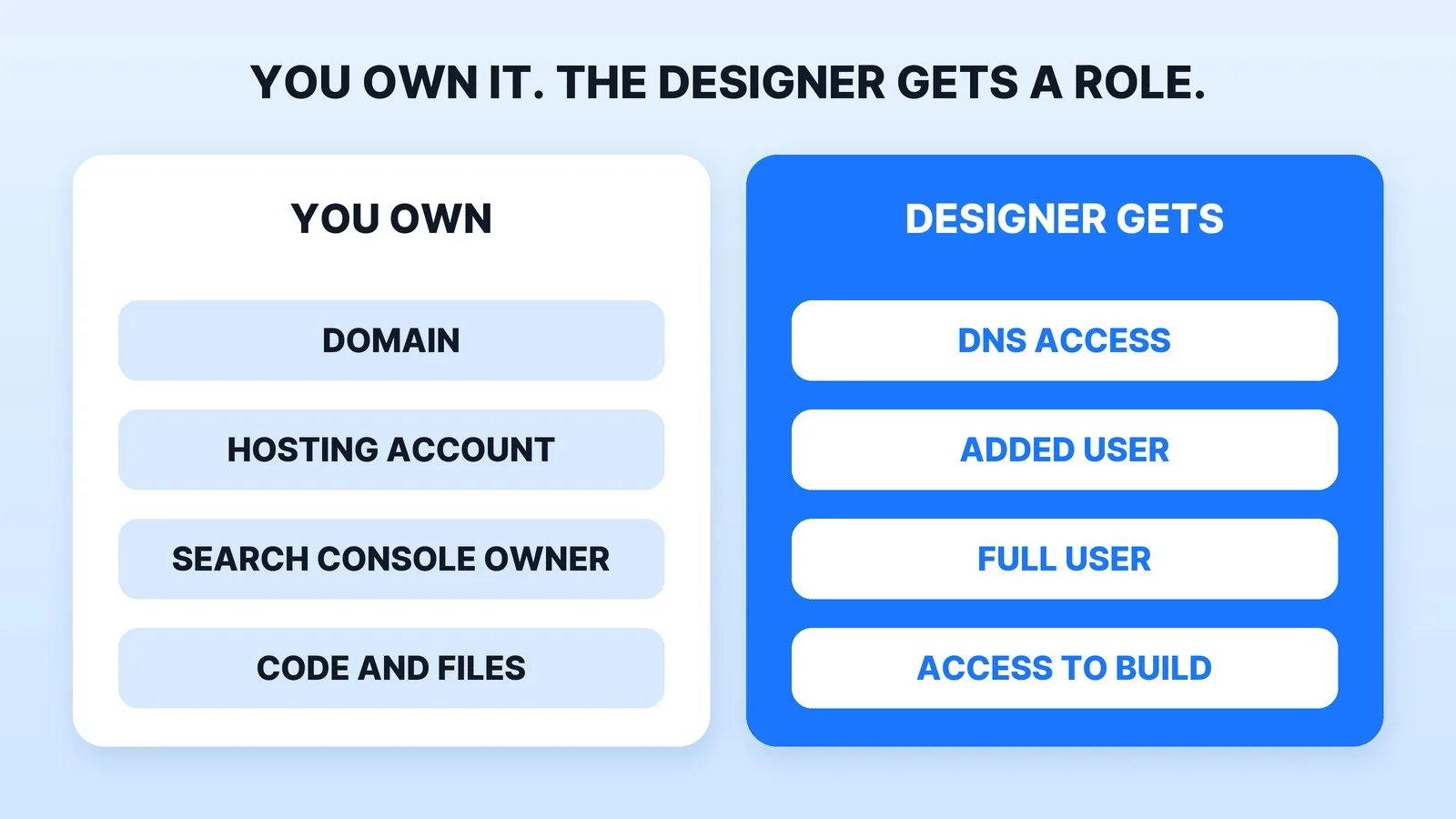
The worst way to lose a website is to a designer who registered the domain or the hosting in their own name and then went quiet. Before the build starts, agree in writing:
- The domain is registered to you. ICANN's registrants' rights and responsibilities put "sole responsibility for the registration and use" of a domain on the registrant, and require accurate contact details. That registrant should be you or your company, in your own registrar account.
- Hosting and platform accounts are in your name, paid with your card, with the designer added as a user.
- Search Console stays yours. Google's Search Console permissions separate owners, who have full control and can add and remove users, from full and restricted users. Stay the verified owner, and add your designer as a full user.
- You get the code and files at the end: the theme or source code, design files, fonts and image licences, and every login.
- Copyright is transferred to you. Under the U.S. Copyright Office's work-made-for-hire rules, a freelancer's commissioned work only counts as made for hire in nine listed categories, and only with a written agreement signed by both sides. A website may not clearly fit, so ask for a written assignment of copyright on final payment. For a large contract, have a lawyer read it.
- What happens after launch: who fixes bugs, for how long, and what a care plan covers.
Where Mark Studios Fits
Mark Studios builds websites and web apps in custom code, with wireframes and high-fidelity pages signed off before any code is written. On final payment you own the site, the code and all accounts, and hosting and the domain are set up in your name or on your existing stack. If video is central to your site, our guide to an SEO-driven video website shows how the pages and the videos work together. Mark Studios has completed 8,000+ orders with 4,500+ reviews, 99% on time, and is Top Rated on Fiverr with a 4.9★ rating. Whoever you hire, judge them on their live sites and a paid discovery phase.
The Bottom Line
Write down what the site has to do, shortlist three designers who have built that kind of site, and test their live work on your phone for speed, accessibility and broken forms. Pay for discovery before the full build, and get the domain, hosting, Search Console, code and copyright in your name before launch.


