

Nobody Clicks Away Saying "The Dialogue Floor Is Inconsistent"
Viewers decide whether to stay in the opening seconds, long before anyone has evaluated your argument. That decision is often not about the idea. It is a perception judgement made on production signals, and the viewer making it cannot articulate a single one of them. They say "this feels off" and leave.
We see the receipts on this constantly. A brief we get often isn't "make it better" — it is some version of "mine looks homemade and I don't know why." The footage is usually fine. The camera is usually fine. What is wrong is almost always a short, repeatable list of post-production tells, and the useful part is that they sort cleanly into two piles: the ones you can fix this afternoon with no new skills, and the ones that are taste and take years.
This post is the diagnostic, not the craft lesson. If you want to go deep on any single discipline, we have written the long version of each — pacing and rhythm, colour grading, the voice chain. What follows is how to work out which one is actually costing you.
Amateur Is Not One Thing — It Is Four Layers Failing Quietly
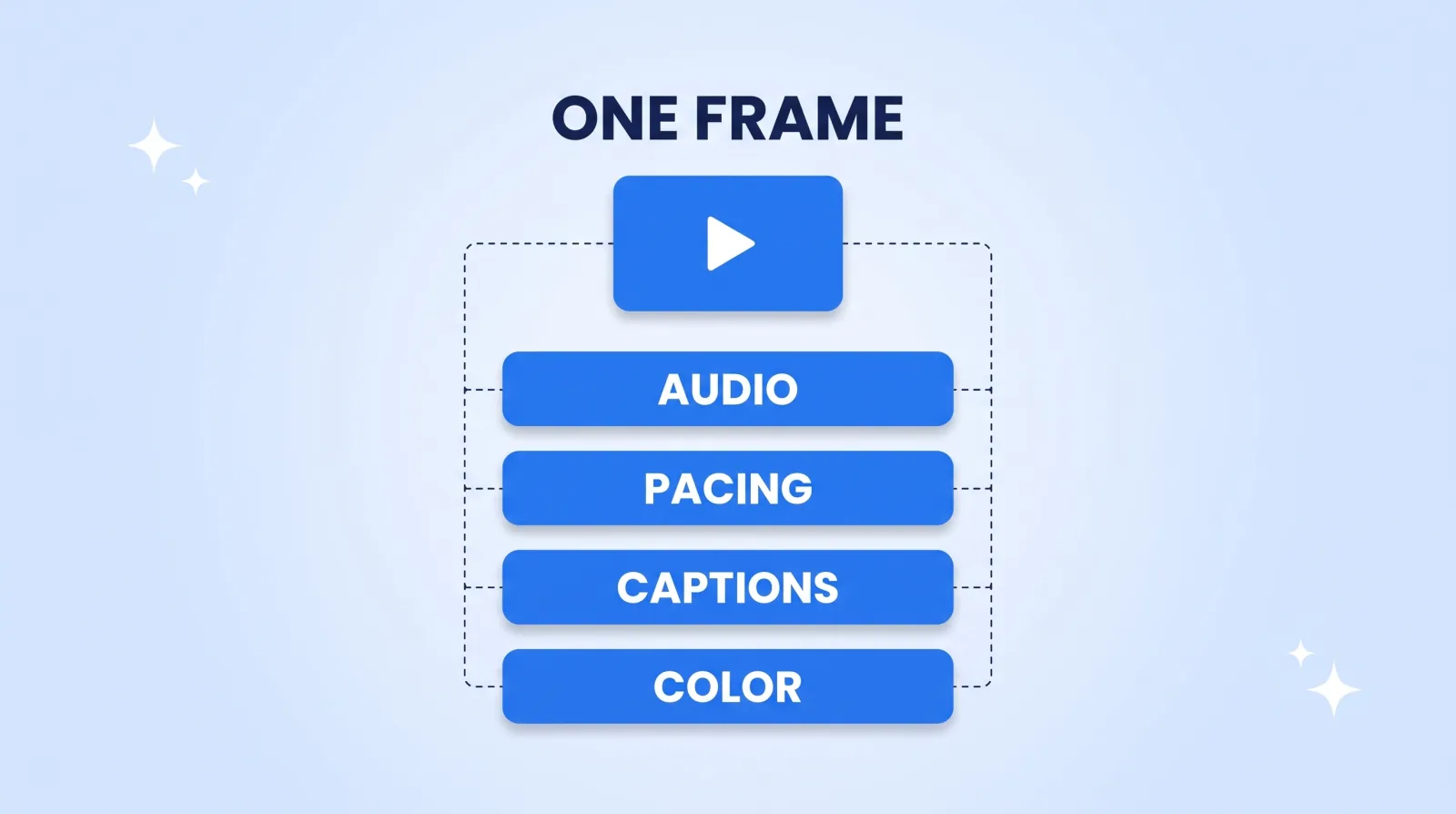
A viewer receives your video as a single impression. It is produced by four independent layers, any one of which can drag the whole thing down while the other three are excellent. That is precisely why self-diagnosis fails — you are trying to name a composite.
Here is the list to work through, in the order the tells tend to cost you viewers:
| The tell | What the viewer experiences | The real cause |
|---|---|---|
| Level jumps between cuts | Reaching for the volume slider | No loudness pass after the cut |
| Room tone appearing and vanishing | "Something is wrong with my speakers" | Cutting on silence instead of under it |
| Dead air before and after lines | Slow, low energy, skippable | Untrimmed handles on every clip |
| Captions a beat behind the voice | Faint irritation, no named cause | Auto-captions shipped uncorrected |
| Shots that don't match each other | The video looks cheap, not the shot | Balancing before grading, or not at all |
| Every transition is a different transition | Amateur in a way people can name | Effects used as decoration |
| Graphics that arrive late and leave late | Cluttered, busy, hard to follow | No timing convention |
Six of those seven are mechanical. Only one — transitions as decoration — is a taste problem, and even that has a rule that fixes it (pick two, use them consistently, never a third).
Audio Is Almost Always the First Tell
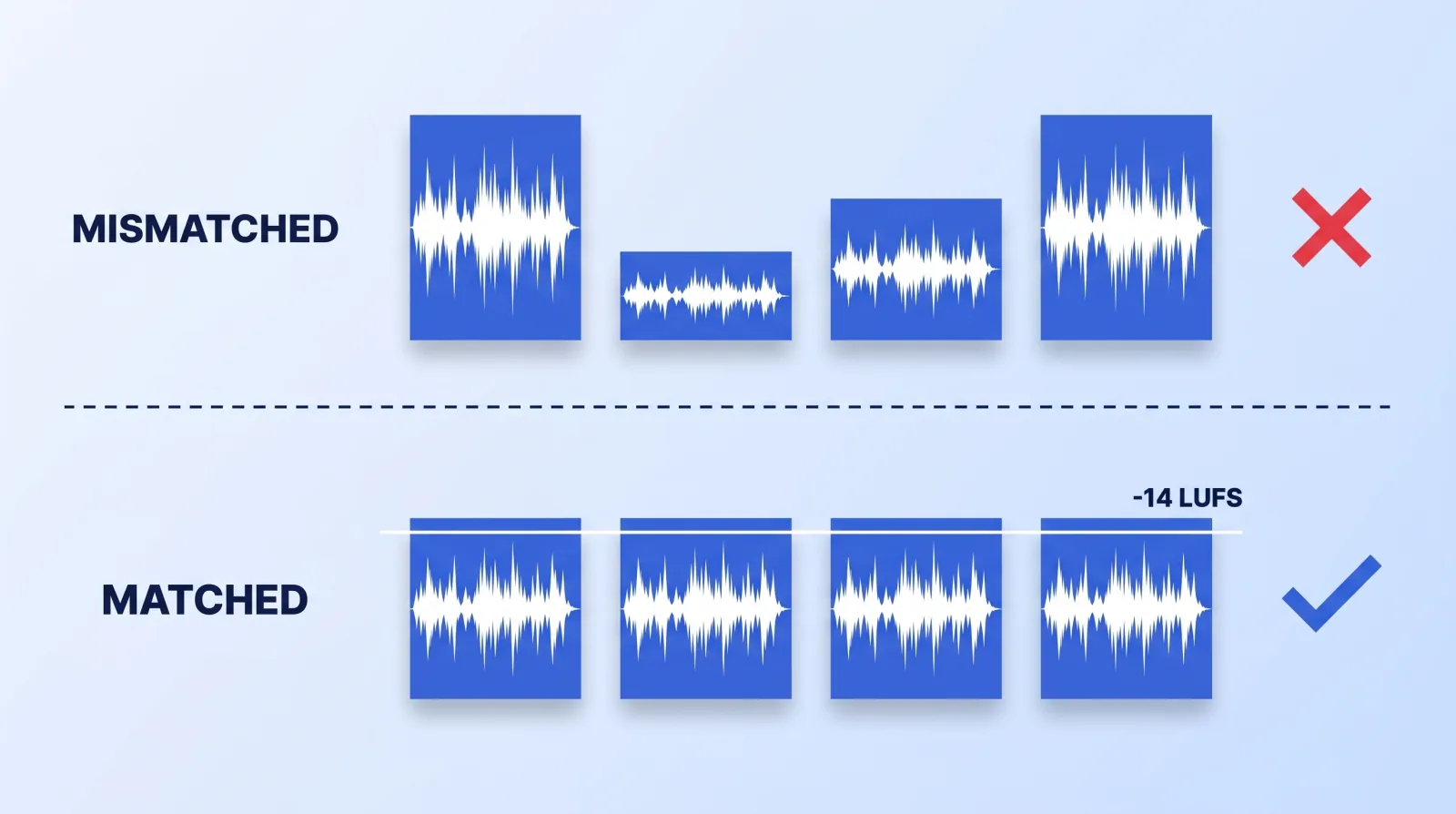
If you only fix one thing, fix this one. Bad audio does not register as bad audio; it registers as low production value generally, and it makes people leave a video whose picture they were perfectly happy with.
Three specific failures account for most of it:
Levels that jump between clips. You recorded across two sessions, or moved the mic, or one take was louder. Cut together, the viewer rides the volume control. The fix is a loudness normalisation pass across the whole dialogue track after the cut is locked — target around −14 LUFS for YouTube. YouTube doesn't publish a loudness spec, but that is about where loud uploads are commonly measured being turned down to. Every major NLE has this built in; it is a menu item, not a skill.
Room tone that starts and stops. Every room has a noise floor. Cut a clip out cleanly and the floor disappears with it, which the ear reads as a hole. Lay a continuous strip of room tone under the whole dialogue track and the cuts stop announcing themselves. If the floor itself is bad — hum, air conditioning, a fridge — iZotope RX will remove it, and doing so is usually a quick job.
Music mixed at the level you enjoy it. You have heard the dialogue forty times and you stop hearing the music fighting it. Your viewer has heard it once. Duck the bed 12–18 dB under speech, and if your music library (such as Epidemic Sound) offers an instrumental or stems version of the track, use that rather than the full mix under a voice. The wider sound-design argument is in the 50% of video nobody talks about.
The Picture Tells Are Mostly Matching, Not Grading
A common visual tell is not a missing cinematic look. It is that shot A and shot B do not match each other — different white balance, different exposure, sometimes a different colour temperature because a cloud moved. A viewer cannot name white balance drift, but they absolutely register that the video looks unstable.
Balance the shots to each other first, then apply one look across everything. Doing it in the other order — a LUT dropped on mismatched clips — amplifies the mismatch, which is why so many "graded" videos look worse than ungraded ones. DaVinci Resolve's color page has a "Shot Match to This Clip" command for exactly this.
The second picture tell is softness that arrives at upload. If your timeline looks sharp and YouTube's version does not, the problem is your export, not your camera. YouTube publishes recommended upload encoding settings, and the gap between them and a default export preset is visible on any frame with motion. We broke that down fully in why your upload looks softer than your timeline.
The Pre-Upload Audit: Seven Checks, Twenty Minutes
Run this on your next video before you publish. It takes about twenty minutes and you can do all of it alone.
- Watch it muted. Everything you notice is a picture problem, and you will notice far more than you do with sound on. Look specifically for shots that don't match their neighbours.
- Listen to it with your eyes closed, on phone speakers. Not headphones — phone speakers, which is how plenty of your audience will hear it. Any moment you reach for the volume is a level fault to log.
- Scrub the first 30 seconds frame by frame. This is where viewers decide whether to stay, so it is where dead air is most expensive.
- Run a loudness pass to −14 LUFS across the dialogue track, then spot-check the three quietest lines.
- Read every caption. YouTube generates captions automatically, which means your job is proofreading proper nouns, product names and numbers — the things auto-captioning tends to get wrong, and the things a viewer will notice.
- Count your transition types. More than two across one video is decoration. Delete the third.
- Export, then watch the export. Not the timeline preview. Compression artefacts and caption clipping only appear in the file.
The Three That Are Taste, Not Technique
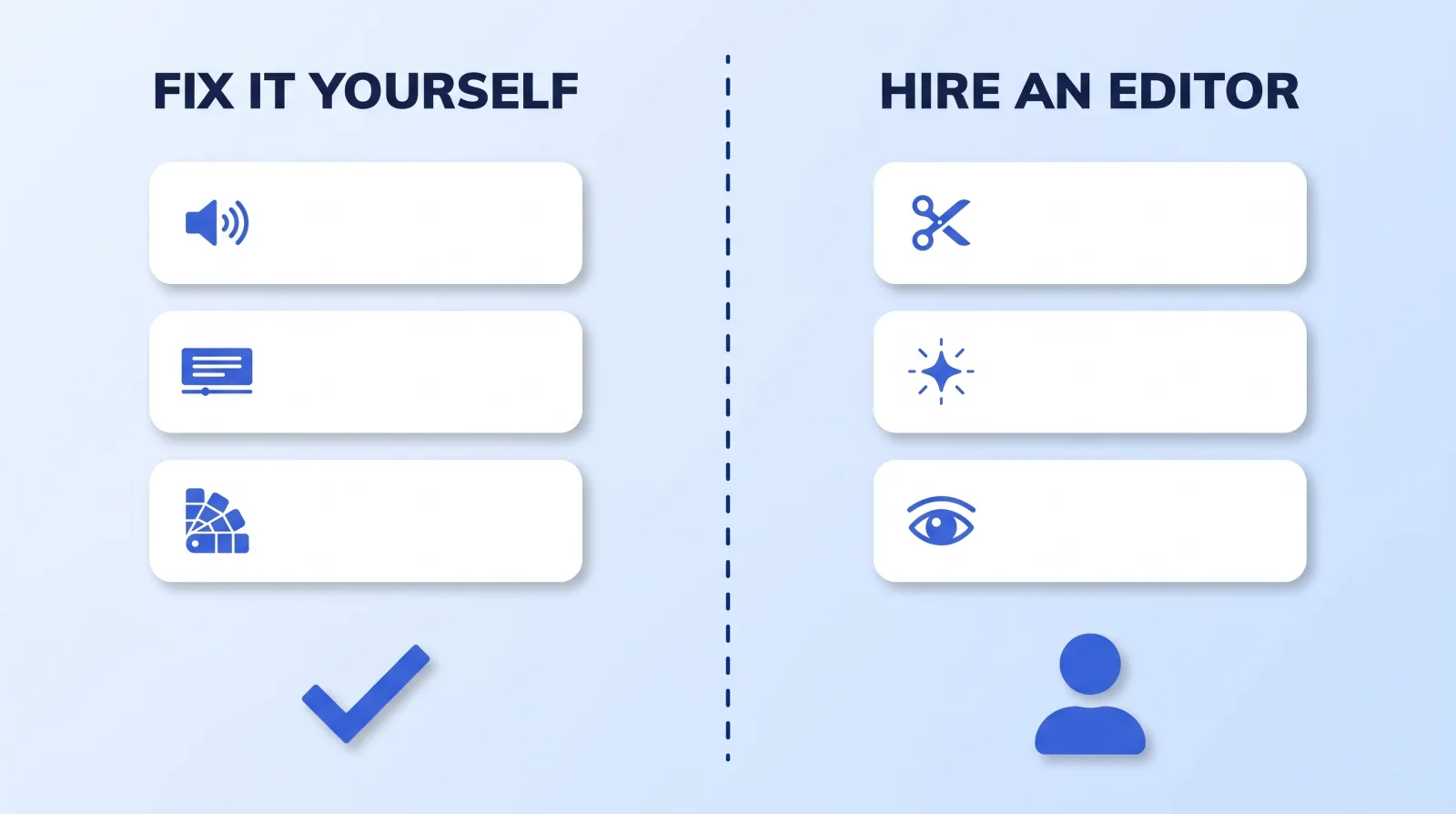
Everything above is mechanical — a checklist closes it. Three things are not, and no amount of tutorial-watching closes them quickly:
- Structural pacing. Not cutting dead air, which is mechanical, but knowing which good material to cut because the video is stronger without it. This is a judgement call every few seconds across an hour of footage, and it is the single hardest thing to teach.
- Knowing when a graphic earns its place. The instinct to animate something is easy; the instinct to leave it off is the expensive one. We wrote the rule set in when animation helps retention and when it's just noise.
- Restraint generally. The most reliable amateur signature is more — more effects, more zooms, more sound effects, more text. Senior editors subtract.
If you have run the seven-point audit twice, fixed everything it surfaced, and the video still reads as slightly off, you have exhausted the mechanical pile. What is left is taste, and taste is the thing you hire rather than learn on a deadline. That is a different decision with its own arithmetic — the hours side is in the real hours behind a 10-minute video, and the honest comparison of what a marketplace freelancer actually delivers against a managed studio is on our freelance marketplaces comparison. It lands hardest for coaches, whose whole offer is perceived credibility and who pay for a production tell twice — once in retention, once in trust.
The Bottom Line
"Amateur" is not a quality of your footage; it is four production layers failing quietly, and six of the seven most common tells are mechanical faults with menu-item fixes. Run the seven-point audit before your next upload — watch it muted, listen on phone speakers, read every caption — and fix what it surfaces. Whatever is still wrong after two clean passes is taste, and that is a hiring decision, not a tutorial.


