

Ask Anyone How Long Their Edit Takes and They Will Quote You Timeline Time
The US Bureau of Labor Statistics puts the median wage for film and video editors north of $60,000 a year — a little over $30 an hour. That is the number people assume they are saving when they edit their own videos. They are not, for two reasons: they are comparing against their own hourly value rather than an editor's, and they are using the wrong number of hours.
Across 8,000+ delivered editing projects sitting behind 100M+ views, Mark Studios logs time per stage, per video. A polished 10-minute talking-head upload, cut from 45 to 75 minutes of raw footage, lands between 6 and 11 hands-on hours. Ask the person who shot it to estimate the same job and the answer is almost always "two, maybe three." The gap is not skill and it is not software. It is that the estimate only counts the part where you are scrubbing a timeline, and the timeline is less than half the job.
This is not a question about delivery speed — that is turnaround, and it is measured in calendar days. This is about person-hours at your own keyboard, and the point at which spending them stops making financial sense.
Where the 7.5 Hours Actually Go
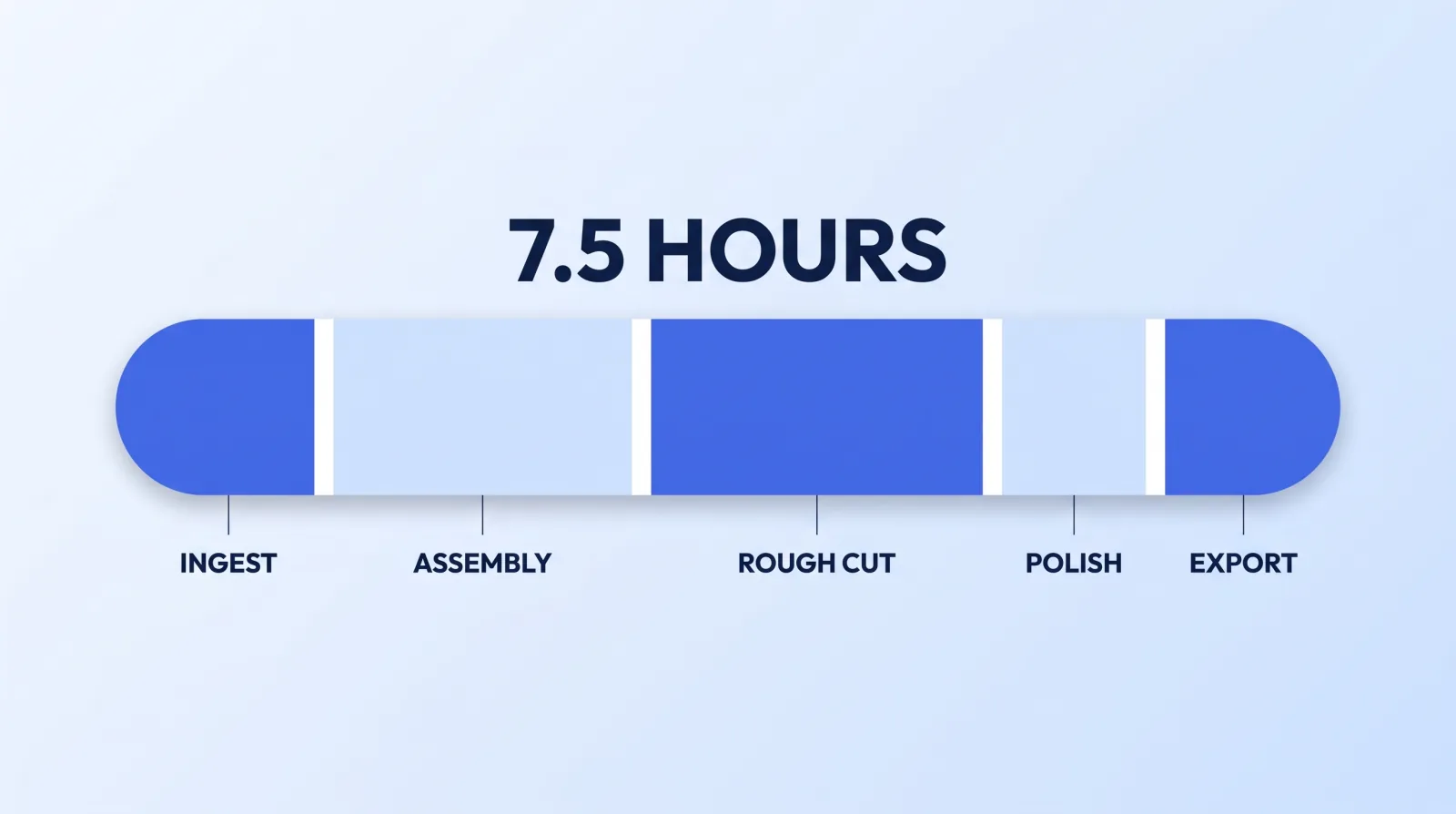
Here is the stage-by-stage breakdown Mark Studios logs for a standard 10-minute talking-head video with b-roll, captions and graphics, cut from roughly an hour of raw footage:
| Stage | What actually happens | Hands-on time |
|---|---|---|
| Ingest & back up | Copy cards, verify, rename, second copy, build proxies | 0:20 – 0:45 |
| Sync & assembly | Sync audio, cull takes, string out in script order | 1:00 – 1:45 |
| Rough cut | Cut dead air, tighten, remove the retakes and the throat-clears | 1:30 – 2:30 |
| Polish | B-roll, lower thirds, motion graphics, on-screen text | 1:00 – 2:00 |
| Captions | Generate, then correct every proper noun and product name | 0:30 – 1:00 |
| Audio | Levels, noise floor, music bed, loudness pass | 0:30 – 0:45 |
| Colour | Balance shots to each other, then grade | 0:20 – 0:45 |
| Export & QC | Export, watch end to end, fix, re-export | 0:30 – 1:00 |
| Thumbnail & metadata | Two or three thumbnail options, title, description, chapters | 0:30 – 1:00 |
| Total | 6:10 – 11:30 |
Call the median 7.5 hours — about 45 minutes of work per finished minute of video. The two rows almost nobody includes in their own estimate are the first and the second-to-last. Ingest feels like waiting rather than working, so it does not register. And the QC watch-through is invisible by design: a 10-minute video costs 10 minutes to review, you will do it two or three times, and every pass generates a fix that costs another export.
The rough cut row is the one that surprises experienced editors least and creators most. Removing dead air from an unscripted 60-minute take is not a mechanical operation — it is a judgement call every four seconds, several thousand times.
The Hours That Never Appear in the Estimate
Three costs sit outside the table entirely, and they are the reason a logged 7.5 hours often consumes a whole week.
The re-open tax. Almost nobody edits a video in one sitting. Split across five evenings, each session starts with re-finding your place, re-watching the last two minutes, and re-deciding something you already decided. A studio editor working the job in two blocks does not pay that toll; you do, five times.
The decision tax. When you edit your own footage you are simultaneously the client and the editor. There is no one to defer a subjective call to, so every music choice, every b-roll swap and every "is this funny" question goes unresolved until you personally resolve it. That is genuine cognitive work, and it is the part that leaves you tired rather than the cutting.
The learning tax. DaVinci Resolve has a free tier that is genuinely production-grade, and Adobe publishes a complete Premiere Pro user guide. The tools cost nothing to start; fluency in them does not. Every technique you have not done before arrives with a tutorial attached, and that hour belongs in the video's cost even though it never touches the timeline.
The Break-Even Is a Number, Not a Feeling
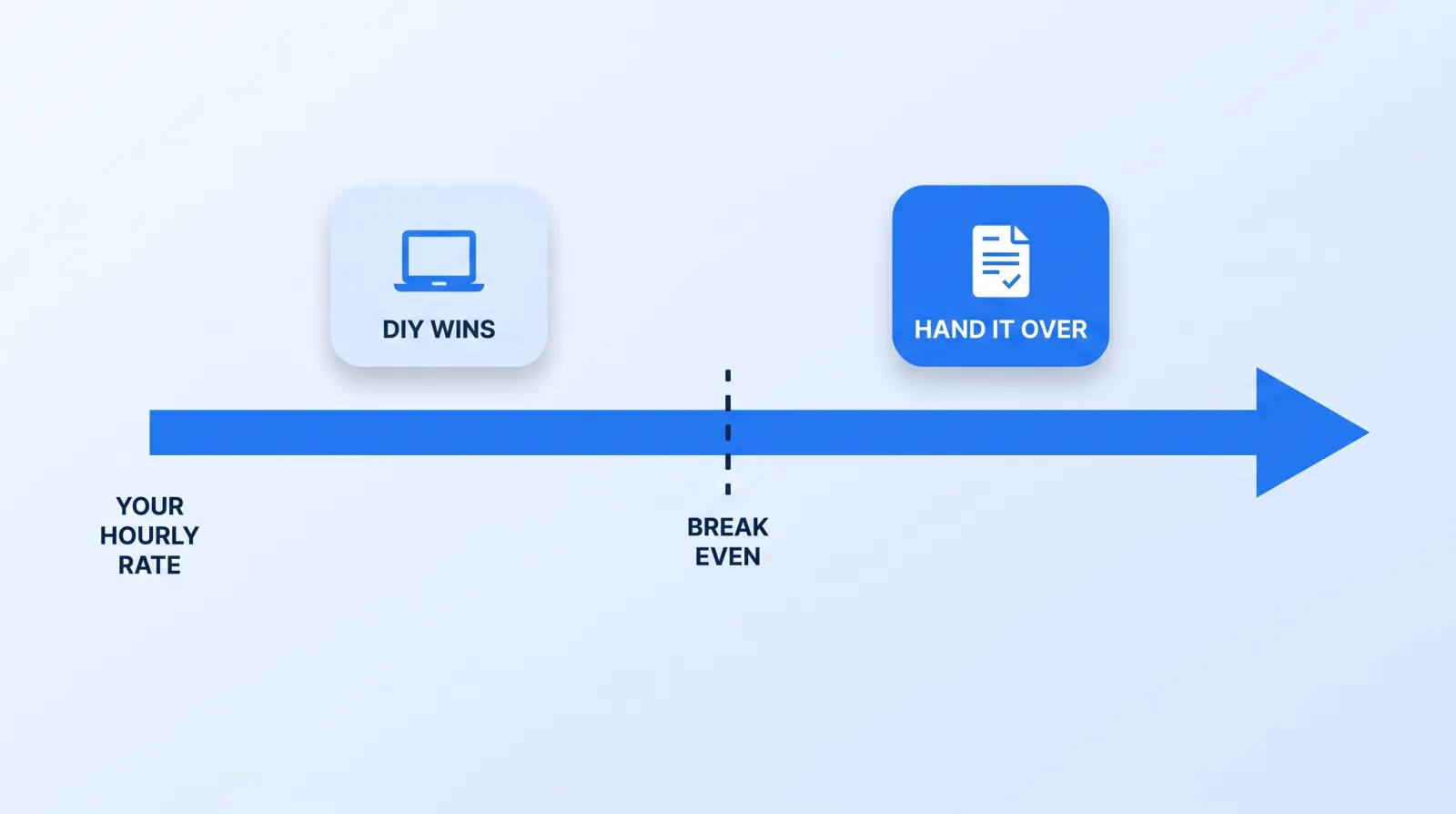
The comparison is arithmetic, not preference:
DIY cost per video  = (hours × what your hour is worth)
                    + (monthly tool spend ÷ videos published per month)

Bought cost per video = the quote
Hold hours at 7.5 and the answer falls out of a single variable:
| What your hour is worth | 7.5 hours costs you | Against a typical $150–$600 edit |
|---|---|---|
| $15 | $113 | Keep editing — you are cheaper than the market |
| $30 | $225 | Toss-up; volume and deadline pressure decide it |
| $50 | $375 | Buying wins at most price points |
| $100 | $750 | Buying wins outright |
| $250+ | $1,875 | Not close |
The variable everyone fudges is the first column. It is not your aspirational rate and it is not your salary divided by 2,080. It is the marginal value of the next hour — what would actually have happened in it. If your calendar is empty and no work was displaced, the honest number is genuinely low, and editing your own video is a rational use of a Tuesday. If you turned down a sales call to cut b-roll, the number is your full rate and the math is not ambiguous. That is why the calculation flips hardest for founders, whose displaced hour has a price the market has already set.
Tool spend is the smaller term but it is not zero. A free NLE plus a licensed music subscription, stock, and a review platform like Frame.io is a recurring line item that divides across however many videos you actually ship — which, at two a month, is a larger per-video number than people expect. The full fixed-cost picture sits in channel unit economics, and the market rate you are comparing against is in what video editing actually costs.
For a first estimate on other formats, our free video editing time calculator applies published editing ratios to your format, finished length and monthly volume, then prices the hours at your rate.
Run the Two-Week Log Before You Decide
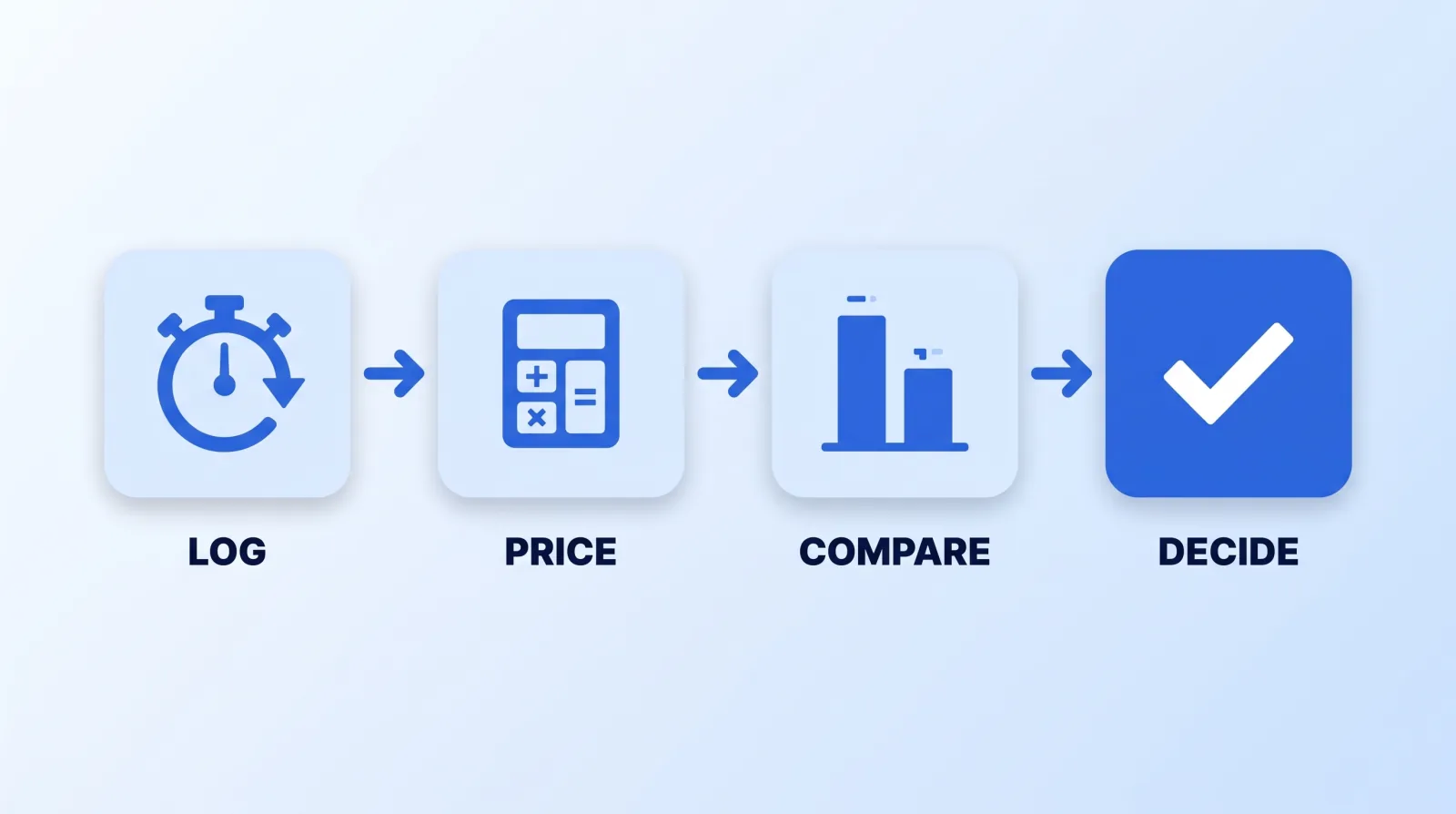
Do not run this calculation on a guess — the guess is the thing that has been wrong all along. Spend two videos measuring instead:
- Log, don't estimate. Start a timer every time you open the project and stop it every time you leave. Record the stage and the minutes. Two videos is enough to see the shape.
- Count the re-opens. Note how many separate sittings each video took. Anything above three means the re-open tax is a material part of your total.
- Price your hour honestly. Write down what you actually did not do because you were editing. If the answer is "nothing," the number is low and you should say so.
- Add the subscriptions. Divide your monthly software, music and stock spend by the number of videos you genuinely published — not the number you planned to.
- Compare against a real quote on your own footage. Not a published rate card and not an average. One paid trial edit of a video you actually shot is the only figure worth putting in the right column.
Most people who run this log get surprised twice: once by the total, and once by how little of it was editing.
What Gets Faster Without Hiring Anyone
Some of those hours are recoverable for free, and it is worth reclaiming them before you spend anything.
- Fix your file discipline first. Consistent naming, a proxy workflow and a single predictable folder structure removes most of the ingest row and nearly all of the "where is that clip" time. The system we use is in folder structure, proxies and backup.
- Cut the first pass on a transcript. Tools like Descript let you delete a sentence rather than hunt a waveform, which is the fastest single win available on the rough-cut row.
- Save presets once. One title template, one lower third, one export preset, one colour node tree. Rebuilding these per video is pure repeated cost.
- Auto-generate captions, then correct. YouTube generates captions automatically, so the job is proofreading proper nouns rather than typing from scratch.
- Batch two videos back to back. You pay the setup and context cost once instead of twice.
Do all five and 7.5 hours realistically becomes five. What does not get faster is taste, the QC watch-through, thumbnail iteration and your own indecision — and those are the hours that scale with ambition rather than with tooling. Efficiency moves the break-even line to the right. It does not remove it.
The Bottom Line
Editing your own 10-minute video costs about 7.5 hours, not the two or three you would guess, and roughly half of that is not editing. Whether that is worth it depends on one honest number — the market value of the hour you spent — and with 91% of businesses now using video in their marketing, you will be making that trade far more often than you planned to. Run the two-week log; if the hours cost more than the invoice, the next decision is only who to hand it to — agency, freelancer or in-house, with the fixed-cost side of that broken down on our in-house editor comparison.
If most of your uploads are you talking to camera, our list of the best talking head video editing services compares 13 options on price model, turnaround, revisions, captions and b-roll.


