

Changing Editors Is a Migration, Not a Reassignment
The BLS Occupational Outlook Handbook puts self-employment among US film and video editors at roughly 35%. For most channels that means the editing department is one person's laptop, one person's cloud drive and one person's music subscription. Replacing them is not reassigning a ticket to the next name on a team — it is migrating a pipeline nobody ever wrote down, usually while the next upload is already on the calendar.
That is why most switches go wrong for reasons that have nothing to do with the incoming editor. Across 8,000+ delivered editing projects behind 100M+ views, we have inherited channels mid-flight where the buyer chose a replacement, announced the decision, and only then found out that the source media for the last eight videos lived in a folder the outgoing editor owned. The new editor was fine. The handover was never built.
The good news is that this is a logistics problem, and logistics problems have checklists.
First, Decide Whether You Are Actually Switching
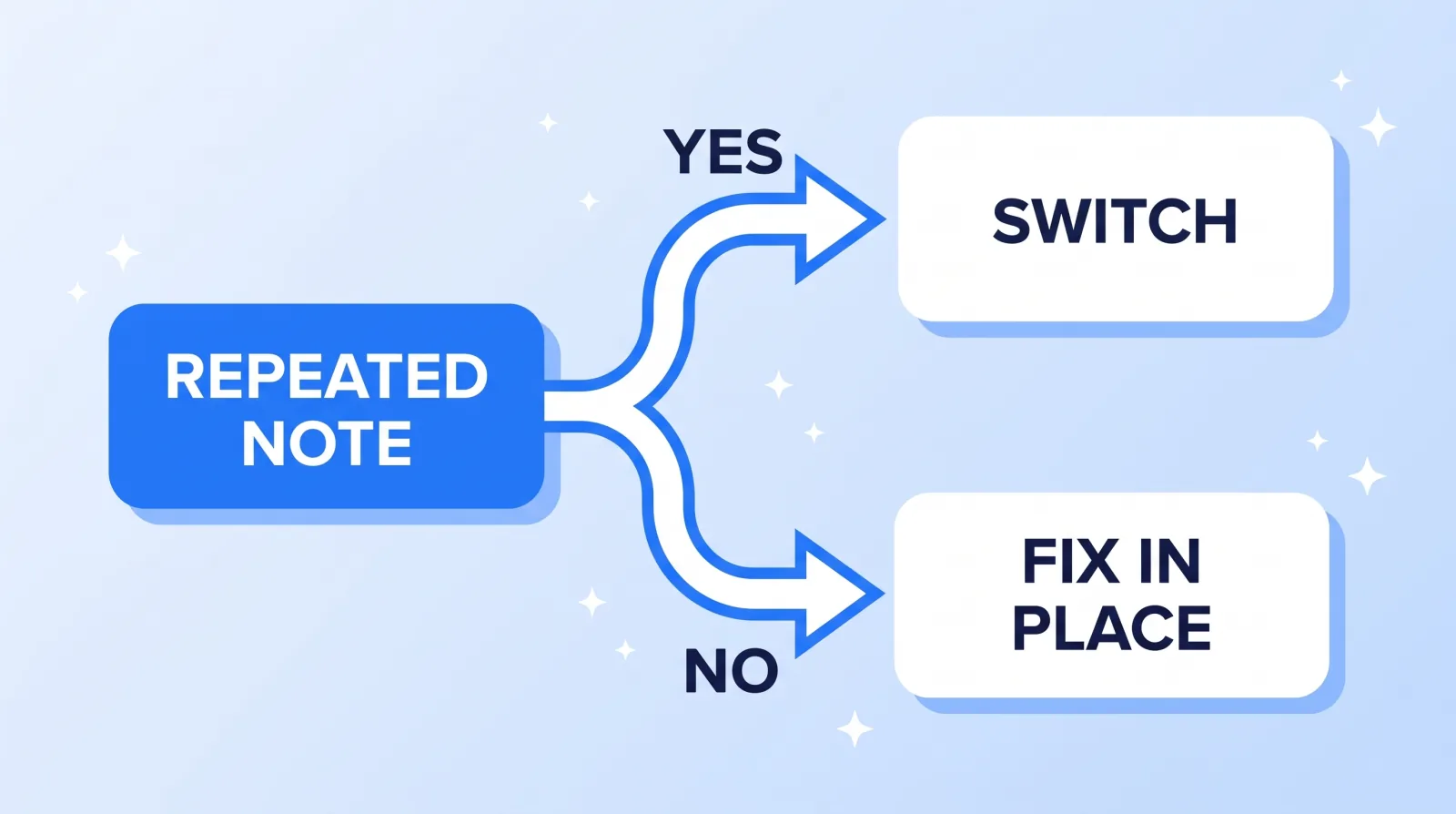
Switching can cost two to four weeks of overhead even when it goes well. It is worth paying when the problem is structural and wasted when the problem is a bad brief. A useful test is repetition: has the same note survived three rounds of being given clearly?
| What you are seeing | What it usually is | Verdict |
|---|---|---|
| The same correction three rounds running | A skill or attention ceiling | Switch |
| One late delivery, flagged in advance | A bad week | Fix in place |
| Quality holding, replies slowing for a month | Capacity moved to a bigger client | Switch |
| Cuts feel wrong but you cannot name why | An unwritten brief, not a bad editor | Fix in place first |
That last row is the expensive mistake. A creator who has never written down their pacing rules, caption style or b-roll density will get the same disappointing result from the next three editors, and will conclude the market is bad. Before you replace anyone, spend an hour writing the thing you have been explaining verbally — our framework for giving video revision notes that actually get fixed is the cheaper experiment, and it also becomes the brief you hand the replacement if you do switch.
If you are switching because you are moving between models rather than between people — off a marketplace, onto a studio, or the reverse — the decision is a different one, and our comparison against freelance marketplaces covers what actually changes.
What Actually Has to Move
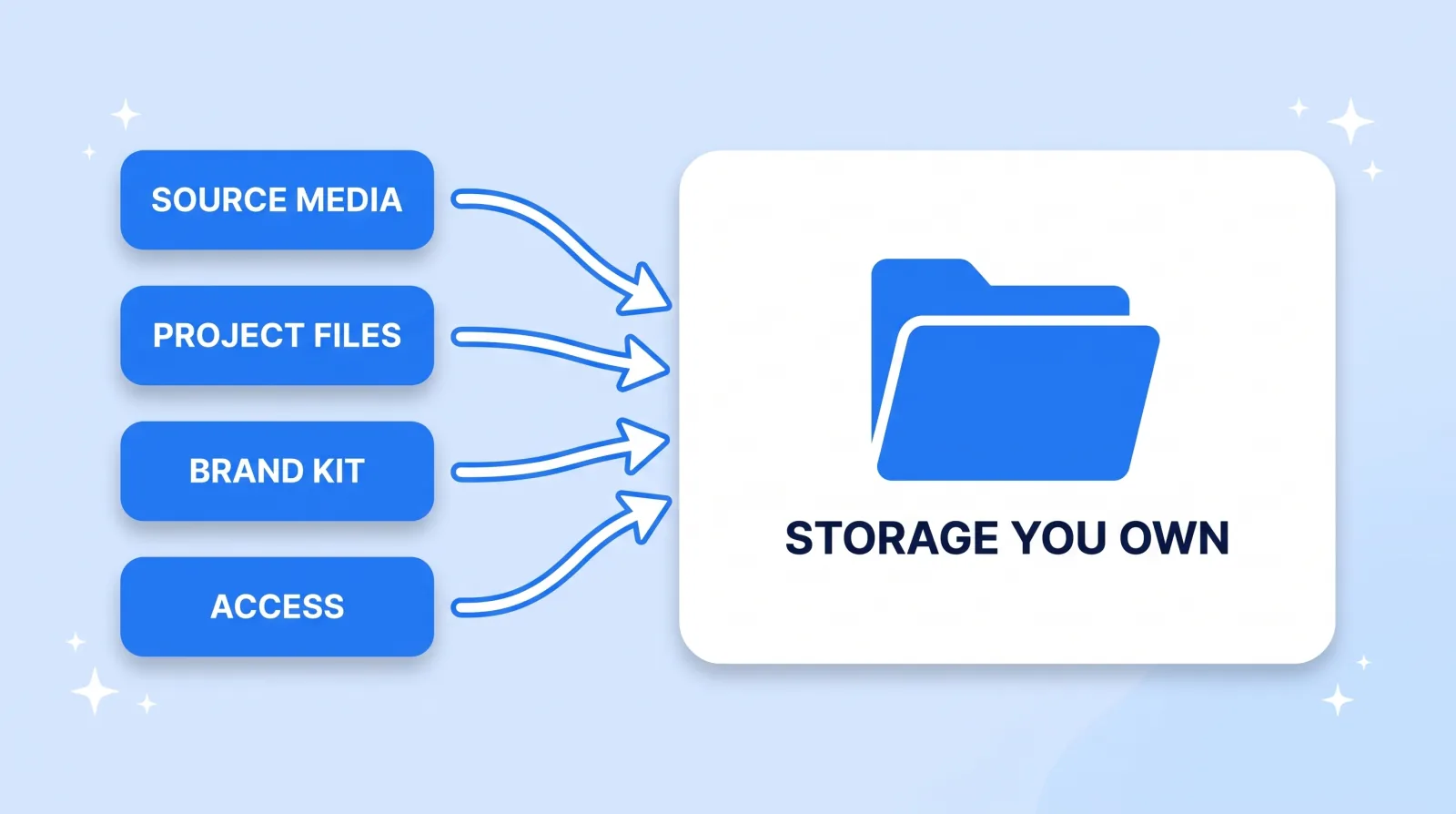
There are four categories, and people reliably remember the first and forget the other three.
- Source media. Every camera original, screen recording, voiceover track and client-supplied asset for anything you might ever re-cut. If the only copy is on their drive, the video is unrepeatable by anyone.
- Project files. Timelines, graphics templates, caption files, LUTs, the lower-third pack built for your channel. Ask for them consolidated, not raw: Premiere Pro can consolidate and archive a project together with its media, and DaVinci Resolve exports a project archive (.dra) that includes the media; a plain .drp export is the project alone. A bare
.prprojwith broken links is not a handover. - The brand kit and its licences. Fonts, logo files, sound effects, music. Licences attach to the account that bought them, not to your video. Epidemic Sound, for example, ties coverage to the subscriber's connected channels, sells licensing for client work only from its Pro plan up, and says content published while a plan is active stays protected after you cancel. So confirm, video by video, which account licensed the music and that it covered your channel, before the editor's access ends.
- Access. Channel permissions, the asset drive, the review platform, the scheduling tool.
Route all of it through storage you own rather than editor-to-editor. This is the single change that makes every future switch cheap, and it is worth reading Google's guidance on transferring ownership of files and folders once, because the transfer requires the current owner to act — precisely the person whose cooperation you are about to stop being able to count on. What you are entitled to receive at all is a separate question, and it is settled in the agreement rather than in the exit email: see who owns your video project files.
One more thing that is technically not a file: old review links. Frame.io threads, chat uploads and WeTransfer emails routinely hold a graphics pack or an approved cut nobody remembers exists. Sweep them before access closes on either side.
Run an Overlap, Not a Hard Cut
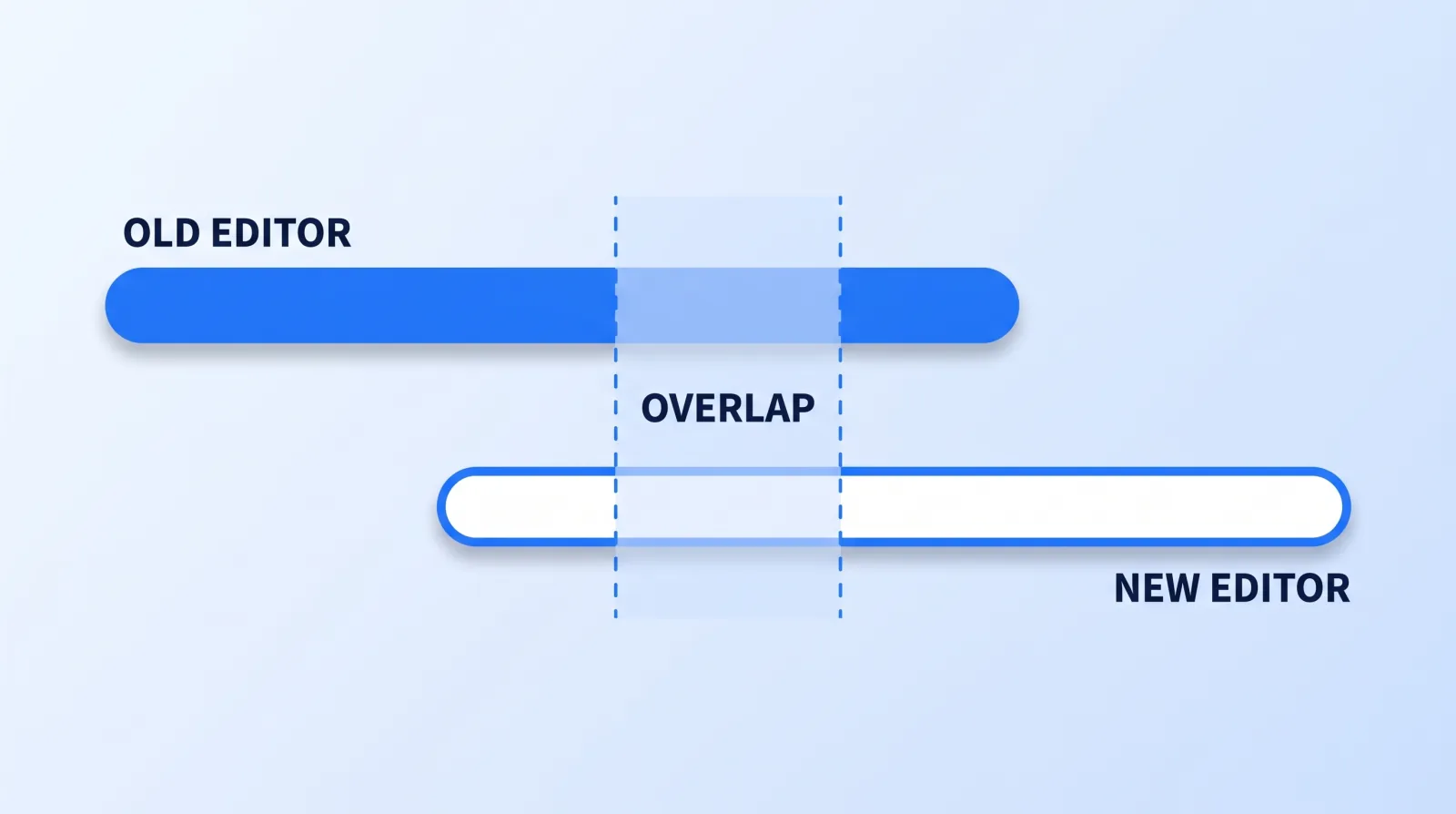
The instinct is to end one relationship on Friday and start the next on Monday. That guarantees a gap, because the new editor's first video is also their slowest — they are learning your channel while the clock runs.
Overlap instead. The outgoing editor finishes whatever is already in flight; the incoming editor starts on the next batch, briefed from the same pack. For a weekly channel that is roughly two videos and two weeks of paying twice. It is the cheapest insurance in this entire process, and it is the difference between a switch your audience never notices and a visible seam.
Cadence decides how much you need. A podcast shipping every Tuesday cannot absorb a skipped week — the feed's regularity is part of the product — so it needs the full overlap. A brand publishing monthly can run a shorter one.
Brief the new editor on a recent, fully-recoverable, unremarkable video rather than the ambitious one you are excited about. You are testing the handover, not their ceiling. And resist the urge to redesign the show at the same time: changing editor and format in the same month makes it impossible to tell which decision caused the drop. Our guide to keeping your channel voice when you outsource covers what to lock down in the brief so the new person inherits the style instead of reinventing it.
The Eight-Point Pre-Switch Checklist
Work through this before you tell the outgoing editor anything. Not because they will behave badly, but because goodwill is easiest to spend while it still exists.
- Download everything reachable now. Every shared folder, review link and chat thread, into storage you own.
- Inventory it video by video — export, source media, project file, graphics. Anything with only an export is finished forever, and you want to know that before you promise a re-cut.
- List the accounts they can touch, including ones granted by password rather than by role.
- Confirm whose subscriptions cover published videos — music, stock, fonts, plugins.
- Write the one-page style doc: pacing, caption style, what never appears on screen, three reference cuts of your own.
- Agree the last deliverable in writing, with a date and a definition of done.
- Book the overlap — which videos the outgoing editor finishes, which the new one starts.
- Revoke access on their final delivery day, through YouTube's channel permissions system rather than by changing a shared password. This is routine offboarding, not an accusation, and it is the same thing you would do for someone leaving on excellent terms.
Steps 1 and 2 are the ones people skip, and they are the only two that become impossible later.
The Bottom Line
A switch fails on custody, not on talent. Download and inventory everything before you announce the decision, move every asset through storage you own rather than between two editors, and pay for a two-video overlap so the incoming editor's learning curve never lands on a publish date. Do those three things and changing editors costs you a fortnight of overhead instead of a hole in the feed.


