

Short answer: YouTube channel management is the recurring work around a channel's videos: uploads and metadata, thumbnails and titles, the publishing calendar, comments and community, channel settings and permissions, and a monthly look at the analytics. A YouTube channel manager owns that cadence so videos go out on schedule and nothing breaks when someone is away. Give them the Manager or Editor role in YouTube Studio rather than your password; only the Owner can delete the channel, and ownership can't be handed over from inside permissions.
The Owner Account Cannot Hand Itself Over
Buried in YouTube's channel permissions documentation is a line most brands meet at the worst possible moment: the Owner "can't transfer ownership to other users." You can grant six levels of access to other people — Manager, Editor, Editor (Limited), Subtitle Editor, Viewer, Viewer (Limited) — but the owner seat itself is tied to the account that holds it. Invitations to those roles also expire after 30 days, which is how a half-finished handover quietly becomes no handover at all.
That single detail is a decent proxy for the whole discipline. Channel management is not a job title and it is not "posting videos." It is a set of recurring obligations that nobody notices until the person carrying them leaves, goes on holiday, or simply gets busy. A channel with strong content still stalls when five specific surfaces have no owner and no cadence.
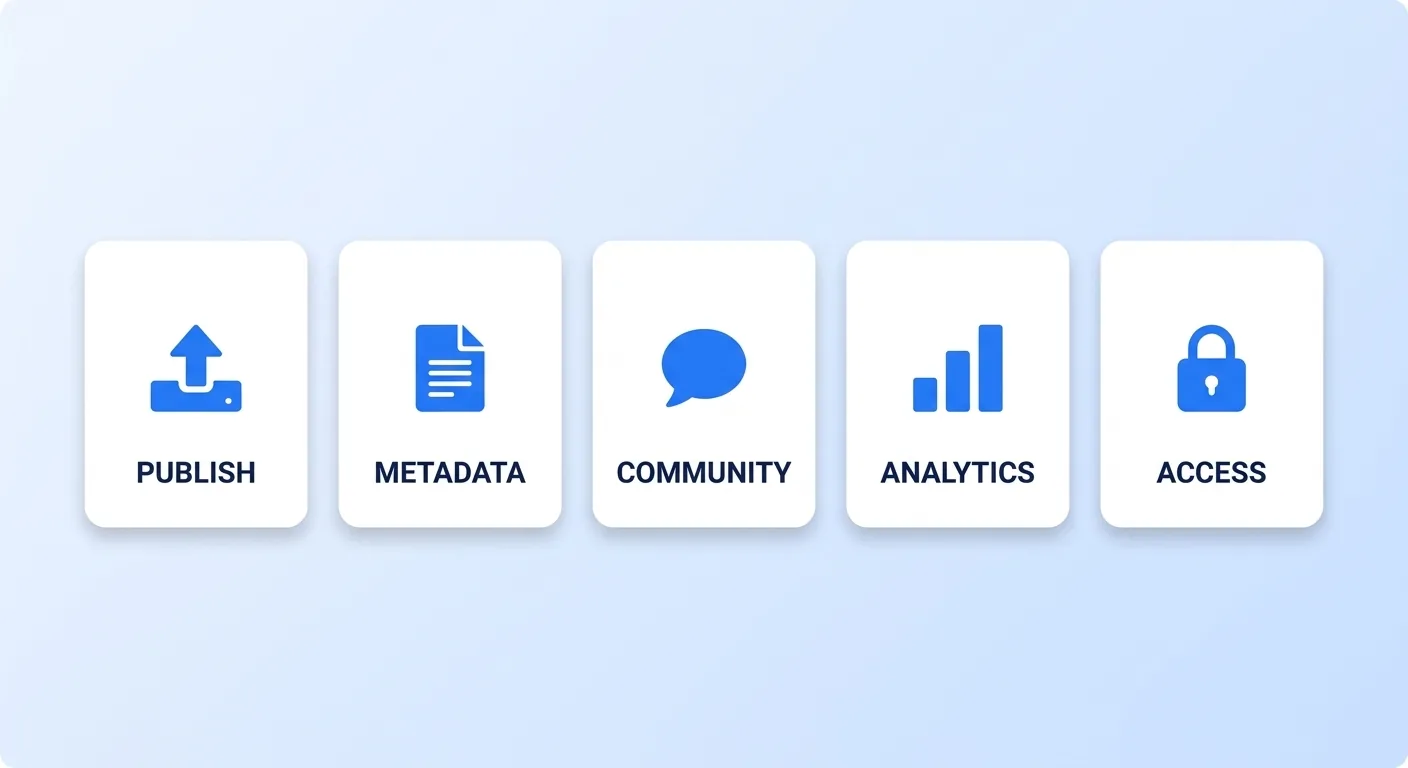
The Five Surfaces
Publishing. Getting the file up: encode, upload, schedule, premiere settings, end screens, playlist placement. The work is boring and entirely checklist-shaped, which is exactly why it drifts when one person improvises it each week.
Metadata. Titles, descriptions, chapters, playlists, and the thumbnail. YouTube's own thumbnail and title guidance treats these as a pair rather than separate fields, and the pairing is a decision someone has to actually make — which is why we run a thumbnail pre-publish checklist rather than leaving it to whoever uploads. Our YouTube SEO guide covers how search and suggested pick up those fields.
Community. Comments, posts, and moderation. This is the surface that accrues debt fastest, because unanswered comments do not throw an error — they just quietly stop arriving. The comment operations system is the delegable version.
Analytics. Not staring at the dashboard — converting it into a decision on a fixed schedule. A channel that reviews numbers only when something looks wrong is running open-loop, and the metrics worth acting on are a much shorter list than the dashboard offers — Backlinko's ranking-factor work is a reasonable primer, and our own breakdown of the KPIs that actually matter is the shortlist we review against.
Access and governance. Who holds which role, who was offboarded, and what the channel-level settings say. YouTube's audience setting is a good example of a governance item with teeth: the channel-level choice applies to existing and future videos, per-video settings override it, and if you choose no channel setting, you have to identify each video that's made for kids yourself.
The Cadence
The surfaces are useless without frequencies attached. This is the schedule we run for managed channels; the time column is a planning estimate, not measured data.
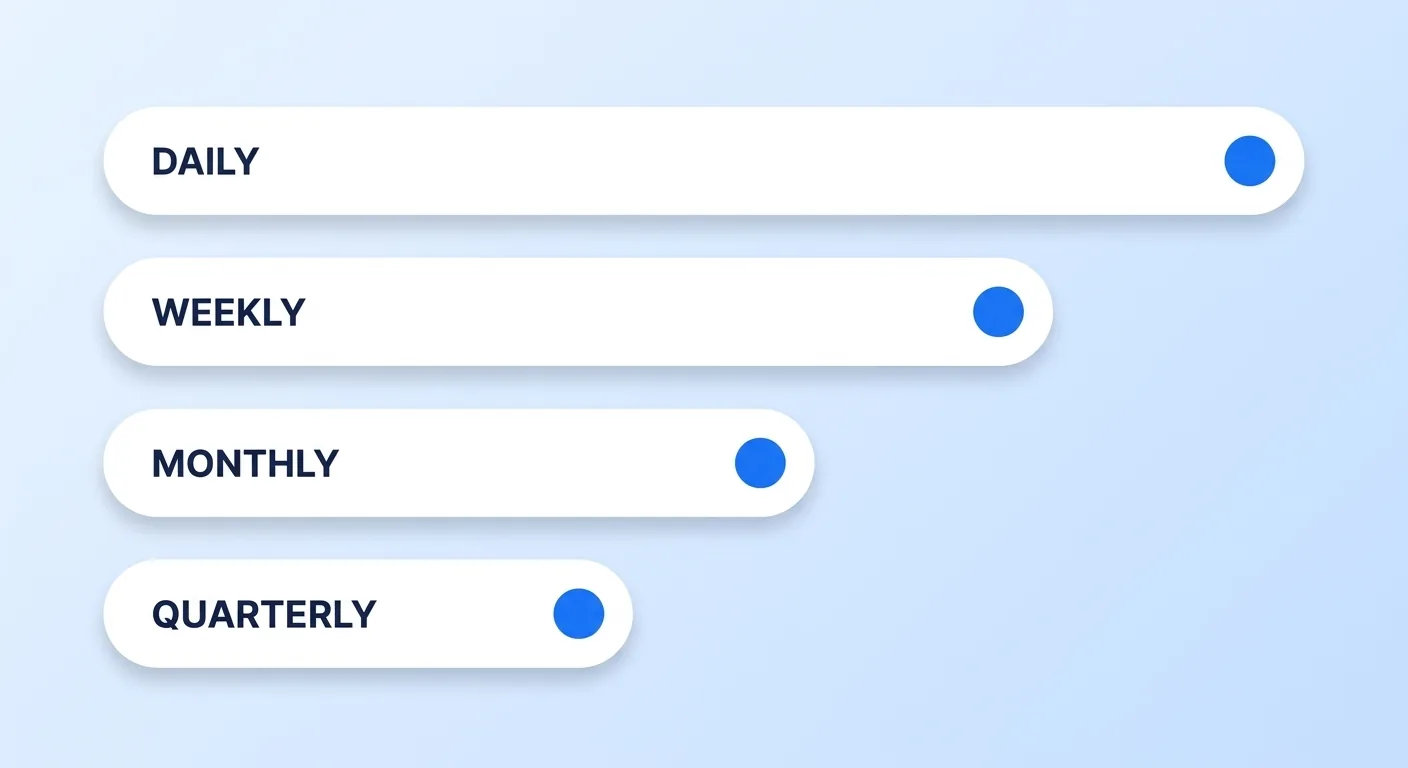
| Cadence | What actually happens | Rough time (estimate) |
|---|---|---|
| Daily | Triage new comments, answer the first-hour ones on a fresh upload, check nothing is flagged | 20 min |
| Weekly | Publish and schedule, write metadata, place the video in playlists, review last week's retention and CTR | 2–3 hrs |
| Monthly | Playlist and end-screen audit, refresh underperforming titles and thumbnails, review the content calendar against reality | 2 hrs |
| Quarterly | Permissions review and offboarding, channel-settings audit, brand-asset refresh, strategy reset | 3 hrs |
The quarterly row is the easiest to skip, and it is the one that prevents the two most expensive failures below. If you would rather hand the whole schedule over, our YouTube channel management services run all four rows for you, editing included, as a fixed monthly quote scoped to your upload cadence.
Three Failure Modes That Only Appear at Scale
1. The single point of access. One person holds the Owner account. They leave, change email, or lose the recovery method — and because ownership cannot be transferred to another user, you are now negotiating with account recovery rather than running a channel. The fix is boring: grant Manager roles to at least two people using channel permissions, document who holds what, and re-send invites approaching the 30-day expiry. Which role to give an editor, and how to remove it cleanly when they move on, is covered in channel access and permissions — note that an Editor can publish but cannot delete published content, which is usually the level you actually want.
2. Metadata drift. With one person uploading, description templates, playlist rules and naming conventions live in their head. With three, they drift apart quickly. You notice when a playlist stops making sense or half the back catalogue has no chapters. Write the conventions down before you add the second uploader, not after.
3. Community debt. Comments unanswered for a week teach your audience that nobody is home. It does not show up in any dashboard; it shows up as a slow decline in the very engagement you were hoping to measure.
Channel Management Is Not YouTube's Content Manager
Searches for "YouTube content management" often mean something else: YouTube Studio Content Manager, a separate tool YouTube gives approved partners such as labels, studios and networks to manage rights. A Content Manager account owns one or more channels and the assets linked to them, and it's where Content ID references, ownership by territory and match policies live; YouTube says its features are only available to partners who use it (Set up your Content Manager, Using Content ID). Most creators and brands will never have one. Channel management, the subject of this guide, happens in ordinary YouTube Studio, with the roles covered in our guide to YouTube channel access and permissions.
What to Keep and What to Hand Over
Not all five surfaces should leave the building. The split we see work:
- Keep in-house: the editorial decision about what to make, the voice in replies to your most engaged viewers, and the Owner seat.
- Hand over: publishing mechanics, metadata production, thumbnail design, first-pass comment triage, and the reporting layer.
The rule of thumb is that anything with a right answer and a checklist should leave; anything requiring your judgement about the audience should not. That is also why the handover fails when it is framed as "manage my channel" rather than as named surfaces with a cadence — an unnamed obligation is an unowned one.
If you are weighing this against hiring someone internally, the in-house cost comparison breaks down what a salaried seat actually costs once tools and downtime are included, and our channel management service exists for brands that need four of these five surfaces run reliably rather than a full-time hire. For company channels specifically, where the founder is the on-camera talent and the bottleneck, we break the model out separately for founders. If you're comparing outside teams for that work, our 90-day scorecard for choosing a video editing agency sets out what an editing partner can be held to at each 30-, 60- and 90-day checkpoint.
The Bottom Line
Channel management is five surfaces — publishing, metadata, community, analytics, access — each with an owner and a frequency. Write the cadence down, grant a second Manager today, and put a quarterly permissions review in the calendar. A channel can have plenty of ideas and still break because nobody owned the boring parts.


