

A Third of the People Cutting Video in America Are a Business of One
The BLS Occupational Outlook Handbook puts self-employment among US film and video editors at 35%. That is a third of the profession operating as a business of one — and BLS establishment survival data shows roughly one in five new US establishments closes inside its first year, with about half gone by year five. Nobody reads you those numbers next to a per-video rate.
They are not an argument against hiring a freelancer. They are an argument for asking a question almost no buyer asks during a trial: what happens to my channel if you stop answering? Quality gets interrogated hard. Continuity gets assumed.
Some channels reach a new editor mid-crisis rather than mid-plan, and the story tends to run like this. The previous editor was good. Then replies got slower, a deadline slipped, and the account went quiet — usually with the footage, the timelines and at least one password still on their side of the wall. This is adjacent to who owns your video project files, but it is a different failure: there, the engagement ended and the handover was thin. Here, nobody is answering the email at all.
"Disappeared" Is Almost Always a Fade, Not an Exit
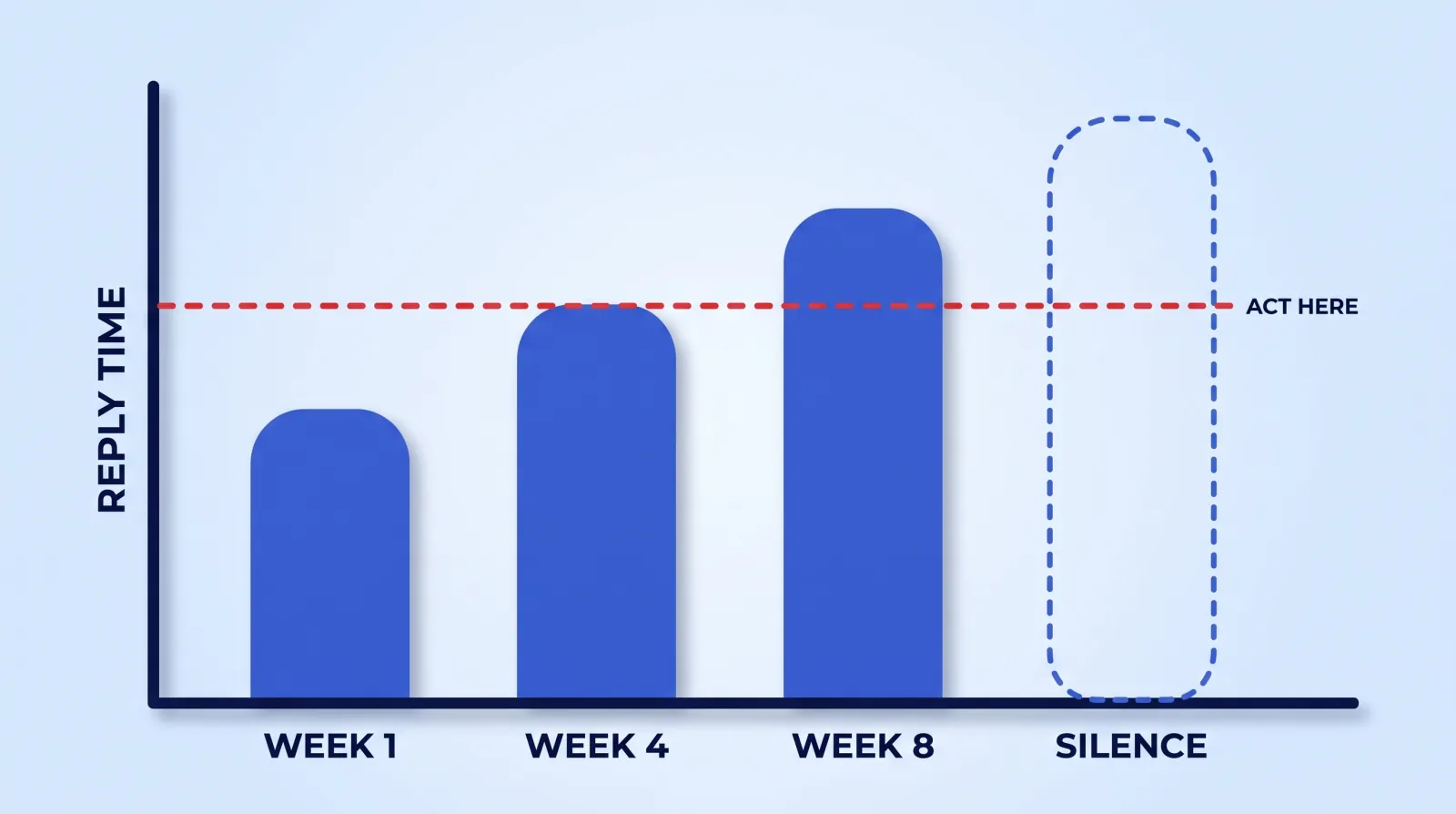
Very few editors send a resignation email. What actually happens looks like this:
| Failure mode | What it looks like | Typical trigger | What it costs you |
|---|---|---|---|
| The slow fade | Replies stretch from hours to days; deliveries land late, then later | A bigger client, burnout, a day job | Weeks of cadence before you name it |
| The hard stop | Fully responsive, then nothing, mid-project | Illness, family emergency, device or account loss | One video, plus everything held with it |
| The silent downgrade | Still delivering, but quality drops and turnaround stays flat | Work quietly subcontracted to someone cheaper | Audience notices before you do |
| The hostage | Answering, but only about money — files held pending payment | A billing dispute, real or manufactured | Leverage, and the calendar |
The slow fade is the one people handle worst, because every individual late delivery has a reasonable explanation. Nobody escalates over one missed Tuesday.
So set the escalation trigger in advance, and set it on reply latency, not delivery quality. If an editor's normal response time is under a day and you are now regularly waiting three or four with no heads-up, the relationship has already changed regardless of what the last export looked like. That is the moment to start the conversation and to quietly verify you can reach your own files — not eight weeks later when the account is dead.
Four Things That Leave With Them
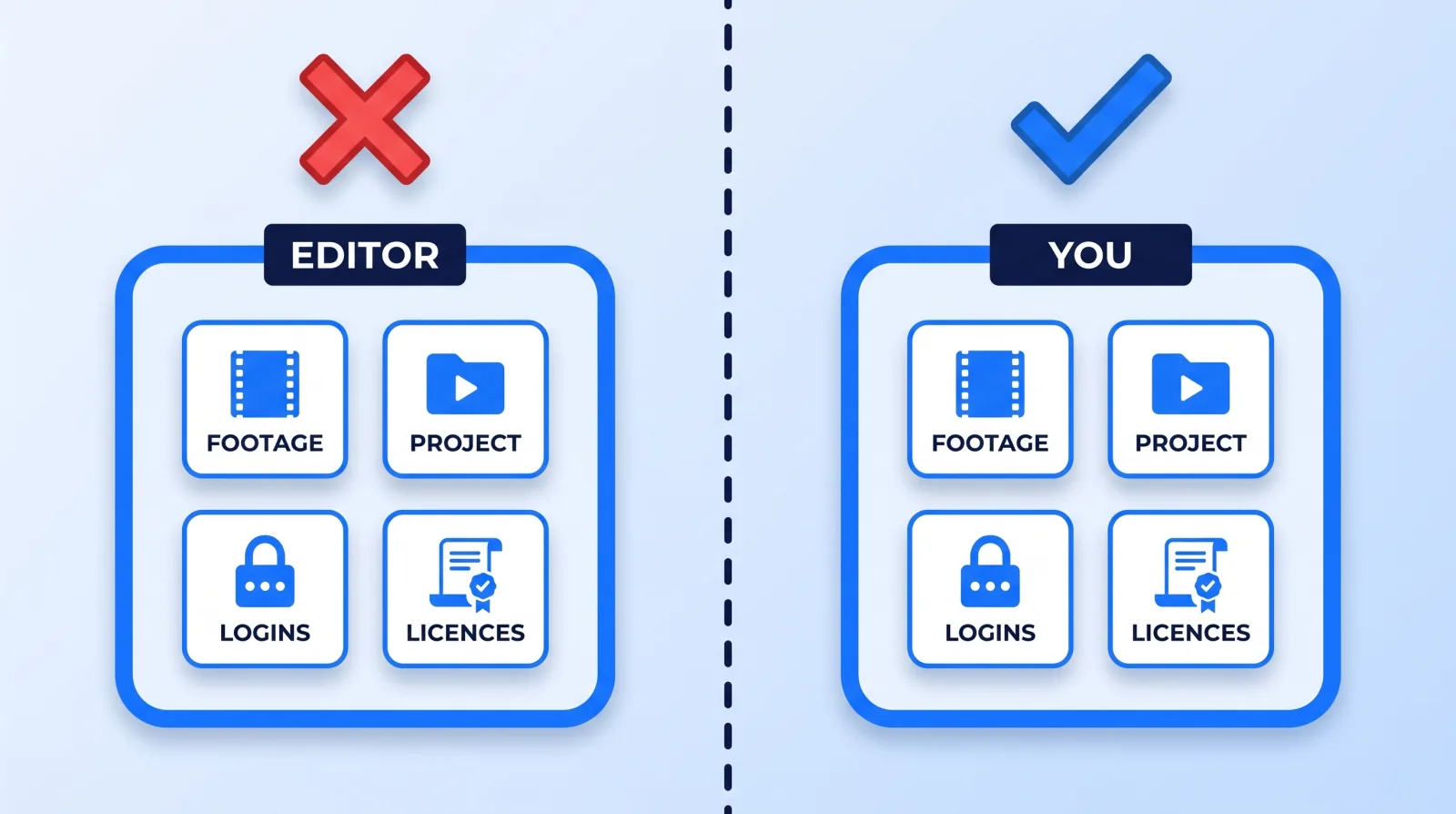
When an editor goes dark, the video you are missing is rarely the expensive part. Four things travel with them, and each one has a different recovery cost:
- Source media. If the only copy of a shoot lives on their drive or their Dropbox, the video cannot be rebuilt by anyone. This is the only genuinely unrecoverable loss on the list.
- Project files. Timelines, graphics templates, caption files, the lower-third pack built for your channel. Recoverable in the sense that a new editor can rebuild them — at roughly the cost of the original edit.
- Account access. Channel permissions, scheduling tools, the asset drive. If access was granted by password-sharing rather than through YouTube's channel permissions system, you may be locked out of your own tooling and unable to revoke anything.
- Context. Your style rules, the reasons behind past decisions, what the audience hated last year. Undocumented, a new editor relearns ground that was already covered.
The first three are custody problems with boring fixes. Keep master media in storage you own rather than a folder your editor created — Google's guidance on transferring ownership of files and folders is worth reading once, because the transfer requires the current owner to act, which is precisely what you cannot count on. Grant channel access by role, never by password. Buy music and stock licences on your own account, since coverage from a service like Epidemic Sound attaches to the subscribing account, not to your video.
The fourth is the one people skip, and it is what makes replacement slow. A one-page style document — pacing, caption style, what never appears on screen, three reference videos — takes an hour to write and cuts weeks off an emergency handover. The same document is the first stage of a faster pipeline, which we lay out in from brief to final cut.
Five Questions That Expose Continuity Risk Before You Sign
Our guide to vetting a video editing service covers the questions that test competence. These five test survivability, and they belong in the same conversation:
- "Who cuts my video if you're sick for a week?" A name and a handover process is the good answer. "That's never happened" is not an answer; it is an absence of one.
- "Where does my footage live, and whose account owns that storage?" You want the answer to be yours. If it is theirs, ask what happens to it if they stop paying for it.
- "Whose subscription pays for the music and stock in my videos?" Coverage on already-published videos should not depend on a subscription you do not control.
- "How do you give me access — a role, or a login?" A password is not access; it is a shared secret you cannot revoke unilaterally.
- "If we stopped working together tomorrow, what do I receive and how fast?" A shop that has done this before answers in specifics: a consolidated archive, in this format, within this many days.
This is where the structural comparison actually bites. A freelancer is one person with a bus factor of one; an in-house hire is the same risk wearing a salary, which is part of the calculus in our in-house editor comparison; a studio's coverage depends on how it plans capacity, so ask it the same five questions. None of those is automatically right — our breakdown of agency vs freelancer vs in-house goes through the trade-offs — but continuity is the axis where they differ most and get compared least.
Committed publishing schedules feel this hardest. A podcast that ships every Tuesday cannot absorb a two-week gap the way a quarterly brand video can; the missed episode is visible to every subscriber and the feed's cadence is the product.
The First 72 Hours When Someone Goes Dark
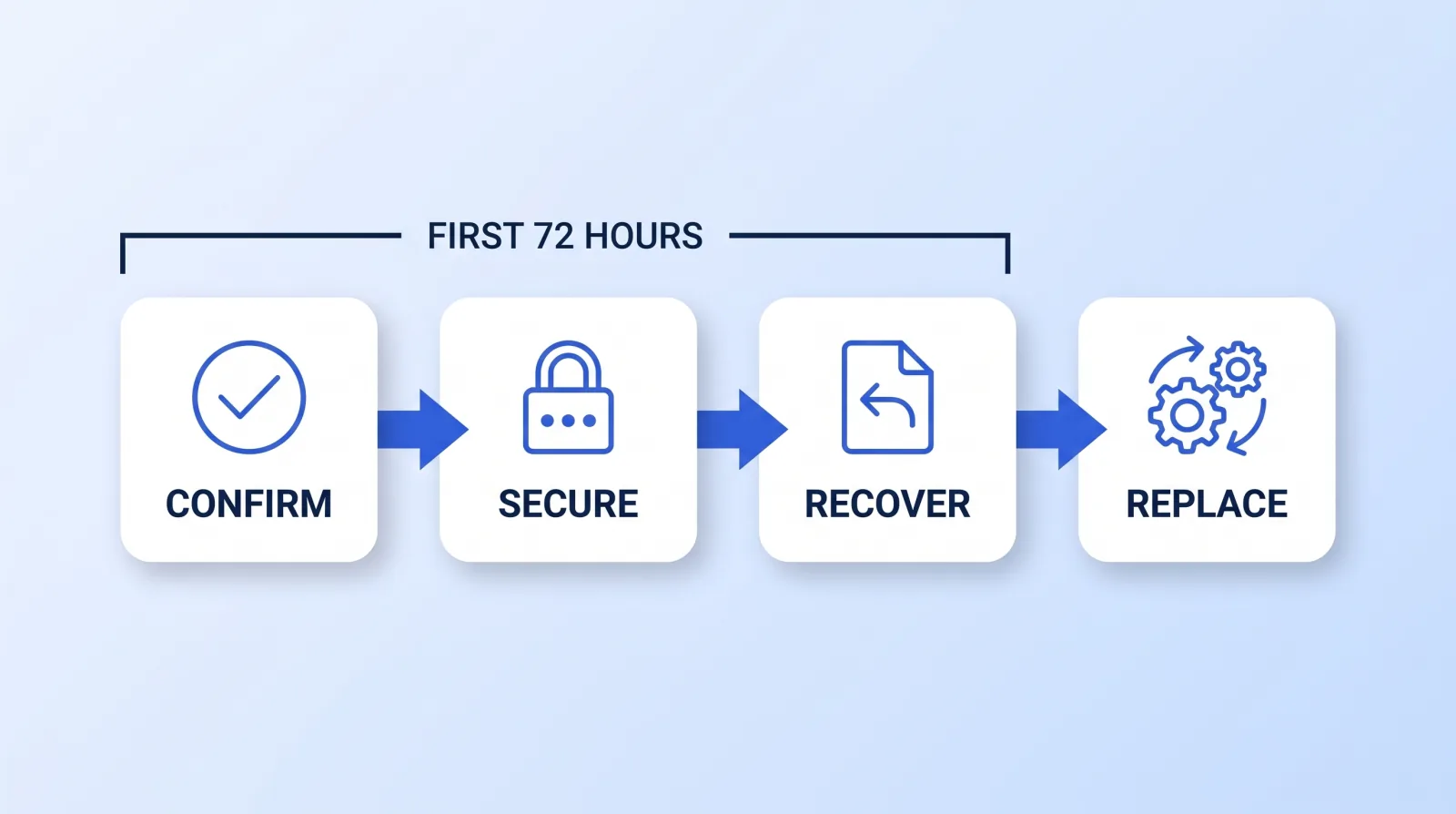
If you are reading this because it already happened, work in this order. The instinct is to jump straight to finding a replacement, which is the step that should come last. When you do bring someone in, how to switch video editors without missing an upload covers the overlap window and what to move first.
- Confirm it is a disappearance. One message on a second channel — text, WhatsApp, LinkedIn — with a clear deadline: "I need an answer by Thursday or I'm moving the project." Document that you sent it. People do have emergencies, and a week of silence is not always malice.
- Secure your accounts first, before anything else. Remove their YouTube channel permissions, revoke Drive and Dropbox shares, rotate any password they held, and check for scheduled uploads or drafts sitting in the queue. Do this even if you expect them back. Our post on channel access and permission roles covers the specific revocation paths.
- Recover whatever is reachable. Download everything from every shared folder, review platform and chat thread you can still open. Old Frame.io links, WeTransfer emails and Slack uploads routinely hold a reviewable cut or a graphics pack nobody remembered. Do this before permissions are revoked on their side.
- Inventory what survived, video by video: export, source media, project file, graphics. Anything with source media is re-editable. Anything with only an export is finished forever, which is worth knowing before you promise anyone a re-cut.
- Rebuild the archive on storage you own, so the next person inherits a real starting point. If a project file is recoverable, have the replacement editor consolidate it properly — Premiere Pro's Project Manager and DaVinci Resolve's project archive (a
.drafolder; a plain.drpexport holds the project without its media) both bundle a timeline with its media into something portable. - Only now, replace. Brief on a small, recent, fully-recoverable video rather than the half-finished one you are panicking about. Starting a new relationship on your worst-documented project produces exactly the disappointment you would expect.
The common mistake is skipping step two because revoking access "feels aggressive." It is not — it is the same offboarding you would run on a good day, and the cost of being wrong about someone's intentions is a public channel you no longer fully control.
The Bottom Line
An editor disappearing is a custody problem long before it is a staffing problem. Keep source media on storage you own, grant access by role rather than password, buy your own licences, and write the one-page style doc — and a disappearance costs you a week of scheduling instead of a year of archive. Ask "who covers you if you're out?" during the trial, not after the silence.


